
Meeting-room AV becomes difficult to use when the system exposes too many unresolved choices: which device owns the call, which microphone is active, where content is being sent and how to recover when the normal sequence fails. The equipment may be capable while the user’s path through it remains unclear.
Before replacing the system, observe a person starting an ordinary meeting without help. The places where they hesitate are useful evidence. They can reveal a control problem, an integration problem or a missing operating agreement.
Too many controls can describe the same task
A room may have a touch panel, display remote, laptop controls and application controls that all appear to manage the same function. Users need to know which one governs the meeting. Otherwise, changing volume or selecting an input becomes an experiment.
Trace one common action from start to finish. For example, “share this laptop’s presentation with people in the room and on the call.” Write down every device selection and confirmation required. If the user has to understand the hidden signal path to complete that action, the interface or workflow deserves review.
Removing buttons is not sufficient if the underlying states remain ambiguous. A simple panel should show what the room is doing and offer a known path back to normal. Hiding essential feedback can make a system look cleaner while making failures harder to diagnose.
Device ownership is often unclear
Decide whether the call runs on a room system, a personal laptop or either through a defined mode. Each approach can be valid. Problems arise when the room behaves differently depending on the last user’s connections or when two devices compete to provide microphones and speakers.
Test the actual laptops and accounts the organization supports. A demonstration on an installer’s computer does not confirm behavior on a managed device with different permissions. Include adapters and docks used in everyday work, because they are part of the real connection path.
Microsoft’s Teams room planning guidance connects room design with supported technology and end-user training. The broader lesson is to choose and document the operating model before treating every connection method as interchangeable.
The room may be designed for the wrong meeting
A system built for a presentation can behave poorly during a conversation involving people at several seats. A camera aimed at the head of the table may not show a whiteboard. A display readable near the front may be difficult to use from the back.
Observe the actual meeting behavior. Who speaks, who shares content, and where do remote participants appear? Include visitors and late arrivals. The system should support the organization’s common patterns, not only a carefully staged demonstration with one presenter.
Ask remote participants what they receive. They may hear some seats clearly and others poorly, or see slides while missing the person pointing at them. The in-room experience cannot verify the remote one. Both need a deliberate test.
Handover may have stopped too early
An installed and powered system is not necessarily ready for everyday use. The team needs operating instructions, support ownership, known limitations and a record of the tested configuration. Without those, small changes accumulate until nobody knows what the normal state should be.
A software update, replacement laptop or moved table can change behavior. The room owner needs a process for identifying and testing those changes. Otherwise, the next meeting becomes the first integration test, usually with an audience waiting.
Training should include recovery. Ask a new user to start a meeting, share content and restore the normal state after a controlled interruption. Where they need coaching, improve the workflow or documentation. Repeating “it is simple once you know it” does not resolve an unclear design.
Use a symptom map before specifying replacements
| User complaint | Investigate | Evidence to collect |
|---|---|---|
| “The room has no sound” | Call device, selected output, mute states and routing | Exact startup sequence and active devices |
| “People cannot hear the far seats” | Microphone coverage, room acoustics and meeting behavior | Remote listening test from each required seat |
| “Sharing works sometimes” | Connection mode, adapters, accounts and source selection | Test with the supported corporate devices |
| “It worked before the last meeting” | Reset process and undocumented changes | Current settings compared with the accepted configuration |
| “Only one person can use it” | Interface clarity, training and support assumptions | Unassisted test by a different user |
Use the map to prioritize a review. A failed component may need replacement, but it should be identified as a failure rather than inferred from frustration alone. The resulting scope may include control changes, clearer connection methods, room adjustments or a more complete handover.
Borrow the operating principle, not the entire studio
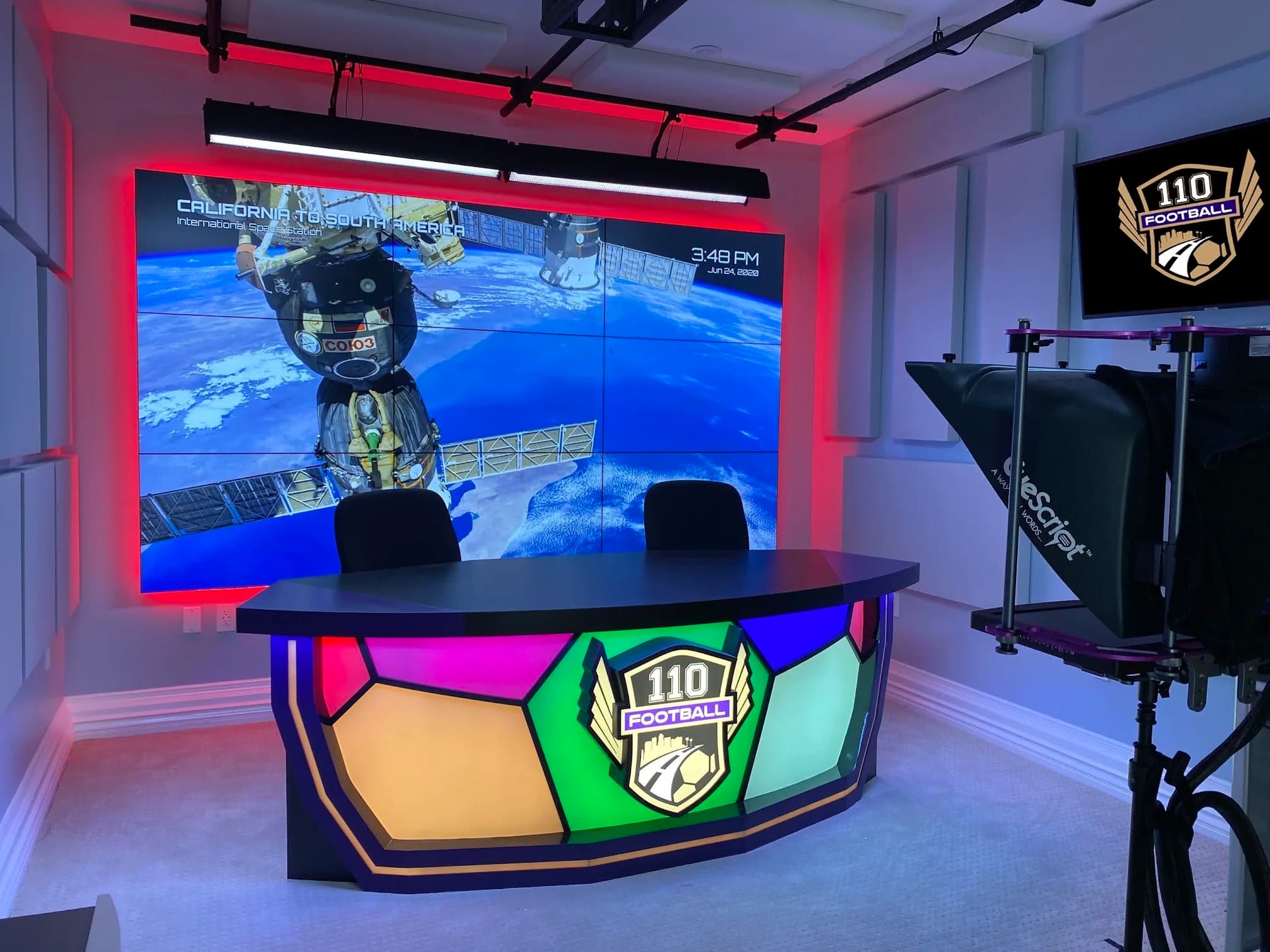
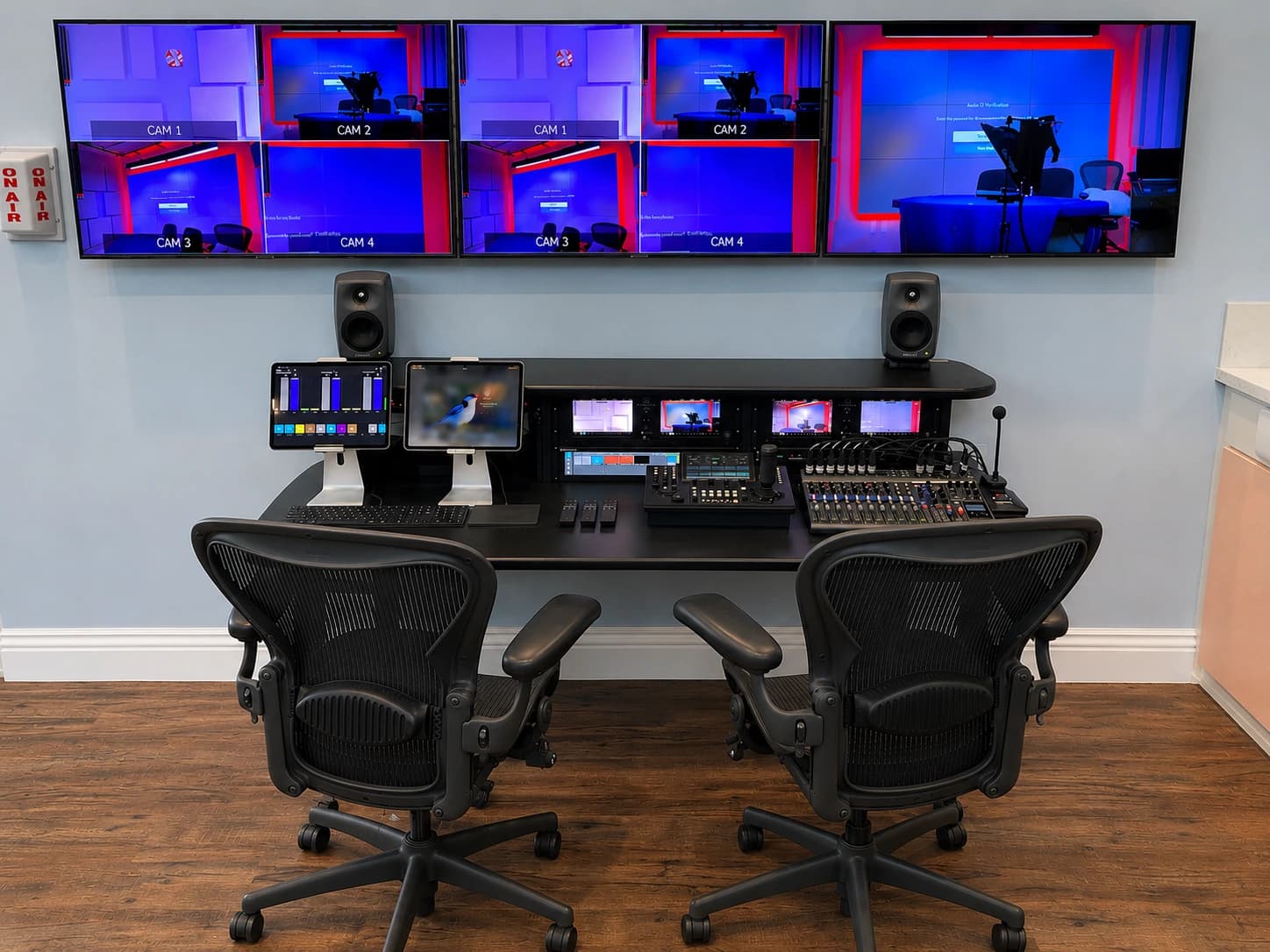
JAZ’s 110 Football project documents an integrated control approach for cameras, lighting, audio, displays and recording. It is a broadcast studio, not a meeting-room case study. Its relevance is the deliberate translation of technical functions into a routine operating sequence.
A conference room usually needs a different set of controls and may rely on a certified platform-specific arrangement. The goal is not to import a broadcast control room into an office. It is to make the user’s common tasks explicit, then design the system and support around them.
If a proposed solution adds more devices, ask which user problem each addition solves. Also ask who will maintain it and how it appears in the recovery instructions. Complexity can be justified, but it should remain visible to the technical owner rather than be transferred silently to every meeting participant.
Request a workflow review
Prepare a short list of failed or confusing tasks, the devices used and the steps taken before the problem occurred. Include the room layout and the kinds of meetings that matter most. A recording of a test session can be helpful if everyone involved has agreed and no confidential material is included.
JAZ’s conference-room AV service can assess the room, controls and complete call path. Send the recurring problems and use the paired project checklist to make sure any changes include testing, training and a clear support handoff.
Jesse Kaplan

Jesse Kaplan is the third generation of JAZ Entertainment. His work spans permanent studios, professional AV systems and live technical production.
About Jesse and JAZ