

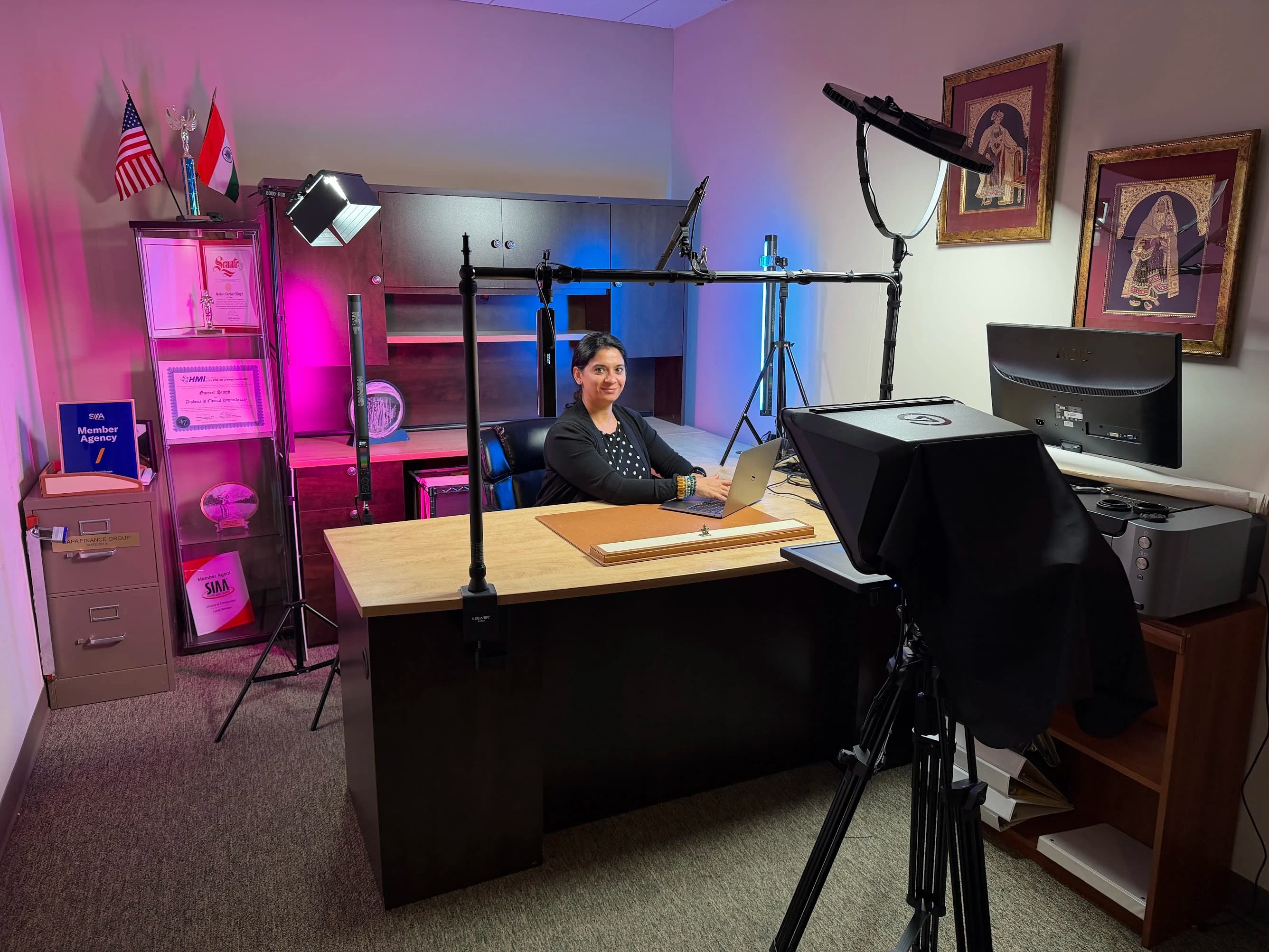
An executive studio needs an agreed operating model before it needs a camera specification. Communications owns the message and finished output. IT owns the approved computing and network environment. Facilities owns the building constraints. The presenter needs a comfortable room that makes the next action obvious.
Use this guide to give those teams one shared brief. The goal is to prevent a technically complete installation from arriving without the accounts, support, room access or publishing workflow needed to use it.
Define the communications workload
Collect examples of the sessions the studio must support. An internal leadership update may be recorded and edited. A press interview may use an external producer’s platform. A town hall may involve slides, remote speakers and a moderated question period. Describe each format separately.
For every format, identify the intended audience, presenter, duration range, live or recorded status and destination. Ask communications to describe the finished output in ordinary terms. “An edited message with captions and a clean copy for the archive” gives the technical team more useful direction than “broadcast quality.”
Prioritize what must work on the first operating day. Keep occasional ambitions in a separate future-use list so they can be considered without silently becoming acceptance requirements. A second camera, additional presenter position or new distribution platform can affect room geometry and operation even if it looks like a small purchase.
Agree who operates each mode
Define an executive-led mode for routine calls, an assistant-led mode if appropriate and any producer-led recording or live mode. Each mode needs a start sequence, visible confirmation and an end sequence. A single button may begin several actions, but the user still needs to know whether the intended camera, microphone and destination are active.
Write the operator’s responsibilities around actions rather than job titles. Someone confirms the selected devices. Someone starts and checks recording. Someone watches the received feed during a live appearance. In a small team, one person may own several actions, but the brief should make the workload visible.
Ask what happens when the primary assistant is absent. The system should have a fallback that the backup person has practiced. Avoid relying on a private notebook or an undocumented account belonging to one employee. Include current instructions and a named support route in the handover.
| Decision area | Lead participant | Required input from others |
|---|---|---|
| Programs and finished assets | Communications | Presenter preferences, legal or internal review process where applicable |
| Devices and application access | IT | Required platforms, external guest workflows and support hours |
| Room alterations and access | Facilities | Mounting, noise, power, ventilation and installation schedule |
| Studio layout and integration | JAZ or appointed technical designer | Approved uses, site survey and operating responsibilities |
| Everyday startup and reset | Named studio owner | Training, recovery instructions and escalation contacts |
Survey both the room and the workplace
Inspect the room while the office is operating. Record nearby conversations, ventilation cycles, door traffic and other interruptions. Note which surfaces or furniture cannot be altered. Include installation access, service routes, permissible work hours and any restrictions on deliveries or storage.
A home office and a corporate office can have similar camera requirements but very different installation constraints. Corporate buildings may need coordinated access for every delivery and technician. Those arrangements should be resolved before the proposed installation date, not discovered when equipment arrives.
Photograph the presenter position, background, camera location and the space an operator would use. Show the desk with normal work on it. The studio plan must account for the office as it exists during the day, including screens, confidential documents and the route used by visitors.
Resolve the presenter’s view
Place the lens, call display, script and confidence information in relation to the presenter. A confidence monitor is simply a display that lets the speaker see something useful, such as slides, timing or the program view. Decide exactly what that information should be for each mode.
Test the eyeline with the intended presenter. Different chairs, heights, glasses and speaking styles can change what feels comfortable. If a teleprompter is included, test the actual script size and reading distance. Make the loading and control process part of the workflow so an assistant can update text without rebuilding the room.
Leave room for ordinary behavior. The executive may turn to address another participant, gesture or pick up notes. A setup that requires an immobile pose can be unsuitable for natural conversation. Capture a sample with real movements and review it at the size the audience will see.
Plan image and sound together
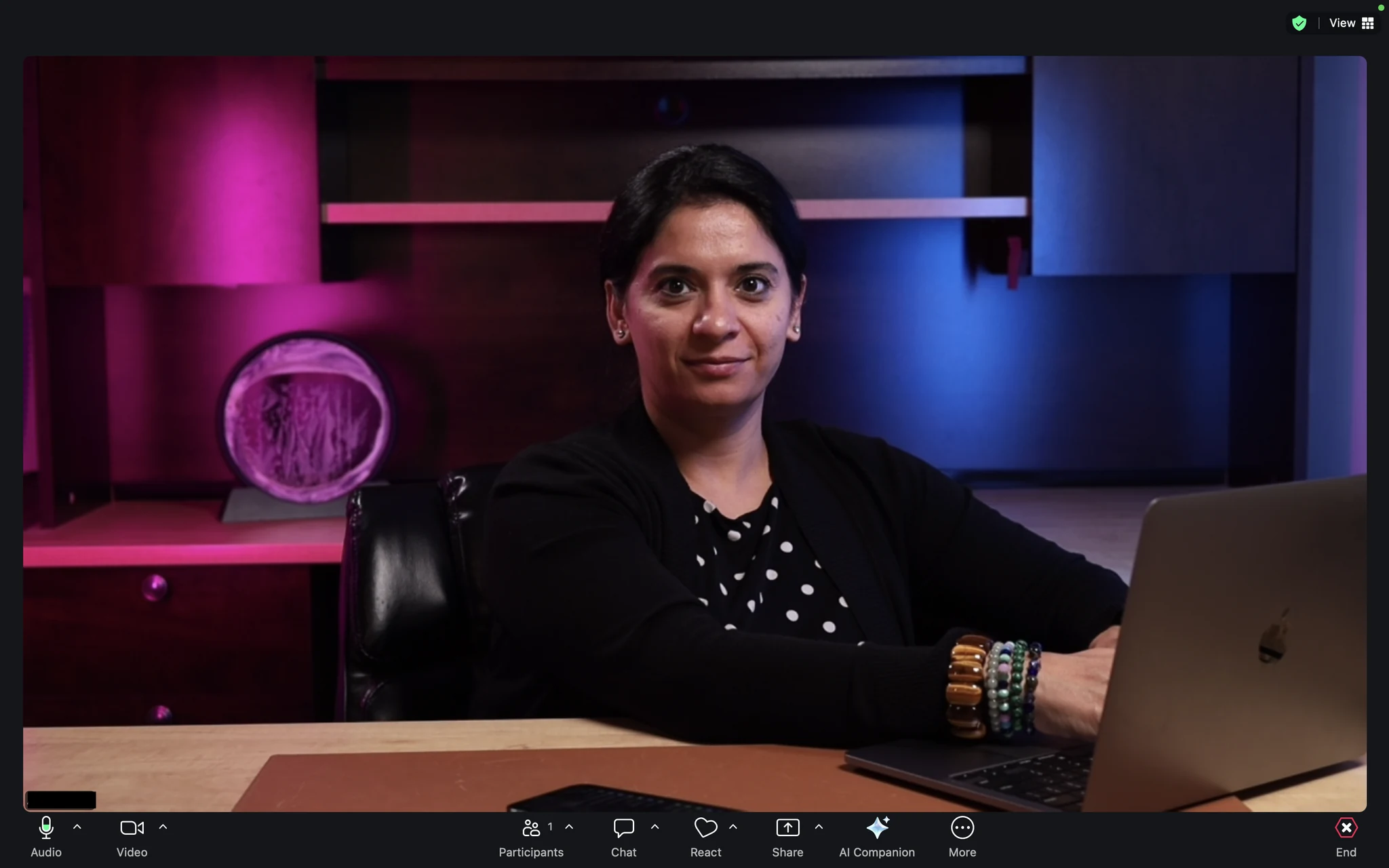
Choose the background with communications, then check it through the proposed camera position. Avoid assuming that an attractive office will automatically make a balanced shot. Windows, reflective surfaces, branded objects and practical lights all affect the picture.
Lighting should support the face and the background under the working conditions agreed in the brief. Test the normal display brightness and different times of day if windows remain in use. Record any conditions the user must maintain, such as a particular blind position. A repeatable setup needs these conditions documented.
Audio planning should include the person speaking, how they hear others and where noise enters the room. Ask for a test with a remote participant, including interruptions and overlapping conversation. If the office needs construction to address noise transmission, bring facilities into that decision before treating the problem as a microphone selection exercise.
Put IT constraints in the design brief
List the approved computer, operating system, meeting applications and administrative restrictions. Identify whether the executive uses a managed laptop, a dedicated room computer or both. The intended device connection must be tested with the real corporate configuration, not only with a technician’s unrestricted machine.
Ask IT who owns application updates, camera or interface drivers, device permissions and account provisioning. Define how a support person can diagnose the room within company policy. Do not assume remote access is available or appropriate simply because a product offers it.
Document the network connection and the destination of recorded files. If external producers need to join, test their workflow through the approved environment in advance. A successful internal meeting does not establish that every external contribution method will work. Keep a supported-platform list and a process for reviewing new requests.
Protect the content lifecycle
The studio’s responsibility does not end when a recording indicator turns off. Agree on file naming, storage location, access permissions and the person who confirms that the recording is usable. Describe how the editor receives the material and who approves publication.
For confidential communications, the organization should define retention and sharing rules. The technical design should implement those requirements rather than invent them. Make automatic recording and cloud storage behavior visible to the people who own the content.
Plan captioning, transcript review and any required versions alongside the editing workflow. W3C’s audio and video planning resource helps teams distinguish needs for live and recorded media. Assign a person to check names and specialist terms rather than assuming an automatic transcript is ready to publish.
Coordinate installation without losing the office
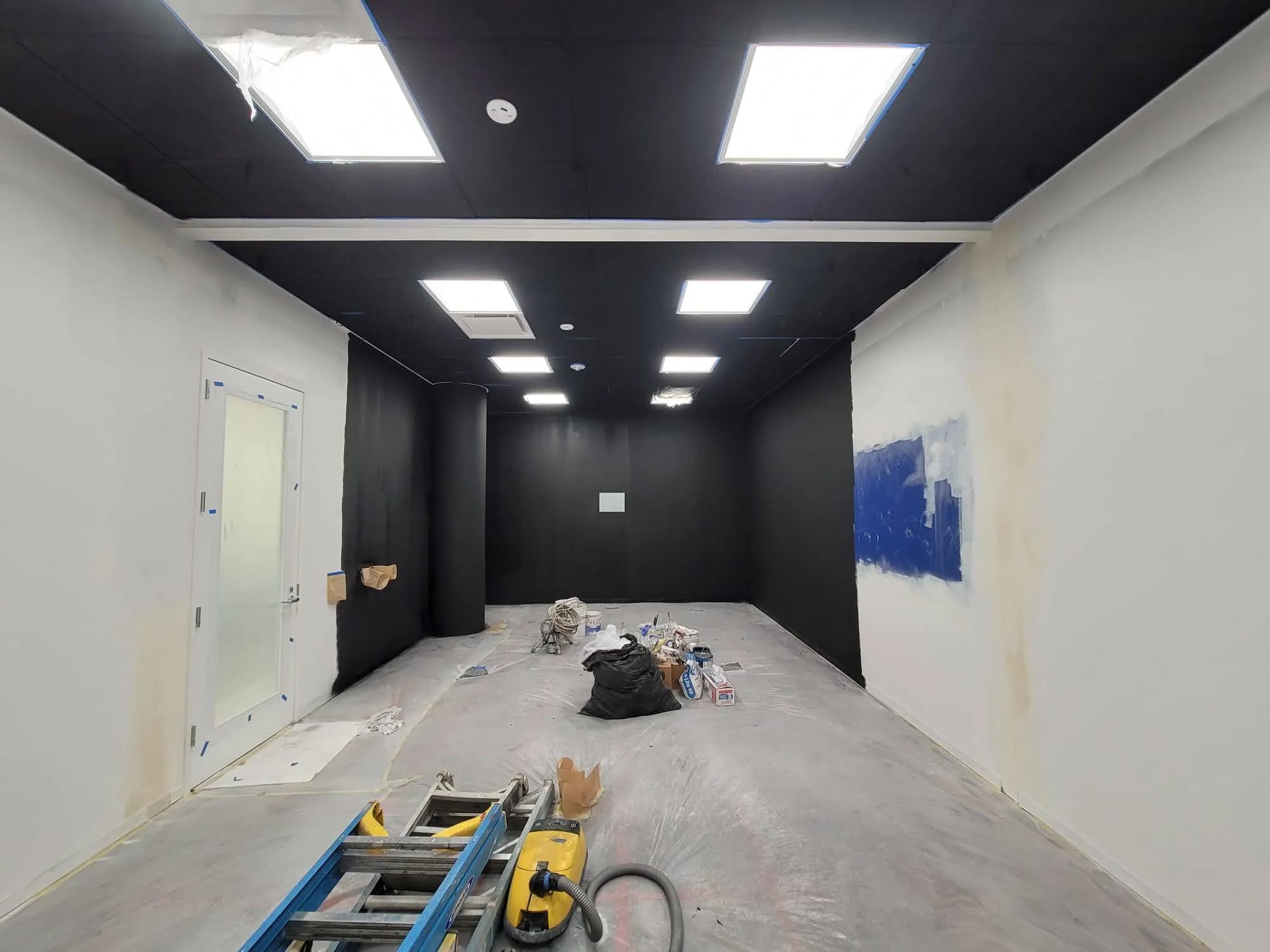
Ask the project team to explain what must happen before the office can be used again. That may include mounting, cable installation, configuration, room restoration and testing. Separate physical installation from operational acceptance so an apparently finished room is not mistaken for a commissioned studio.
JAZ’s Samsung Research America case study documents room studies and camera geometry alongside coordination with facilities on deliveries and work hours. It is a dedicated capture-room example, not an executive-office project, but it demonstrates why workplace constraints belong in the technical plan.
If the office must remain available, agree on temporary arrangements and a clear boundary for unfinished work. Avoid storing loose equipment in circulation routes or leaving an undocumented partial system for the executive to troubleshoot. The schedule should include time for the actual users to participate in testing.
Commission the modes, not just the devices
Write acceptance scenarios before installation. Test a routine call, a scripted recording, a presentation and any external interview workflow within scope. For each scenario, specify who starts it, what the audience receives and what files should exist afterward.
Include a cold start and a recovery test. Disconnect and reconnect the normal laptop under supervision, return from sleep and confirm the selected camera and audio devices. Test the fallback method without treating it as permission to interrupt an actual business call.
Check the result from outside the room. Communications should review the delivered image and sound. IT should confirm the supported configuration and recovery instructions. Facilities should inspect the physical installation and access. The presenter or assistant should complete the startup using the handover material without coaching.
| Acceptance scenario | Pass evidence | Owner of unresolved issues |
|---|---|---|
| Routine meeting | Remote participant confirms camera, voice and content sharing | Studio owner with IT support |
| Scripted recording | Presenter can read comfortably and editor opens the saved file | Communications and technical team |
| External appearance | Approved guest workflow completes from the actual room | Producer and IT |
| Return to office use | Recording ends, private work resumes and cables remain secure | Executive assistant or room owner |
| Recovery | Trained backup user restores the documented normal state | Support owner |
Assemble the handover package
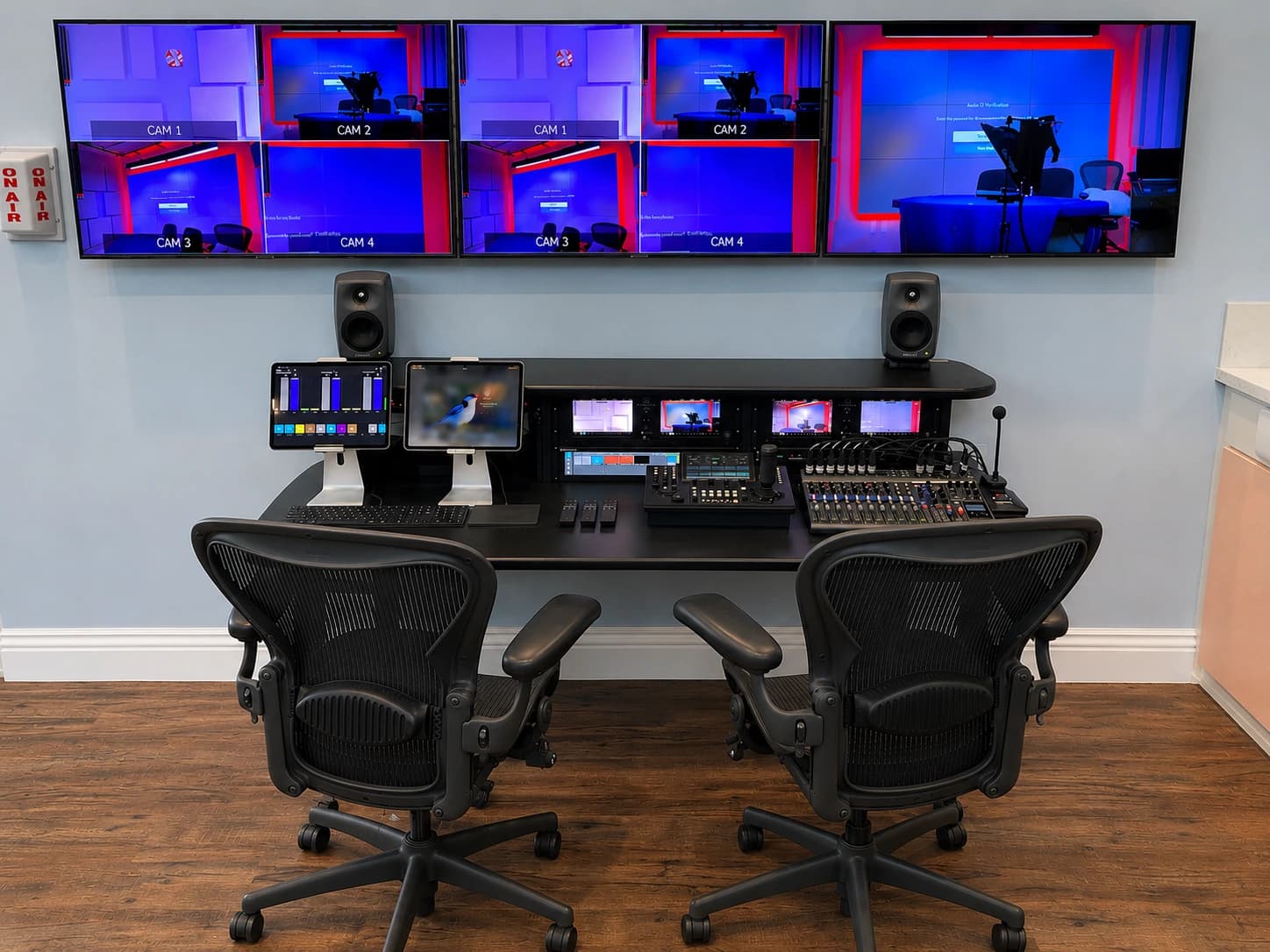
Request a concise operating card plus the technical information needed by support. The operating card should identify the normal mode, startup, shutdown, basic recovery and the contact for help. The technical package should include equipment records, connections, approved settings, configuration backups where applicable and known limitations.
Agree how changes will be recorded. A replacement laptop, new display or altered desk position can affect the tested system. Assign responsibility for reviewing those changes and updating the documentation. Keep support access and credentials under the organization’s ownership.
Before the first important recording, run a short practice session using an approved script. Confirm that the executive, assistant and support contact know their roles. An available studio and a ready communications workflow are separate milestones, and both should be complete.
Executive studio briefing checklist
- Identify the routine, recorded and live communication formats.
- Name the presenter, daily operator, backup operator and support owner.
- Provide room photographs, measurements, restrictions and access requirements.
- Confirm corporate devices, applications, accounts and network responsibilities.
- Define the camera view, eyeline, script display and lighting conditions.
- Describe audio, privacy and interruption concerns.
- Specify recording destinations, editorial handoff and accessibility work.
- Approve the installation sequence and office-restoration requirements.
- Write acceptance scenarios and decide who can sign them off.
- Schedule training and a practice session before the first critical use.
Use this package to start a discussion about JAZ executive studios. Send the brief and room photographs with the communication formats that matter most, and we can identify which questions need a site review or technical test before the design is finalized.
Jesse Kaplan

Jesse Kaplan is the third generation of JAZ Entertainment. His work spans permanent studios, professional AV systems and live technical production.
About Jesse and JAZ