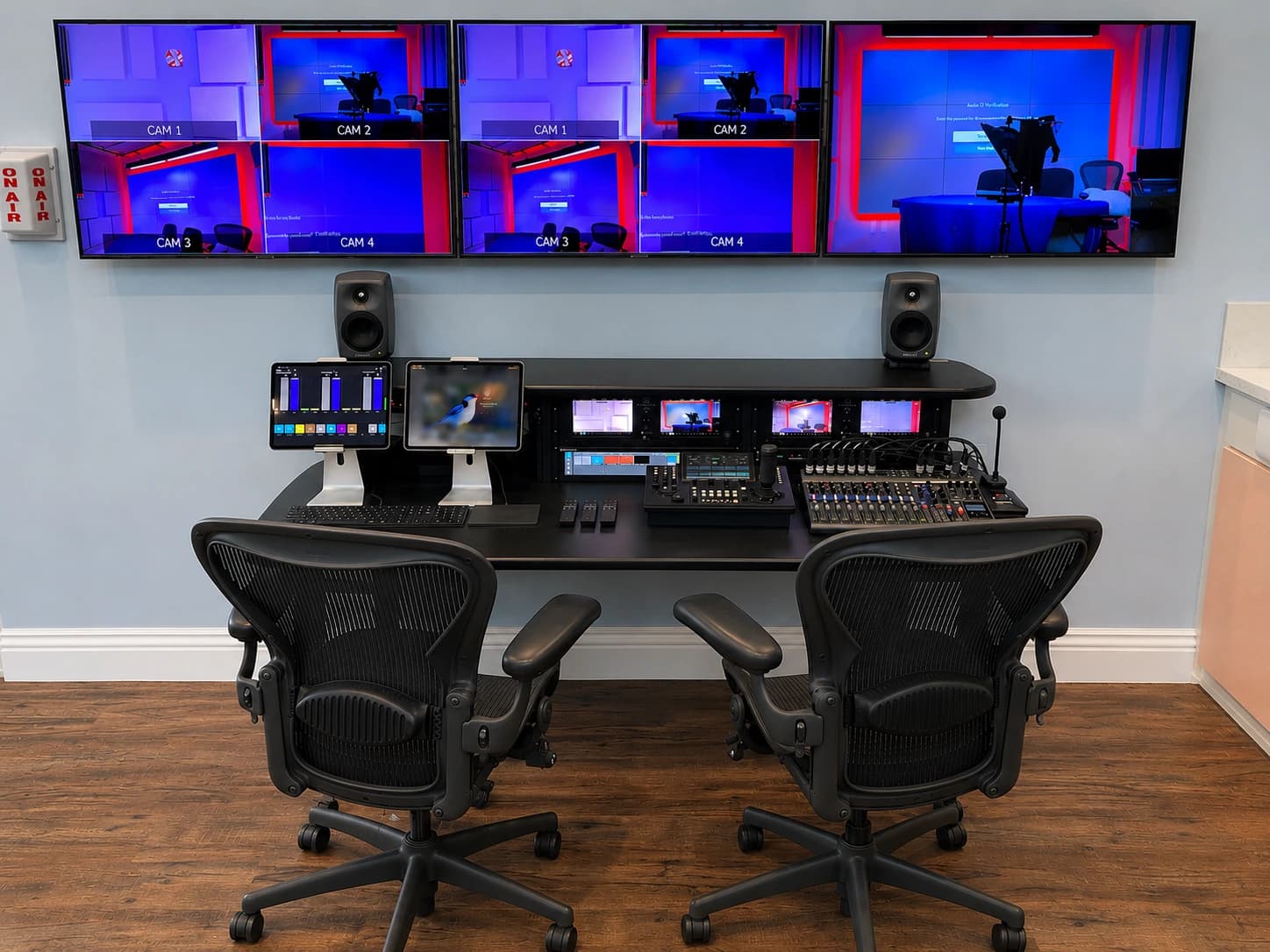

An executive office can double as a recording studio when the room can preserve normal work, provide a repeatable camera position and support the required privacy and technical workflow. It becomes a poor fit when every recording displaces meetings, exposes confidential material or depends on someone rebuilding the room.
The decision is less about whether an office can look good on camera than whether it can reliably support the communications calendar. Compare the office and a dedicated room using the same real sessions before committing to either.
Start with the calendar, not the backdrop
List the communications the executive actually delivers. Routine video meetings, a recorded internal message and a live media interview have different preparation and support needs. A convenient desk setup may suit the first two while a live interview requires additional monitoring and someone available to solve problems immediately.
Ask how often the office must change modes. Does the executive move between private calls, visitors and recording throughout the day? Can lighting and camera positions remain in place? Does another employee need access to start the system? Those answers determine whether a combined room saves effort or simply hides a recurring setup task.
A dedicated studio has its own costs in convenience. The presenter must get there, the room must be booked and the support team must keep it ready. If that friction means messages never get recorded, the technically stronger room may be the weaker operational choice. Evaluate the complete route from an idea to a usable recording.
Protect the working office
A background can reveal more than intended: a whiteboard, a visitor, an open document or a reflection in glass. Walk through the entire frame and inspect the view during normal work. Include screens and doorways, not just the wall behind the speaker.
Establish a visible distinction between meeting, recording and off. The presenter and anyone entering should know whether a microphone or camera is in use. Decide where files are stored and who can access them. These are company workflow questions to resolve with communications and IT, not assumptions for an installer to make.
Think about interruptions too. A camera-ready office does not automatically become a quiet recording space. If a door opens frequently or adjacent conversations are audible, test whether a predictable recording window is realistic. Where it is not, a separate room may offer the more dependable arrangement.
Decide how much operation the executive should own
“Easy to use” should describe a sequence. The presenter enters, selects the intended mode, sees confirmation and begins. If the system asks them to choose between similarly named microphones or route audio through several applications, the interface is exposing technical decisions that should have been resolved earlier.
Some teams prefer an assistant-led workflow. Others want a producer to monitor remotely or from a nearby position. Each can work, but the equipment and access arrangements must match the staffing plan. A room sold as self-operated should be tested without the installer giving verbal prompts.
Specify the recovery path alongside normal startup. If a laptop disconnects, what should the presenter do? When should they call support? Which fallback is acceptable for an urgent meeting? A limited, documented fallback can be more useful than a second collection of equipment nobody has practiced using.
Separate a natural office from an uncontrolled one
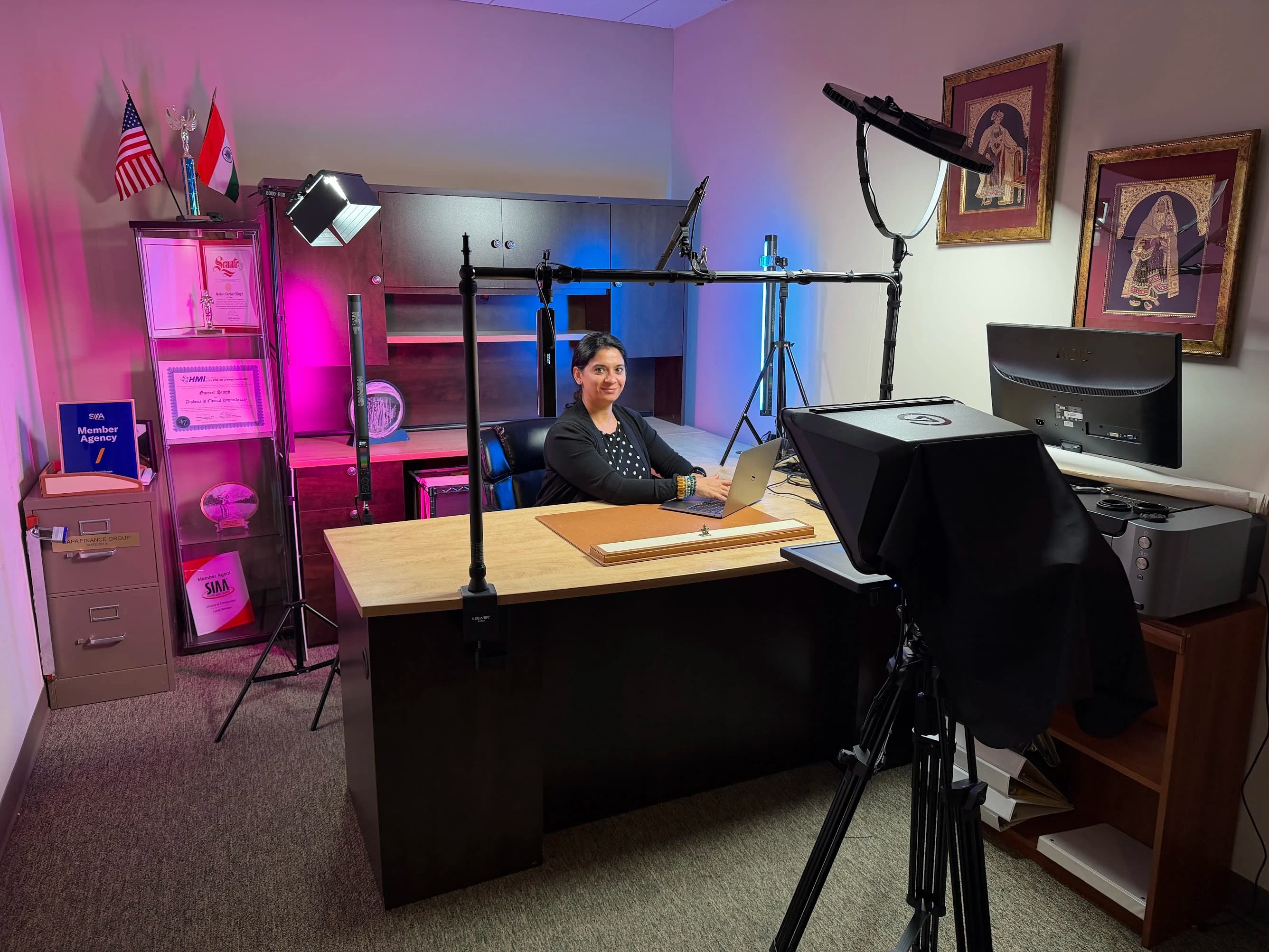
An office background can carry personality and context without becoming a branded set. At Fractional Family Office, the detailed JAZ record describes preserving an existing heirloom and using a desk-mounted camera, teleprompter and lighting without permanent furniture changes. That project shows how a specific room restriction can shape the solution.
It does not mean every desk can carry the same equipment or that construction is never needed. Mounting, clearance, cable routing and the furniture itself still require review. The useful principle is to identify what the room must preserve before deciding what the studio should add.
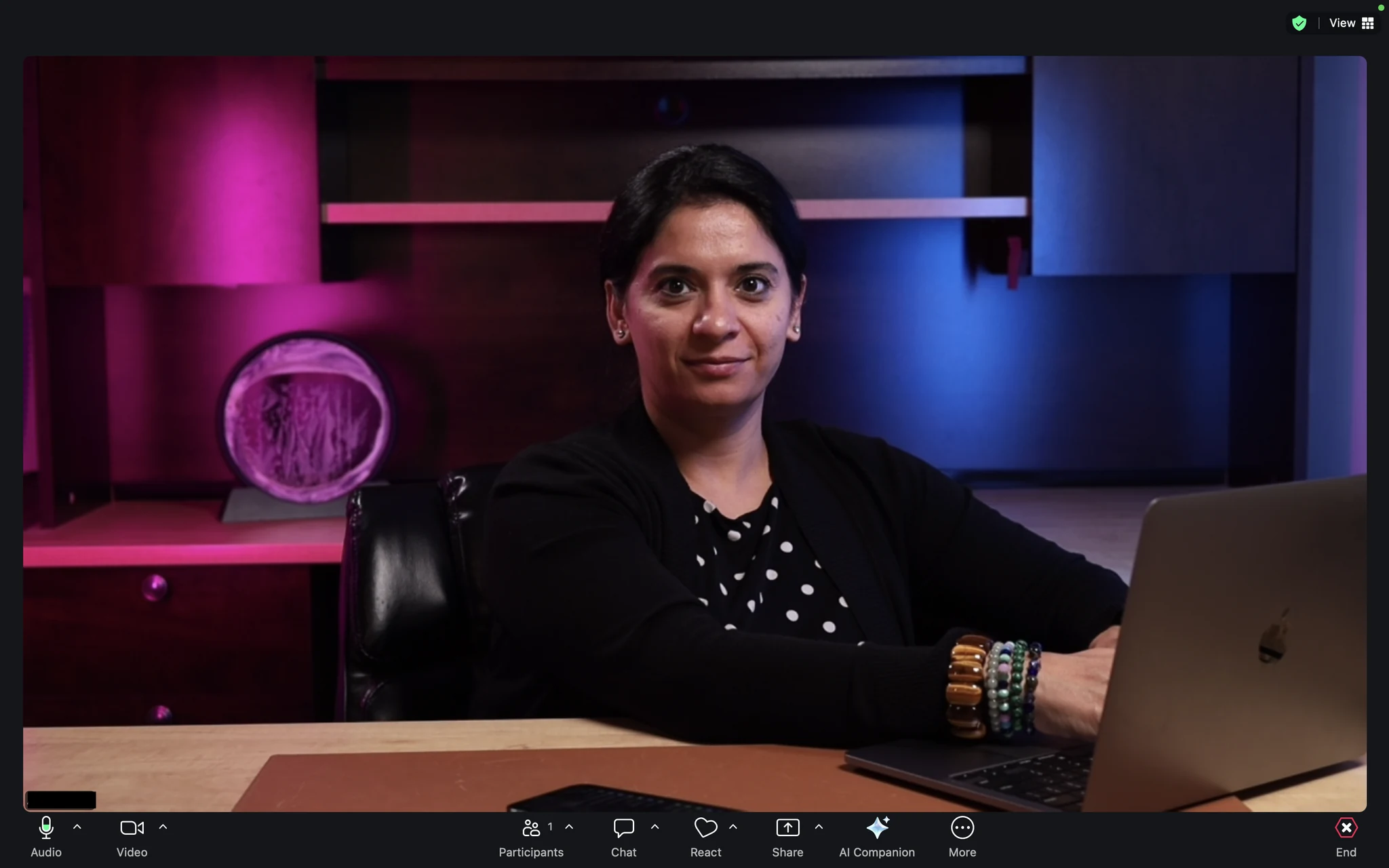
If the executive wants a clean background, first check the physical view. Moving a chair or changing camera direction may be enough. If a virtual background is part of the requirement, test the actual platform with hair, gestures, glasses and the expected clothing. Treat the observed result as the acceptance evidence.
Compare the two options against real constraints
| Decision | Office may work well when | Dedicated room deserves consideration when |
|---|---|---|
| Availability | The presenter needs frequent short sessions | Several presenters need predictable access |
| Privacy | The frame and recording state can be controlled | Visitors, documents or adjacent conversations are difficult to manage |
| Layout | Camera and lighting can stay in usable positions | Equipment repeatedly blocks normal work |
| Support | The agreed workflow fits available assistance | Production requires an operator and monitoring space |
| Formats | Most sessions use one presenter and one view | Interviews, product demonstrations or multiple sets are recurring needs |
Do not score these rows as if every factor has equal weight. A single non-negotiable privacy or space constraint may settle the choice. Conversely, a small visual compromise may be acceptable if it makes routine communications much easier to produce. Ask the team to identify its true exclusions before comparing equipment packages.
Run a trial before approving a permanent installation
Use the actual desk, corporate laptop, meeting platform and a short approved script. Ask the executive to begin a call, share content and record a message. Have communications review the received picture and audio, while IT observes device selection, account access and recovery.
Time the setup and reset for your own decision, but do not assume a universal saving. Record the points where someone needed help. Those observations become design requirements: clearer controls, a different display position, support coverage or a separate recording space.
The final decision should name the room, the supported formats and the person responsible for keeping it usable. JAZ’s executive studio service can help develop that arrangement. Bring us the room photographs and the intended workflow, and use the paired planning guide to align communications, IT and facilities before the equipment discussion.
Jesse Kaplan

Jesse Kaplan is the third generation of JAZ Entertainment. His work spans permanent studios, professional AV systems and live technical production.
About Jesse and JAZ