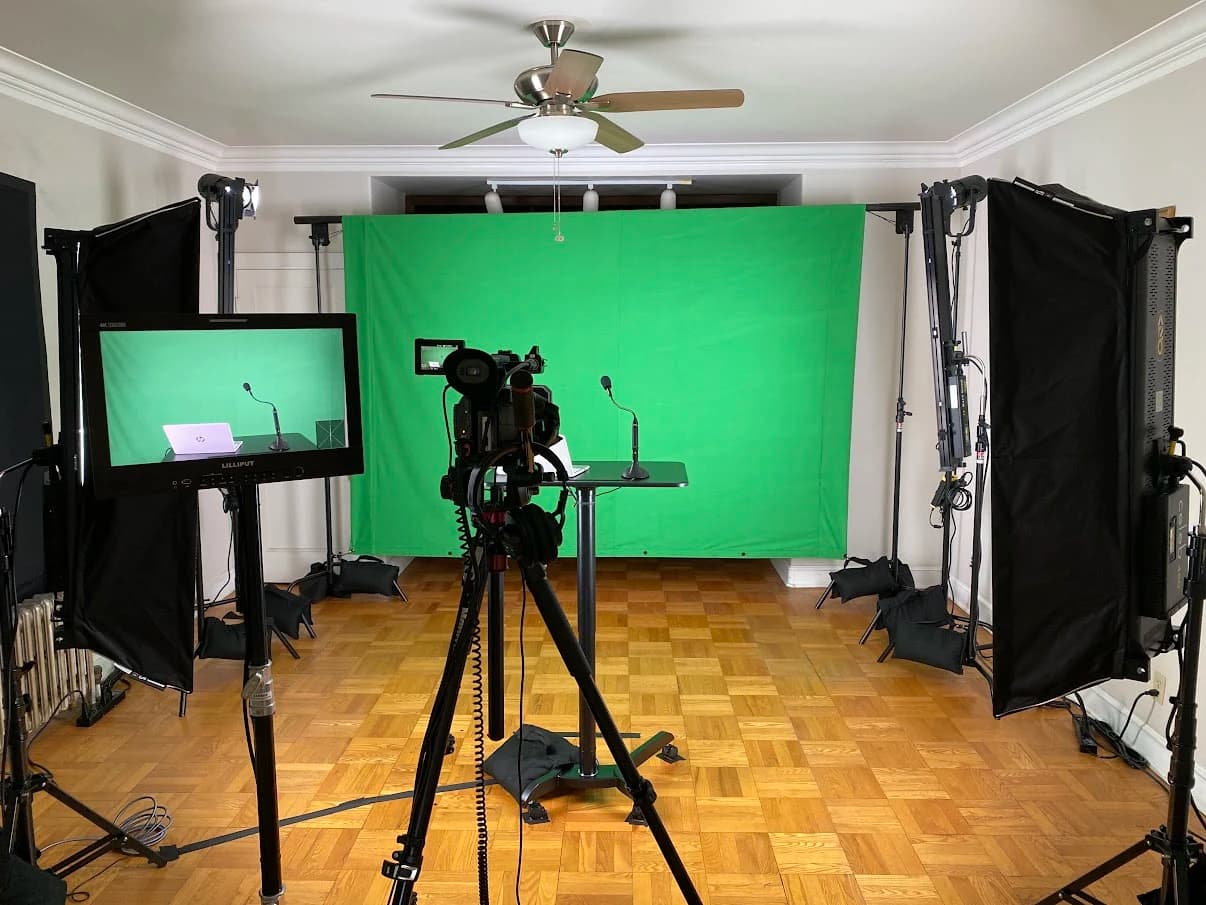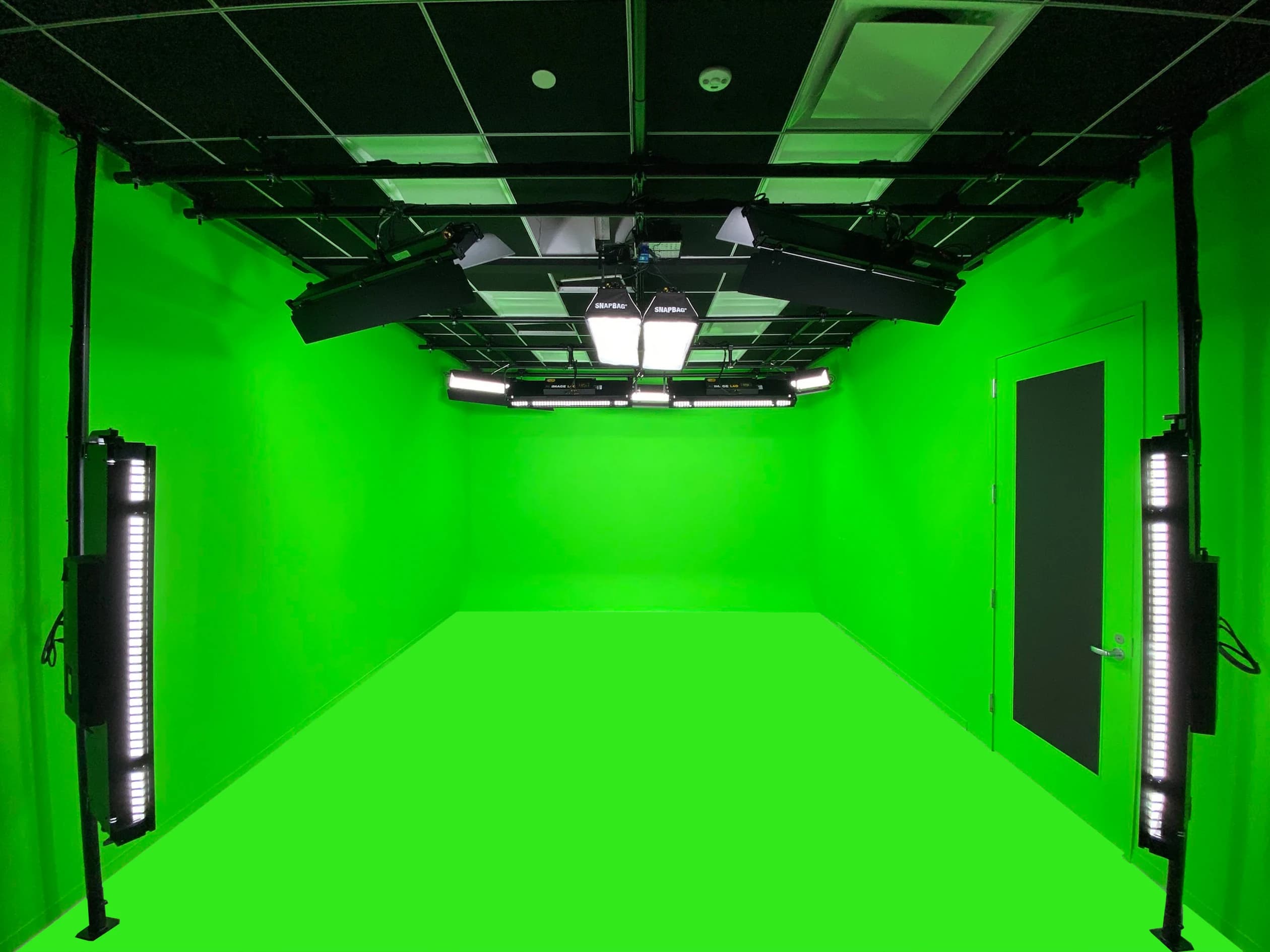

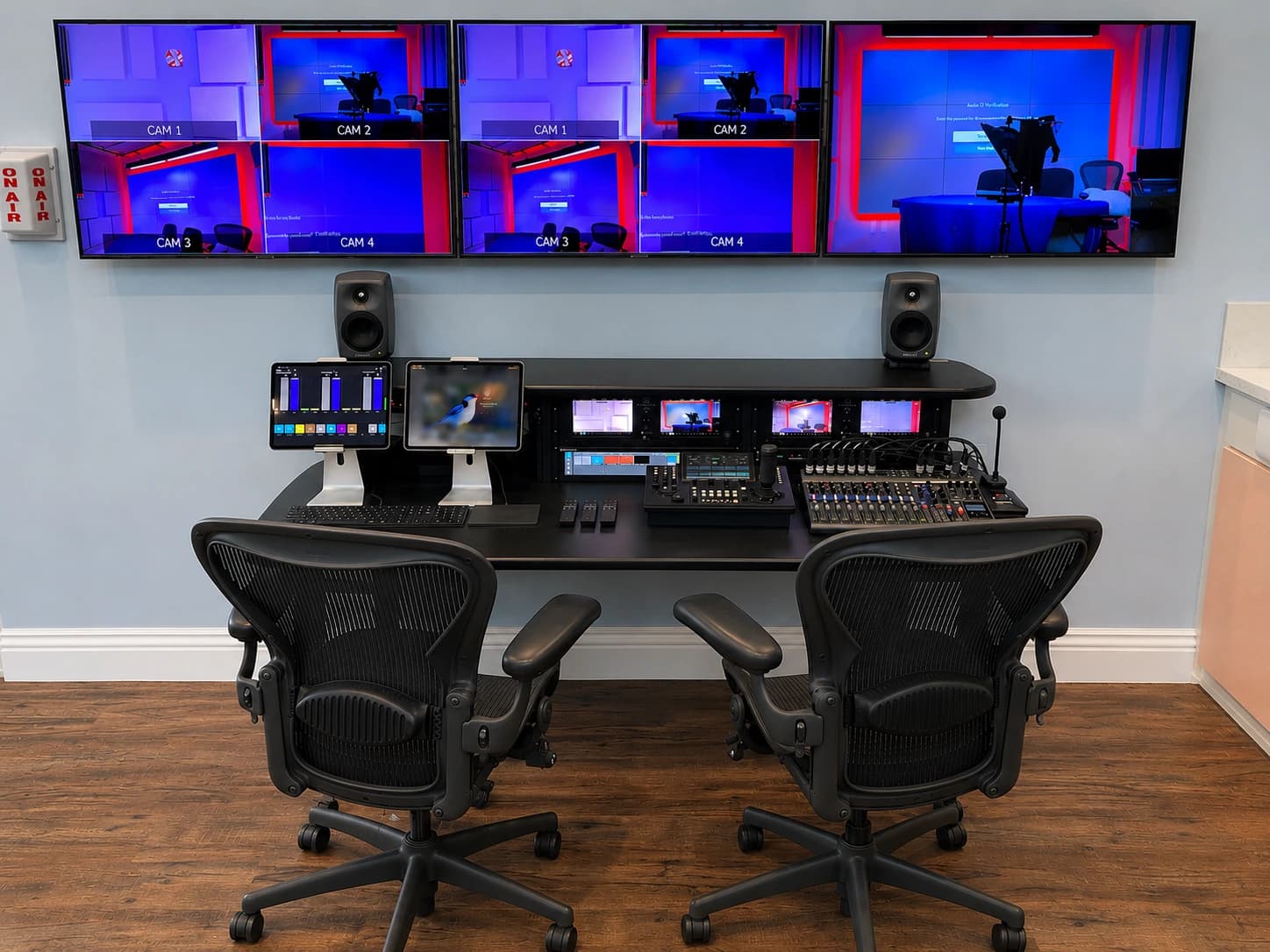
A multi-camera podcast studio should let people have a natural conversation while the production team captures usable sound and pictures. Begin with the program format, then plan the seating, microphones, cameras, lights and recording workflow around it.
This guide is a planning sequence for a permanent or regularly reused room. It does not prescribe a camera package. The correct package depends on the views, guest count, operating team and finished assets you need.
Define the episode before the studio
Write a one-page description of the program. State the normal number of participants, whether they are seated or standing, whether guests join remotely and whether the episode is live or edited. Include the expected full-length program and any separate clips, audio edition or transcript.
Describe changes that happen within an episode. A host may move from a solo introduction to a two-person conversation, demonstrate an object or play a video. Each change introduces a technical handoff. If it happens regularly, it belongs in the design brief rather than in a list of special requests.
Choose a representative pilot. A simple interview can test the ordinary workflow, while a deliberately difficult segment can expose limits. Use both. Designing only for the easiest conversation leaves the team to improvise the first time a remote guest, third participant or product demonstration appears.
Assign the production jobs
List the jobs required during recording: hosting, monitoring audio, selecting cameras, checking recording, managing remote guests and tracking time. Then assign people. One person can cover several jobs if the format permits it, but the plan should show when those tasks happen simultaneously.
Decide whether camera selection occurs live or in editing. A live switch needs attention during the conversation. Separate camera recordings move some decisions into post-production and create more media to verify. If the team wants both, define which recording is the main deliverable and what the additional files are for.
Give one person responsibility for the final recording check. It is easy for everyone to see a record indicator and assume someone else verified the files. The handoff should identify who opens a sample from each required source and confirms the expected content before the session is dismantled.
Draw the seating and camera views
Start with a rough floor plan that includes doors, windows, fixed furniture and usable depth. Place the participants and identify the views needed to tell the conversation: a shared view, individual views or another arrangement justified by the format.
Mark the actual camera positions and what each sees behind the subject. Include the edge of the table, microphone arms, lights and other cameras. A clean wide shot can hide problems in the close views. Review the shots as a sequence rather than approving them individually without context.
Test the layout with people in the chairs. Have them turn, gesture, lean back and enter or leave. Ensure the operating positions and cable paths remain usable. If a camera requires a narrow passage to remain permanently blocked, reconsider the arrangement before purchasing the furniture.
| Layout decision | What to demonstrate | Who should review |
|---|---|---|
| Seating and table | Comfortable conversation and practical microphone reach | Host and producer |
| Shared camera view | Every participant is visible without unwanted equipment | Director or editor |
| Individual views | Useful backgrounds and consistent viewing direction | Editor and technical designer |
| Entry and reset | Guests can enter without disturbing mounts or cables | Studio operator |
| Future guest count | The room can support the proposed additional position | Project owner and designer |
Make microphone positions part of the set
Choose microphone positions for the real speaking behavior. Ask whether guests can remain near the microphone without leaning unnaturally or losing eye contact. If a participant frequently turns to a screen, test that movement while listening to the recording.
Mechanical noise matters. Table contact, chair movement and microphone-arm adjustments can enter the recording. Check these with the actual furniture or a representative test setup. A beautiful table is not a successful choice if the host cannot touch it without creating an audible distraction.
Discuss how the team monitors audio. Someone should hear what is being recorded, rather than judge sound solely from the room. Headphone arrangements also need to work for guests without confusing volume controls or loose cables across the set. Explain the process during guest preparation and keep adjustments within a safe, comfortable listening range.
Evaluate the room’s sound separately
Listen for reflections and for noise from outside the set. Hard surfaces can make speech sound lively or distant, while traffic, ventilation and adjacent activity create separate challenges. Note when each problem occurs. A quiet evening demonstration may not represent a daytime recording schedule.
A treatment plan should address the observed room behavior. An isolation plan addresses transmission through the building and may involve doors, walls, ceilings, penetrations or ventilation. Ask which problem the proposed work is intended to solve and how the result will be checked.
Use the studio audio planning guide to prepare that survey. Avoid specifying a generic amount of acoustic material without connecting it to the room, microphone positions and acceptable recording conditions. Where the building is the constraint, a different room may be a more practical first decision.
Light the people across all views
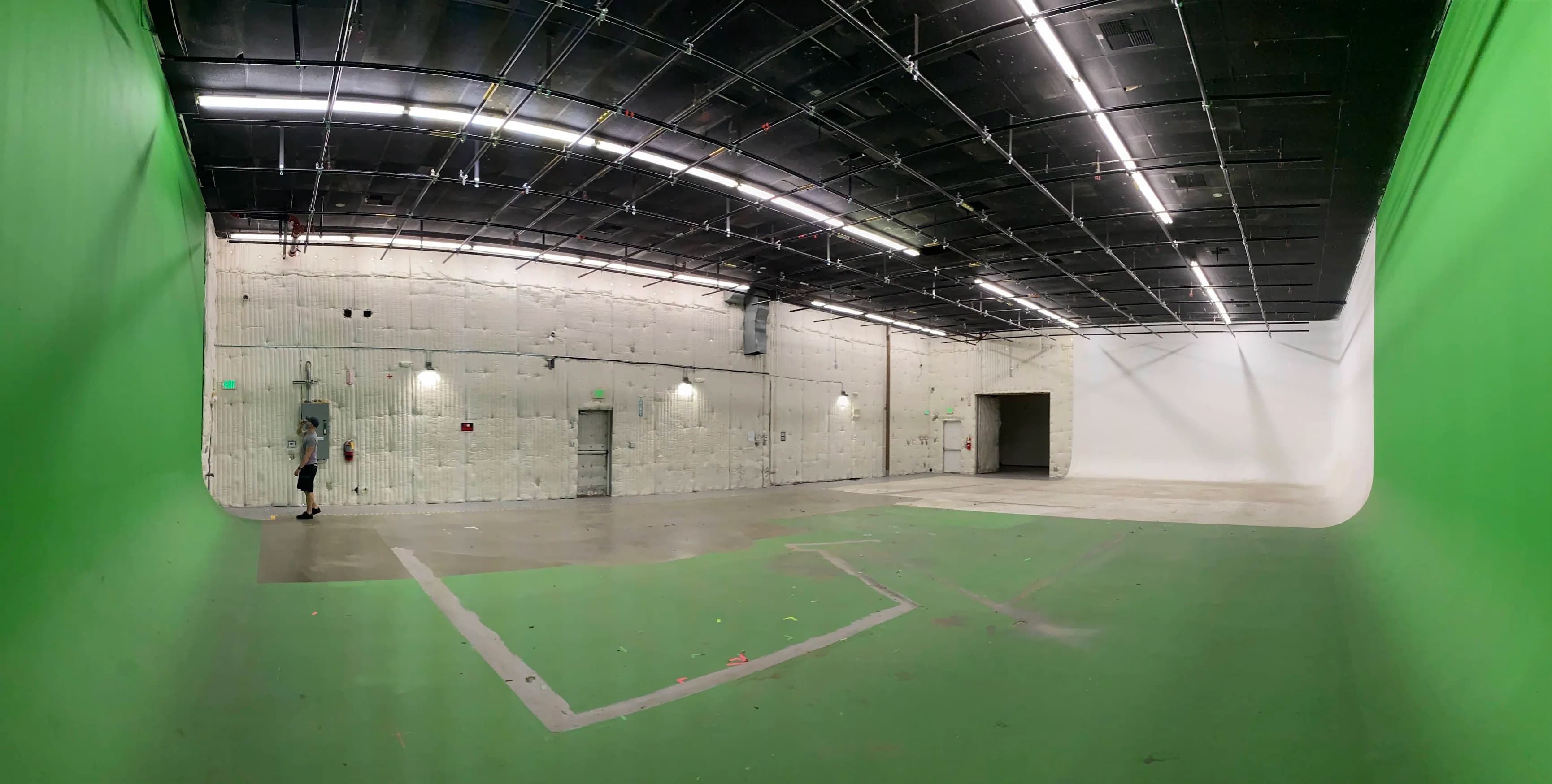
A light that works for one camera may appear in another or create an unwanted reflection. Plan fixtures with the complete camera arrangement visible. Include presenter movement, glasses, the table surface and any display used during the program.
Separate the light needed for the faces from the appearance of the background. The set can have character without competing with the conversation. Record a sample from every camera and view the sequence on a normal screen. Approving only a room photograph can conceal differences between the actual shots.
If the room supports several formats, define lighting states that can be recalled and checked. Name them by use, such as “two-person interview,” rather than by fixture numbers. The operator still needs to confirm that furniture and people are in the expected positions before relying on a stored state.
Plan the recording handoff with the editor
Ask the editor to specify what files they need, how they expect them organized and how they will align picture and sound. Test a sample using the actual recording method. Do not assume compatibility because each device can record independently.
Decide what remains available if one recording fails. A usable program recording may provide a fallback for a missing camera file, but only if it has been planned and verified. Redundant recording adds value when the team understands which failure it addresses and how to recover the material.
Estimate storage and transfer requirements from a representative test in the chosen format. Assign responsibility for copying, checking and backing up files before recording media is reused. This guide does not prescribe a universal retention period; the production owner should set it according to the content and organization’s requirements.
Include remote guests as a separate mode
A remote guest needs to hear the conversation without an unusable return of their own delayed voice. The room needs to see and hear the guest, and the recording needs to capture the intended contribution. Draw those paths separately rather than treating the guest laptop as one more camera.
Test the actual guest platform with someone outside the building. Include screen sharing, overlapping speech and a reconnection. Decide who communicates with the guest if the connection drops and what the host should do while the technical team responds.
Provide a short guest checklist covering the joining method, listening arrangement, camera position and a pre-session check. Confirm which recording method is authorized and what happens to the resulting files. The producer should own those expectations before the guest is waiting in the virtual room.
Build a repeatable session checklist
A useful checklist is short enough to use every time and specific enough to expose a missed step. Separate preparation, recording and closeout. Avoid one long equipment inventory that hides the actions needed at each stage.
| Stage | Required checks | Evidence to retain |
|---|---|---|
| Before guests arrive | Room reset, camera views, microphone paths, storage and content ready | Current setup reference and test recording |
| Before recording | Names, permissions, guest comfort, monitoring and record destinations confirmed | Producer’s session notes |
| During recording | Audio, framing, recording status and remaining media capacity watched | Notes for the editor |
| Before guests leave | Required sources contain usable picture and sound | Sample playback from saved files |
| After the session | Files copied, checked, handed off and retained as agreed | Delivery record and unresolved issue list |
Schedule a full pilot through editing. Evaluate the whole result, including the audio edition, representative clips and captions where required. A studio is not proven solely by successful capture if the files are difficult to identify or the chosen framing makes the planned extracts unusable.
Avoid the common planning shortcuts
Do not buy the maximum number of cameras before deciding who will operate or edit them. Additional views are useful only when they add meaningful coverage. They also need mounting, power, matching, recording and ongoing checking.
Do not approve a set from an empty-room rendering alone. Test people, microphones and practical movement. If the room doubles as a meeting or teaching space, document how it returns to the podcast configuration and who performs that reset.
Do not treat training as a quick tour of menus. Ask the operator to start a session, identify a deliberately incorrect input and recover using the documentation. The test should be supervised and performed before a real recording, with the final configuration restored afterward.
Send a complete podcast studio brief
Include the episode description, participant count, sample program, required outputs and staffing plan. Add room photographs, a measured sketch, restrictions, noise observations and existing equipment. State whether the studio must support remote guests, live streaming or vertical extracts from the first day.
Ask for a proposal that connects the room design to recording, file delivery, training and acceptance. The relevant JAZ scope is podcast studio planning and installation, with other production requirements identified separately. Send the brief so the first discussion can focus on the decisions that shape the room.
Jesse Kaplan
Jesse Kaplan is the third generation of JAZ Entertainment. His work spans permanent studios, professional AV systems and live technical production.
About Jesse and JAZ