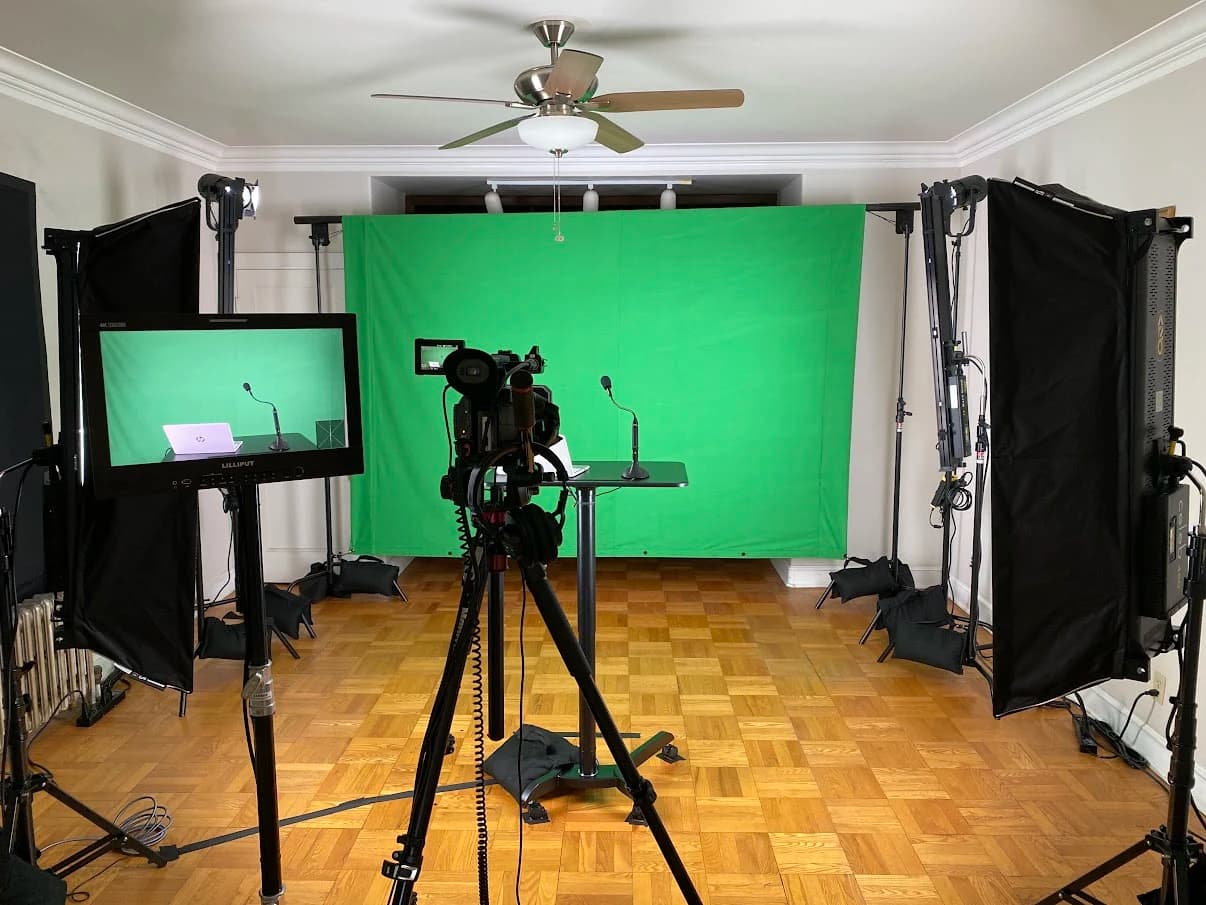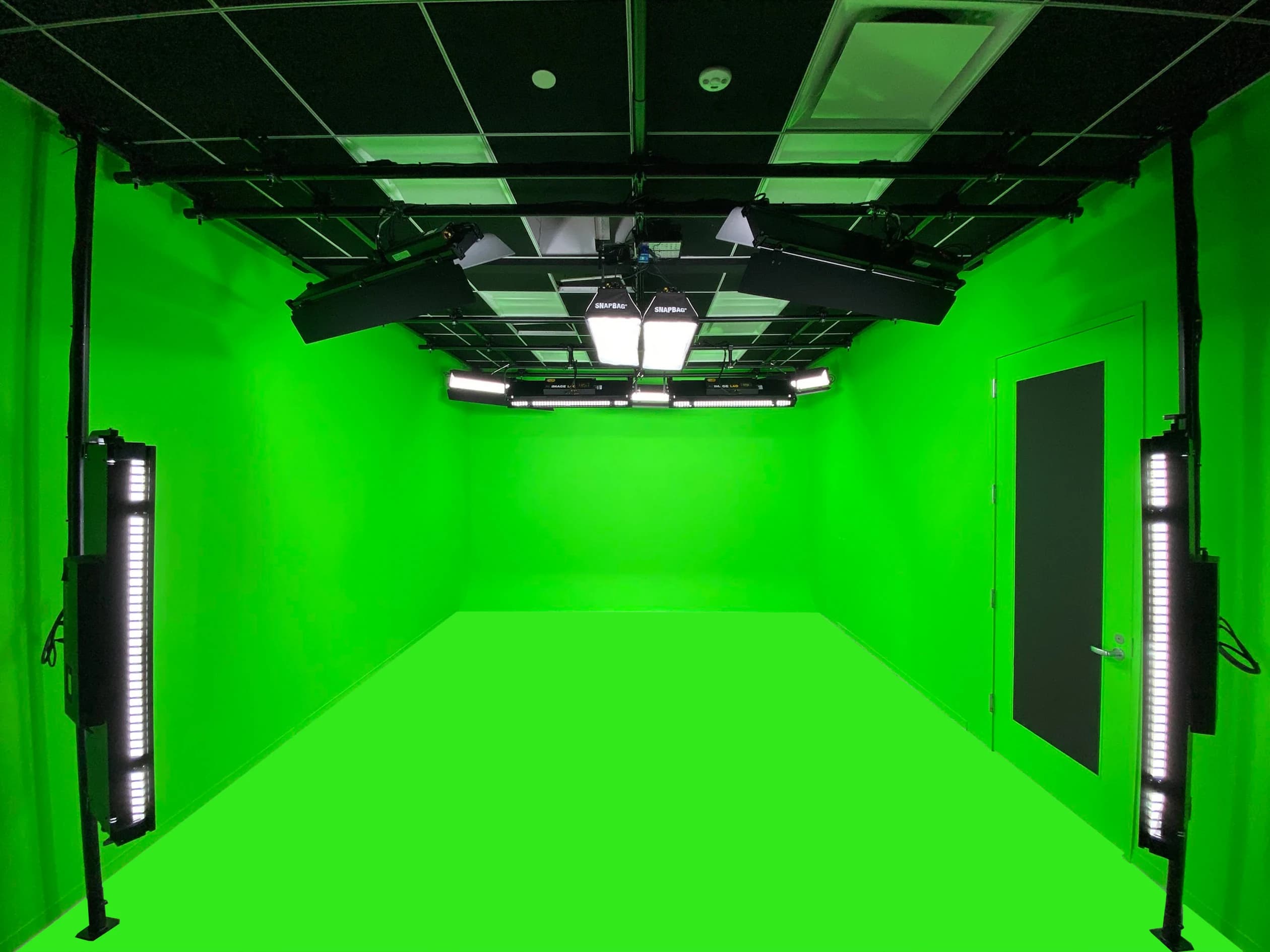

Adding video changes a podcast from an audio recording with optional pictures into a production that needs deliberate coverage. The conversation still comes first, but seating, microphone placement, lighting, guest preparation and editing now affect both sound and image.
The first decision is what the video is for. A full-length interview, a live program and a collection of short clips do not require the same operating workflow. Define the main output before deciding how many cameras belong in the room.
A camera creates another responsibility
An audio-only session can sometimes continue while a guest adjusts their chair or reads a note. On video, those movements may change framing, reveal equipment or take the guest outside the useful light. Someone must decide what the audience should see during those moments.
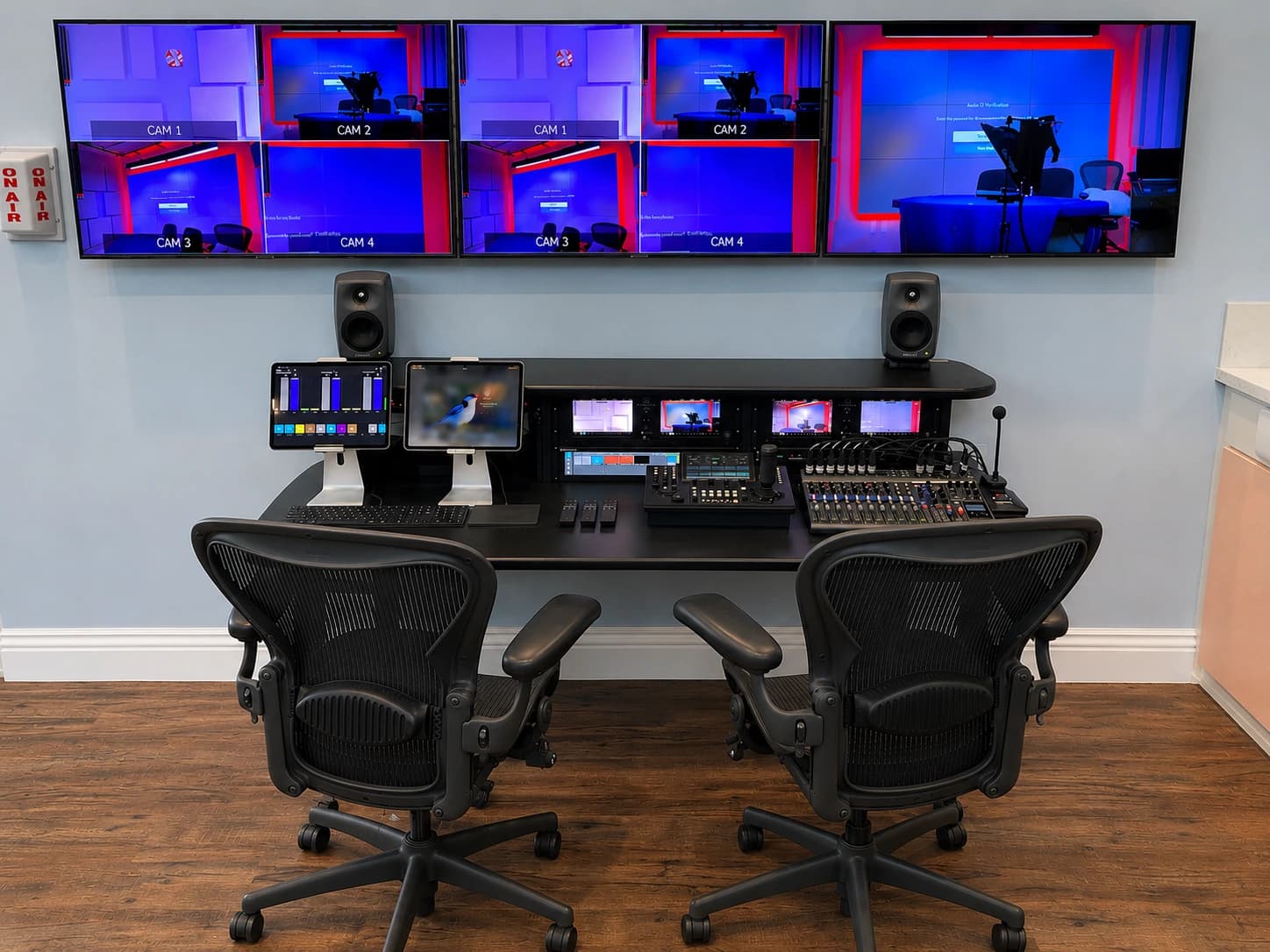
That responsibility can belong to an operator during recording or an editor afterward. Live switching creates a finished sequence as the conversation happens. Recording individual camera feeds gives the editor more choices later. Doing both may be useful, but it adds recording, storage and verification work that should appear in the scope.
Avoid assuming the host will handle every technical task while maintaining a good conversation. A control within reach does not mean using it is comfortable. Try a short interview with the proposed responsibilities assigned, then watch where attention is divided.
Seating becomes a coverage decision
Two people sitting opposite one another may speak naturally but require camera positions that the room cannot accommodate. A wide shot may show both participants, while close views introduce backgrounds, microphone arms and light stands that were invisible from the first angle.
Arrange the people before committing to furniture. Test the intended guest count, including chairs pulled back and someone entering the set. A table that looks right in a showroom can put microphones too far away, reflect light or block a useful camera view. The production layout should be tested at working scale.
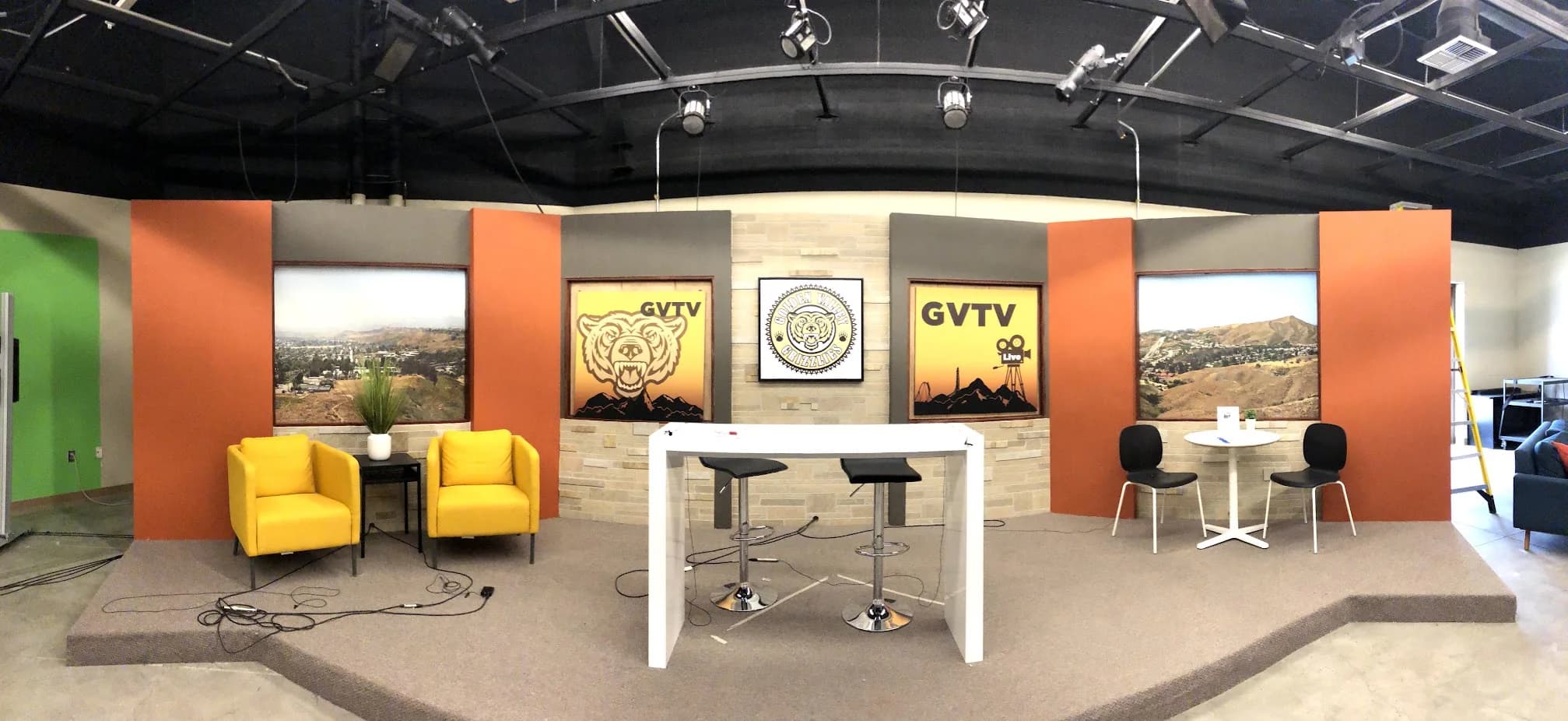
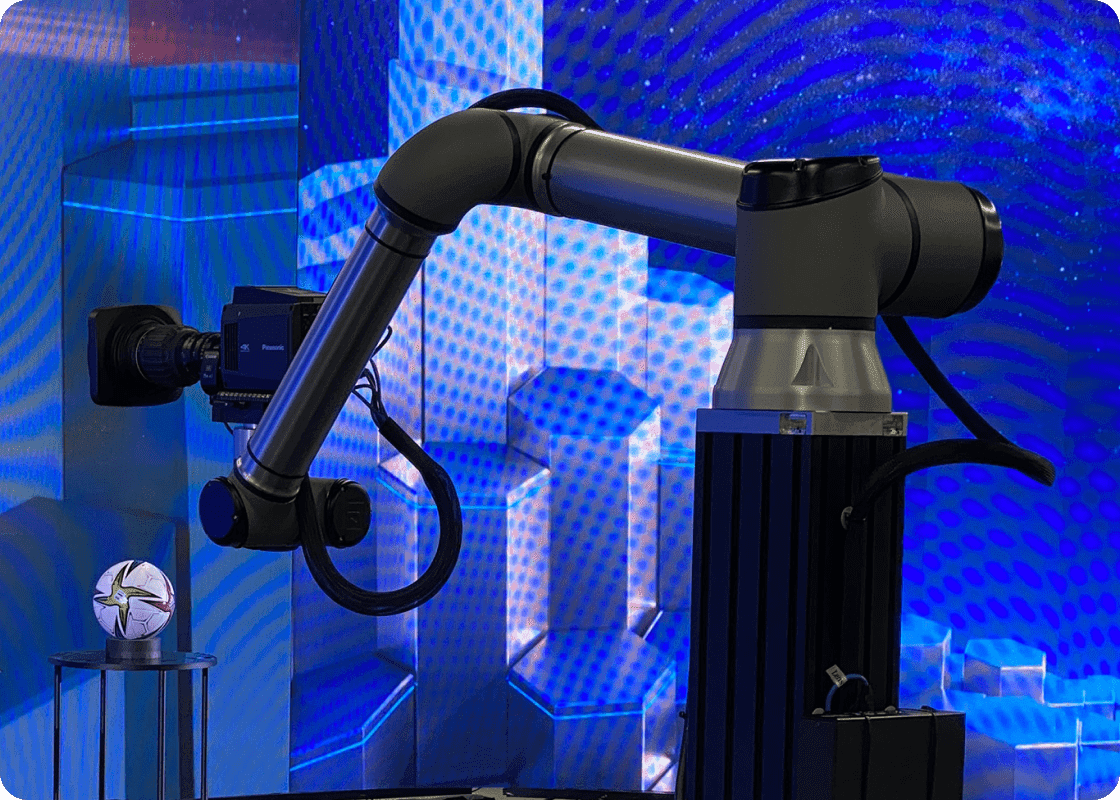
For an educational example of multiple uses sharing one space, JAZ’s Golden Valley TV studio documents several presentation zones and coordinated camera, scenery and lighting positions. It is an educational television studio, not evidence of a particular podcast installation. The transferable planning question is how each usable view fits into the same room.
Protect sound while improving the picture
Moving a microphone out of frame can place it farther from the speaker. Hiding every cable can make a connection difficult to check. Replacing practical seating with visually striking furniture can introduce noise when a guest shifts. These are tradeoffs to test, not rules that video should always win.
Try microphone positions during real conversation. Guests turn toward one another, laugh, lean back and interrupt. The chosen arrangement needs to tolerate that behavior. Explain the microphone position to the guest in one useful sentence, then see whether they can speak naturally without repeated correction.
If a microphone is visible, make it part of the composition. A consistent, practical position is often more workable than a fragile attempt to keep all equipment hidden. When the room itself sounds distracting, investigate the reflections and noise before treating a different microphone as the complete answer.
Decide how the program will be edited
Give the editor a sample from the proposed recording system. Confirm how camera and audio files align, what the files are called and which recording is the reference. Test a complete segment rather than only opening a few seconds from each camera.
For a switched recording, identify whether corrections are possible afterward. If a camera is selected at the wrong moment, separate recordings may allow a repair. If only the finished program is saved, the editorial options are narrower. Neither approach is automatically wrong; the choice should fit the team and delivery expectations.
Short clips add composition requirements. A wide two-person shot may not produce a useful vertical extract. Test the likely crop with a real conversation and expected captions. If the primary goal is short clips, that should influence the camera plan rather than become an editing problem after every episode.
| Production approach | What it changes | Question to resolve |
|---|---|---|
| One fixed video view | Limited switching work, fewer editorial choices | Does the view remain useful for the full conversation? |
| Several cameras, edited later | More coverage and more post-production work | Who aligns, checks and edits the files? |
| Live-switched program | An operator chooses the view during recording | Is there enough rehearsal and operator attention? |
| Switched program plus separate feeds | More recovery options and more media to manage | Which files are checked and retained? |
Guest preparation now includes the room
Send guests clear arrival and participation instructions. Explain where they will sit, whether the program is live, whether they will wear headphones and what happens before recording begins. A brief camera and microphone check can make the first exchange more comfortable.
Ask the content owner to handle participation permissions and publication expectations. A guest who agreed to an audio interview should understand how video and promotional extracts will be used. Keep that approval process separate from the equipment setup so it is completed before the recording day.
Provide water and a place for personal items outside the shot. Decide where phones and notes belong. Small arrangements matter because the production needs to remain usable while people are having an unscripted conversation, not just while the set is empty.
Prove one episode before expanding the system
Run a pilot using the intended host, guest arrangement and delivery workflow. Record the conversation, complete the edit, create a representative clip and review the result on the audience’s likely devices. The pilot should expose both technical problems and work that has no assigned owner.
Write down what prevented a clean episode: a microphone blocked the guest, the second camera lacked a useful background, or file transfer consumed more time than expected. Turn those observations into design requirements before adding more cameras.
The paired guide develops the full room and recording plan. JAZ’s podcast studio service can help coordinate the physical set and technical workflow. Share your format and a sample episode brief so we can discuss the coverage you need and the operating work that comes with it.
Jesse Kaplan
Jesse Kaplan is the third generation of JAZ Entertainment. His work spans permanent studios, professional AV systems and live technical production.
About Jesse and JAZ