
Studio lighting should be planned before the equipment list because the room and camera positions determine where useful light can come from. A fixture cannot solve a blocked angle, a low ceiling or a reflective background simply by being brighter or more expensive.
Start with the presenter, the required views and the operating space. Once those are established, the lighting specification can describe a real job rather than a collection of products chosen without a layout.
The frame decides what needs light
A single seated presenter and a standing product demonstration occupy different areas. A wide panel view may reveal parts of the room that never appear in a close shot. List the required images before deciding how much lighting equipment the room needs.
Mark the presenter’s normal movement. Someone who reads a script from one position creates a different task from someone who turns between a screen and a physical object. The lighting plan should account for the behavior the program needs, rather than asking every presenter to remain in a narrow successful spot.
Review the background through the camera as well. A room can look balanced to the eye while a display, window or reflective surface dominates the image. The important result is the relationship among face, background and content in the actual shot.
Geometry creates practical limits
Lighting needs space for placement, direction and service. A low ceiling, a shallow room or a desk tight against a wall can limit those options. Identify those constraints before assuming that a conventional arrangement shown in a tutorial will fit.
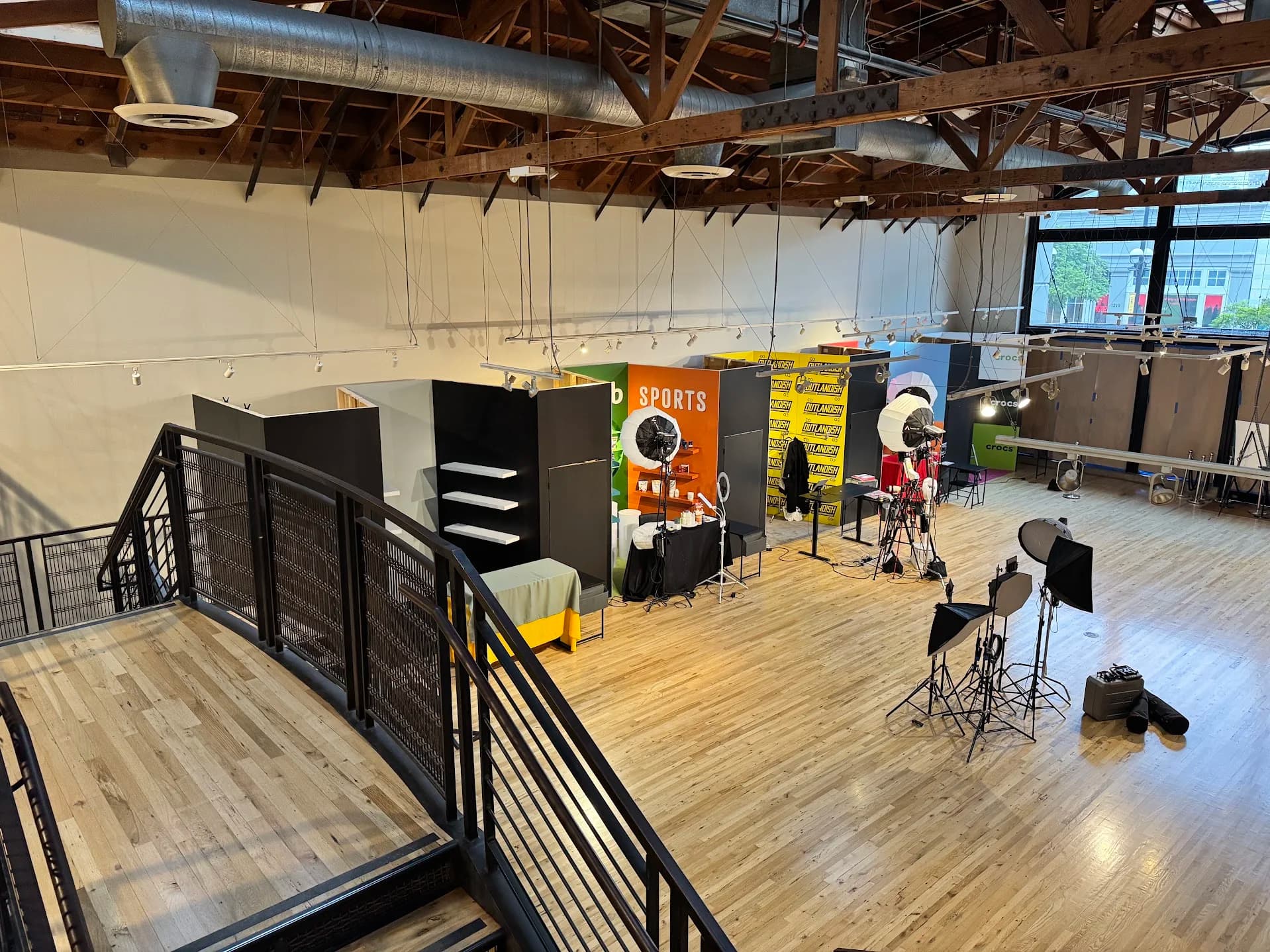
Ask where equipment will be supported. Floor stands use space and can conflict with camera lanes or access. Overhead mounting may clear the floor but requires an appropriate support design, installation access and maintenance plan. These are project decisions for qualified installers and building specialists, not details to improvise after delivery.
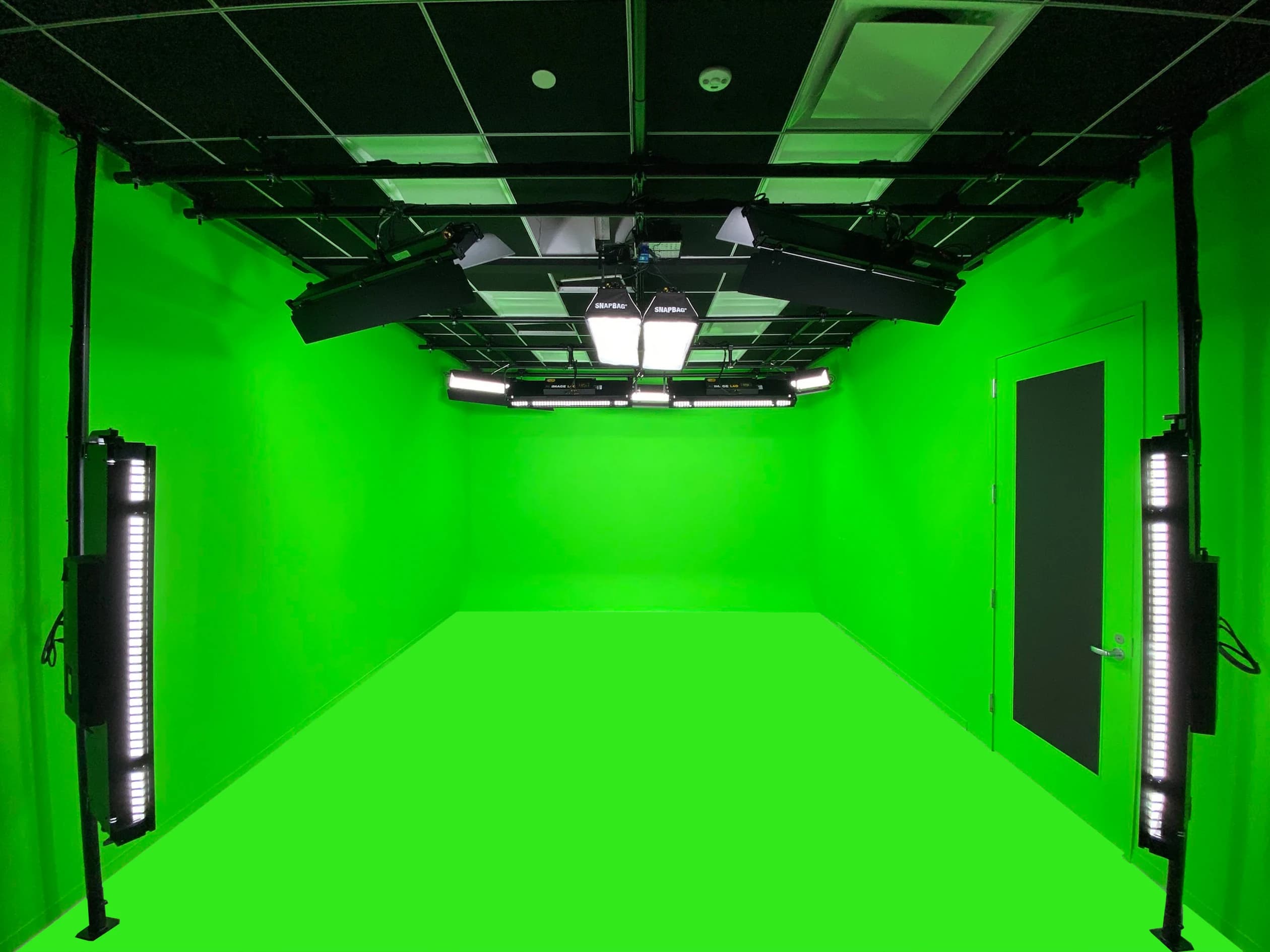
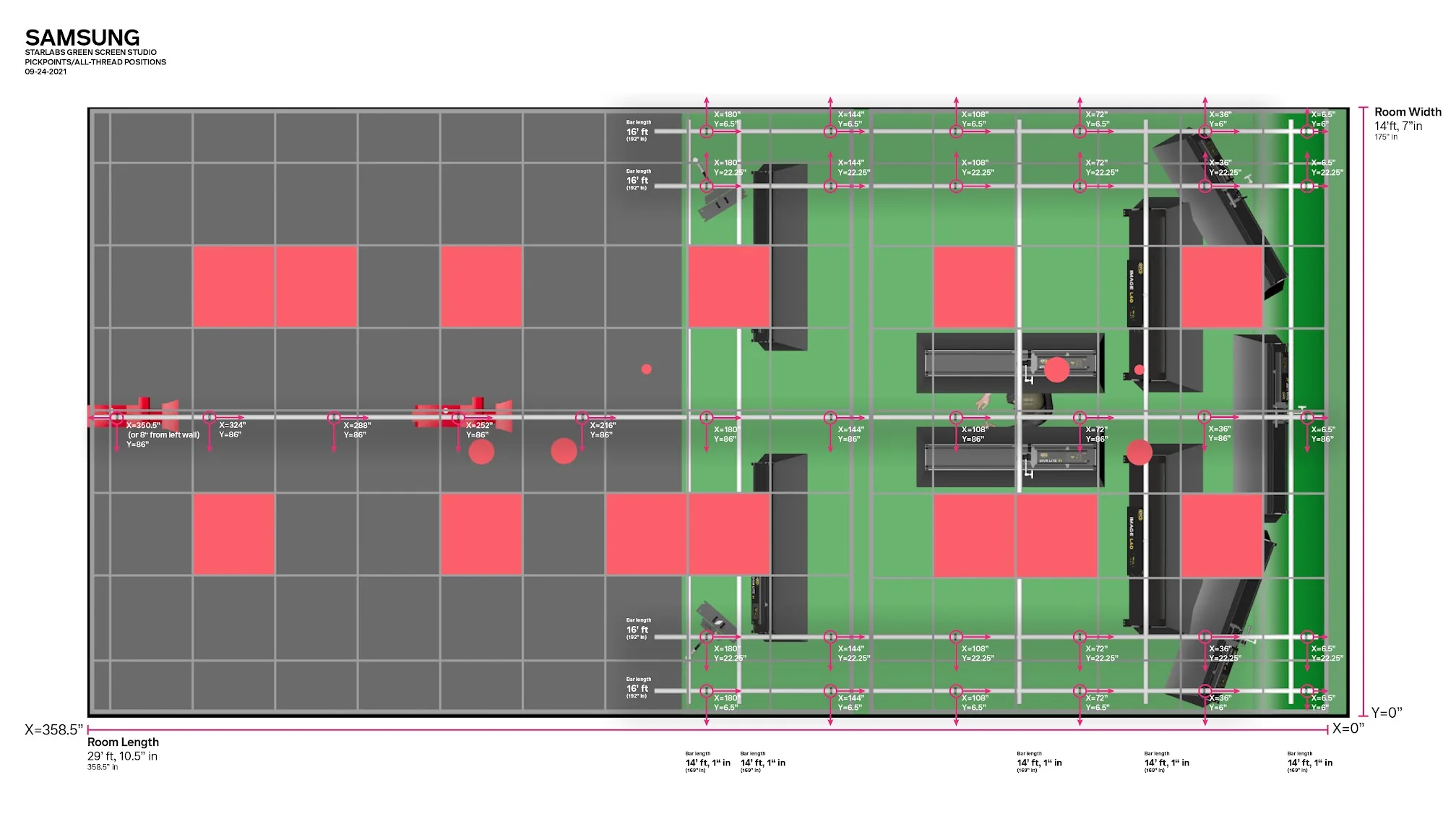
JAZ’s Samsung Research America project is documented as beginning with camera-position studies before the office conversion. The scope then coordinated fixed camera locations, overhead lighting and control. The useful example is that geometry informed the installation. It does not prescribe the same grid or fixtures for another room.
The background is part of the lighting problem
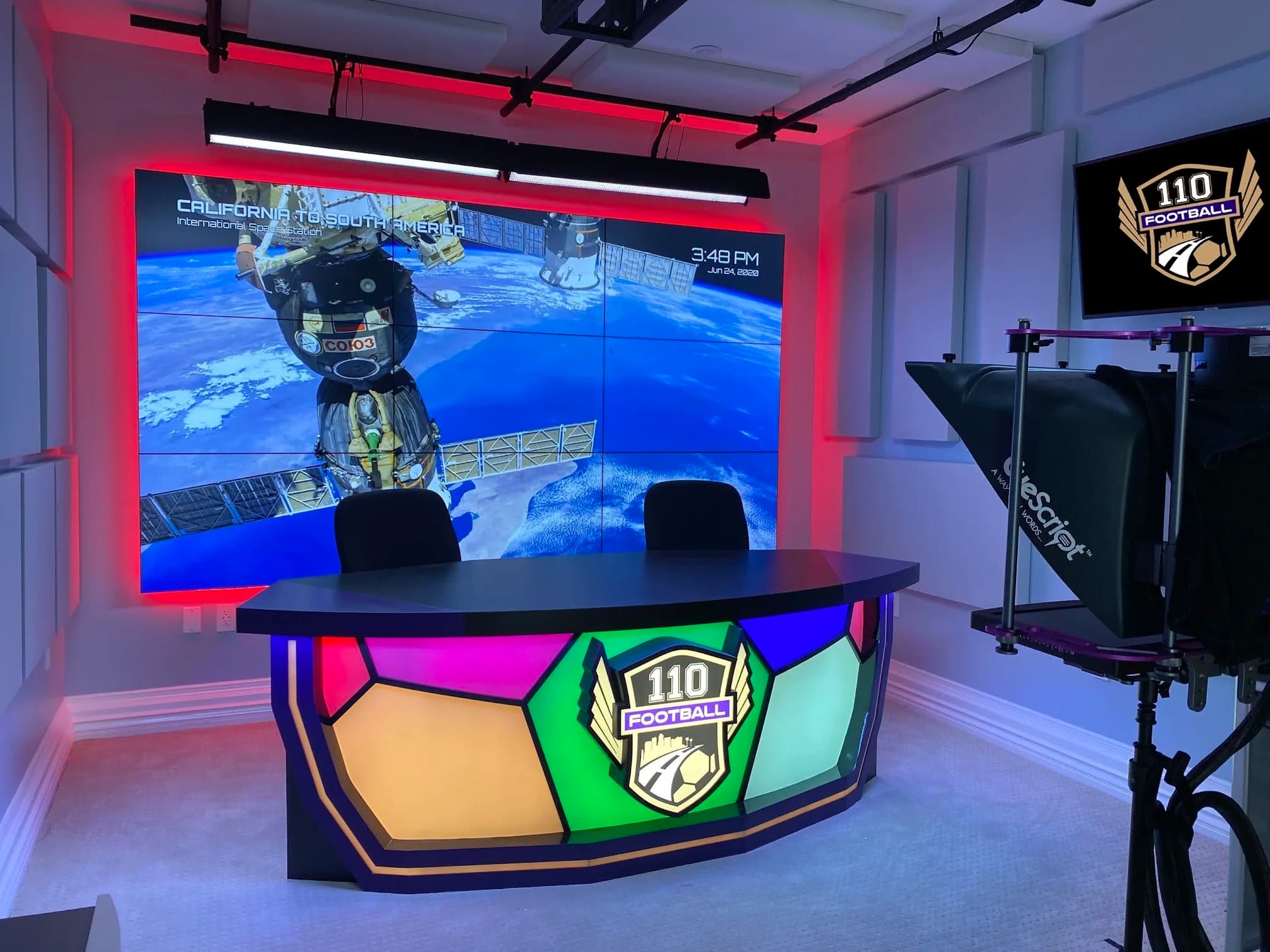
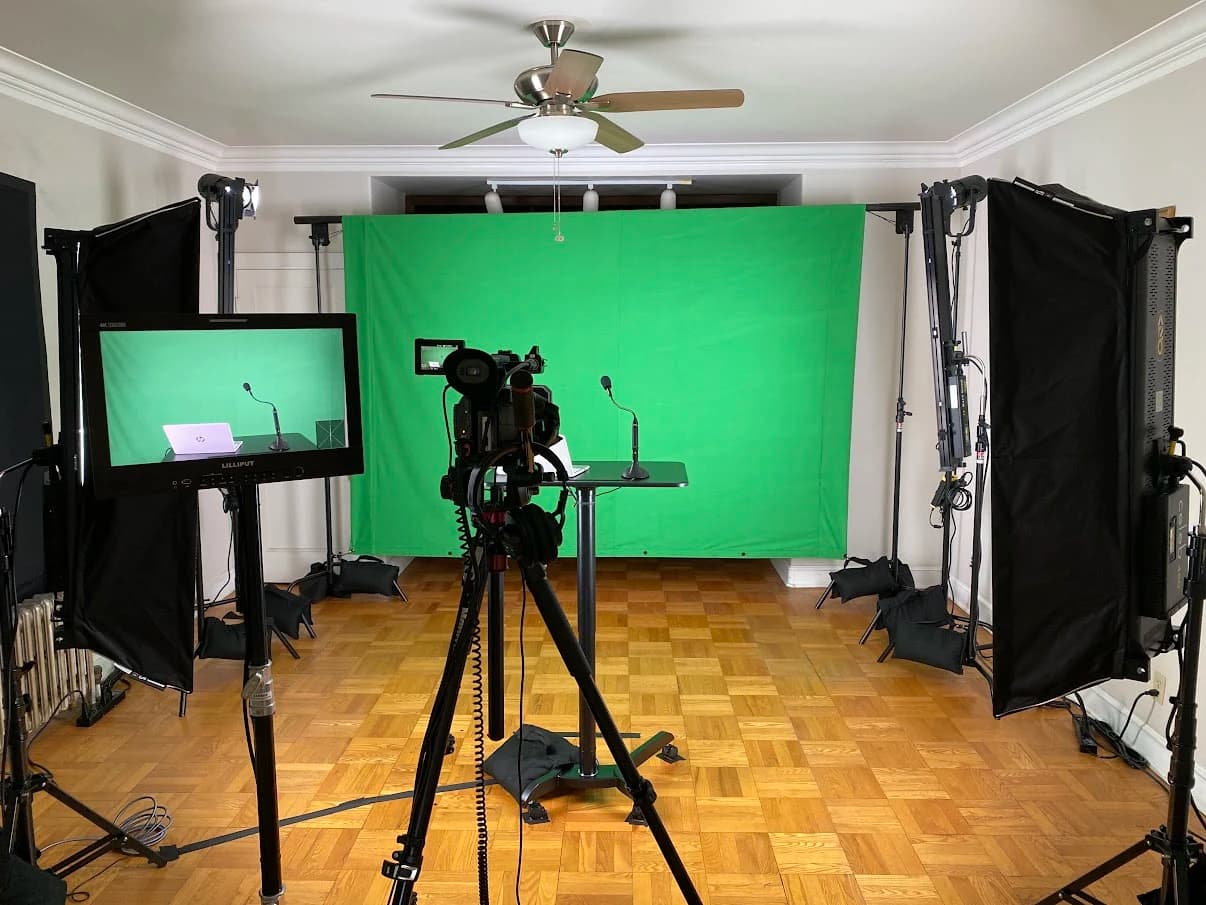
A display wall, green screen and physical set each create different relationships with the presenter. A bright display may require coordination between its content, brightness and the camera exposure. A green-screen workflow needs a usable background capture as well as a well-lit speaker.
Separate those requirements in the brief. “Light the presenter” and “make the background work for the chosen camera view” are distinct jobs, even when some fixtures contribute to both. Approving one without checking the other can leave the team trying to repair the result during every session.
Physical scenery also deserves testing. Glossy surfaces, framed artwork and table finishes can reflect light into one camera while looking fine from another. Use representative materials and inspect all required views before the final finish or fixture positions are locked.
Comfort and repeatability belong in the specification
The presenter has to work under the lights. Test the speaking position with the actual person where possible, including glasses and normal screen use. A technically usable image is not enough if the setup encourages squinting or makes it difficult to read notes.
Think about what changes between sessions. If the chair, camera or table moves, a stored lighting setting may no longer produce the accepted view. Make reset positions clear and easy to check. The control system should use meaningful names, while the operating instructions explain the conditions those names assume.
For a shared room, decide which lights belong to normal room use and which belong to production. Users should not have to guess whether turning off a wall switch will disable part of the studio. Coordination with the building’s lighting and electrical systems avoids that ambiguity.
Specify decisions before specifying fixtures
| Planning question | What the answer changes | Evidence to request |
|---|---|---|
| Which shots are required? | Coverage areas and useful lighting directions | Camera study with people in position |
| What moves during a session? | Coverage and reset requirements | Recorded movement test |
| What is behind the presenter? | Background lighting and exposure decisions | Sample from every camera |
| Where can equipment be mounted? | Support, access and installation scope | Site review and appropriate mounting design |
| Who operates the room? | Control names, presets and training | User-led startup and reset test |
This approach also makes proposals easier to compare. A supplier can explain why a fixture, support or control is needed and which view it serves. If a substitution is proposed, the team can evaluate whether it still meets that job instead of comparing only a headline output figure.
Test the whole look under real conditions
Record a short sample using the intended camera settings, room displays and practical lighting. Include movement, glasses, representative clothing and any product or surface that is difficult to show. If windows remain part of the room, test the relevant times of day.
Look for changes across views, unwanted reflections and any visible flicker or banding in the actual recording. Do not accept a claim of compatibility without checking the camera and lighting combination at the intended settings. The test result should be saved so later changes can be compared with the accepted configuration.
Include the ordinary operator in the test. They should recall the intended state, identify whether the room matches the reference and know what to do if it does not. A system that only the designer can reproduce has not completed its handover.
Bring the room and the shot list to the first discussion
Before asking for a lighting package, prepare room photographs, measurements, the required camera views and a description of presenter movement. Note windows, reflective surfaces, mounting restrictions and whether the room must remain useful for other work.
JAZ’s broadcast studio planning coordinates these decisions with cameras, backgrounds and control. Send the room and program requirements so we can discuss the layout before equipment choices narrow the available options. The paired guide provides a fuller sequence for turning the shot plan into a coordinated room.
Jesse Kaplan

Jesse Kaplan is the third generation of JAZ Entertainment. His work spans permanent studios, professional AV systems and live technical production.
About Jesse and JAZ