

A corporate hybrid event needs one coordinated program with clear requirements for both the venue and the remote audience. Plan the technical production around the running order, speaker locations, content and participation. Then assign the systems and people needed to deliver each segment.
This guide provides a planning sequence for the producer, event team, venue, IT and technical crew. It also identifies the decisions that should be settled before rehearsal, when there is still time to resolve conflicting assumptions.
Define the audience experience
Describe what people in the venue and online should be able to do. Are they watching a presentation, asking questions, joining a discussion or moving between sessions? State which parts of the program are live, recorded or available afterward.
Document the remote entry process. Include the event link, permissions, registration where used and the person who handles attendee access problems. The technical production team needs to know whether an audience member can reach the player, not simply whether an encoder can send a signal.
Identify accessibility requirements early. Assign captions, content review and any other agreed accommodations to named owners. W3C’s media planning resource provides a useful framework for separating live and recorded needs. The event team should confirm the requirements relevant to its audience and organization.
Turn the agenda into a production sequence
An agenda lists what happens. A production sequence adds who appears, which content is used and what each audience receives. Start with arrival and holding states, then work through the opening, presentations, discussion, breaks and close.
Identify transitions that change the technical arrangement. A remote interview, a video with sound, an audience question and a panel discussion each require specific cues. Give them distinct names so the crew can rehearse the handoff rather than infer it during the program.
Keep the running order under version control in the ordinary production sense: one identified current version, an owner and a way to communicate changes. The run-of-show guide provides a practical cue and readiness structure for this step.
Assign decision authority and crew roles
Name the producer or event authority who can change the program, hold the start or approve a fallback. Identify the show caller who communicates cues. Technical operators should know whose instruction governs the live sequence.
List the required roles based on simultaneous tasks. These may include audio, cameras, video switching, playback, streaming, remote guest support and audience moderation. One person may cover more than one role on a simpler event, but the plan must account for moments when those jobs overlap.
Separate technical fault reporting from audience support. A guest who cannot join the event needs a useful contact, while a streaming operator needs to focus on the program path. Agree how support issues reach the production team when they indicate a wider problem.
| Responsibility | Main question | Required coordination |
|---|---|---|
| Producer | Can the program proceed or change? | Client, venue and show caller |
| Show caller | What happens next and on which cue? | All operators and stage support |
| Audio | Who hears each source? | Room, stream and remote guests |
| Video and playback | Which view or asset is on program? | Cameras, graphics and content owner |
| Streaming | Is the destination receiving a usable program? | Platform owner and venue IT |
| Guest and audience support | Can contributors and attendees participate? | Moderator and production team |
Survey the venue as a working production space
Inspect stage positions, audience sightlines, camera locations, control positions and cable paths. Include load-in access, equipment storage, operating hours and restrictions on mounting or power. Coordinate building and safety questions with the responsible venue professionals.
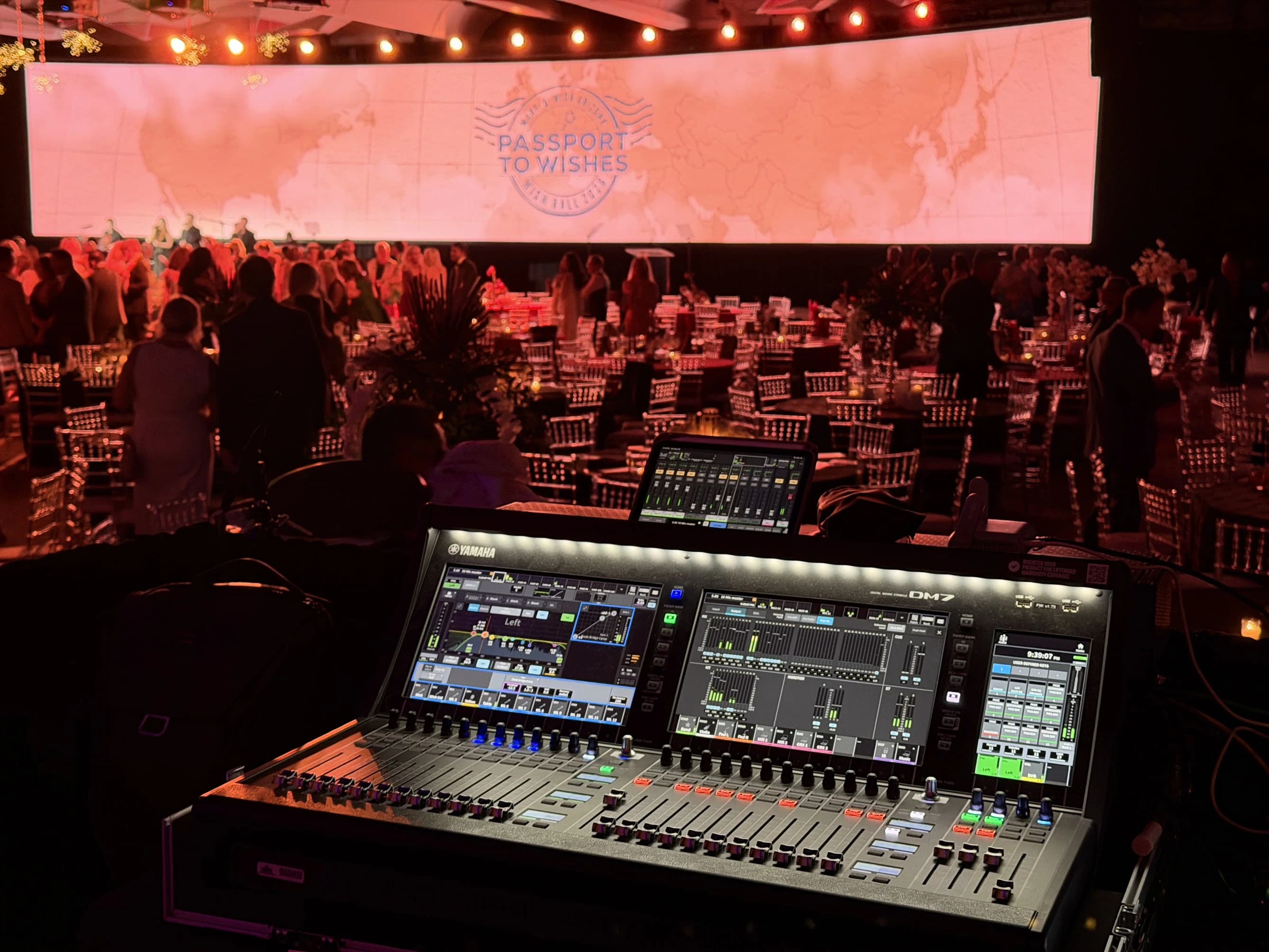
Check whether the proposed control position has the visibility and communication needed for the program. Some operators need a direct view of the stage; others rely on monitors. The arrangement should make their work practical without obstructing the audience or venue circulation.
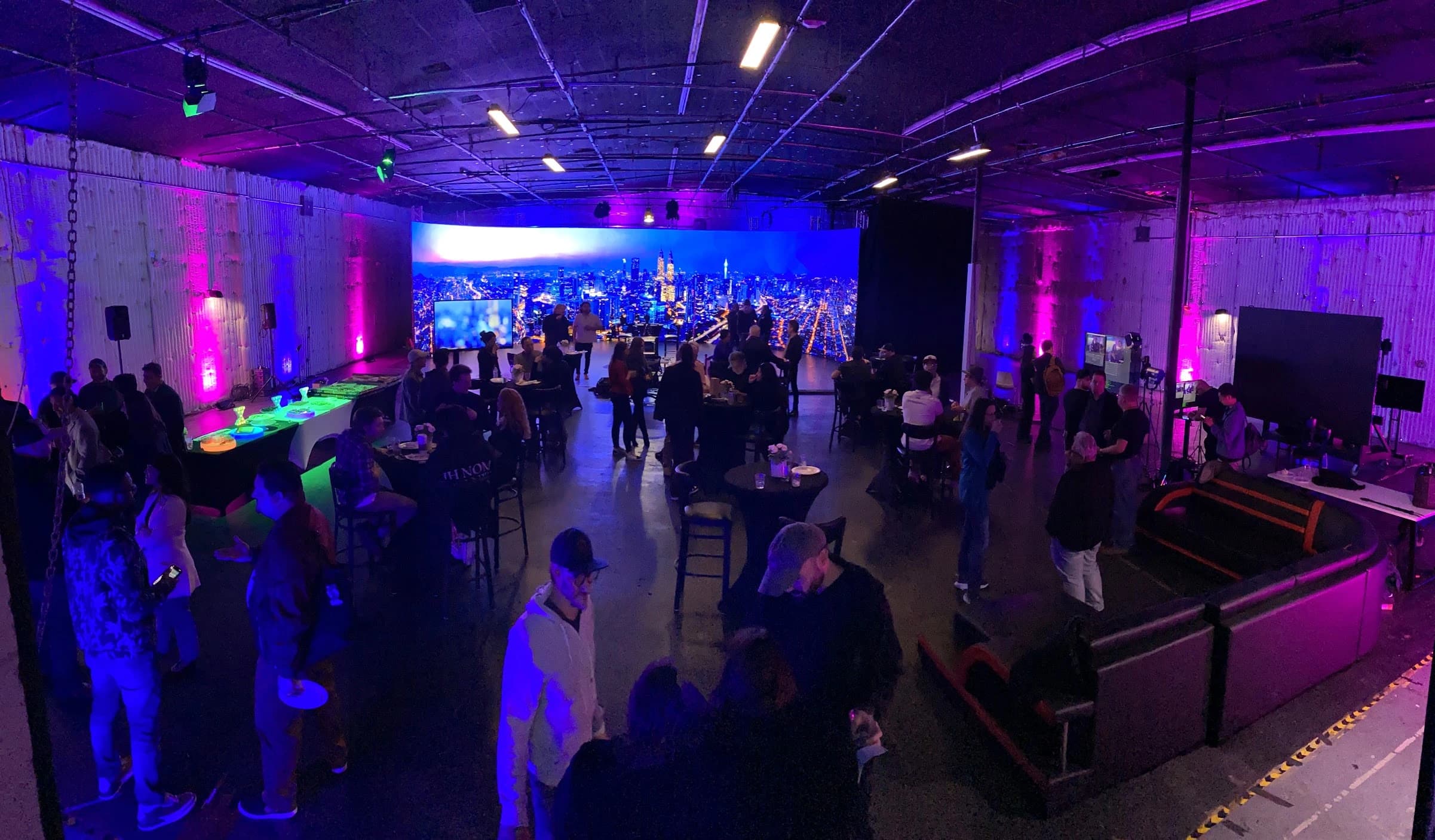
JAZ’s corporate live-event record describes coordinated technical and venue planning. Use the actual event’s site survey to define its requirements. A photograph of a previous event can illustrate a control position, but it cannot establish the power, network or structural conditions of another venue.
Draw the audience and guest signal paths
List every source and destination. Sources may include stage microphones, remote guests, presentation computers, playback and cameras. Destinations may include venue screens, loudspeakers, remote guest returns, the stream, confidence monitors and recordings.
Pay particular attention to remote return audio. A guest needs the relevant conversation and content without a disruptive delayed return of their own voice. Ask the audio team to describe and test that path. The venue mix, stream mix and guest return may need to differ.
Define the presenter’s information as well. They may need the current slide, next slide, timer, remote guest or audience questions. Decide which information appears where and who changes it. A confidence screen should support the presenter’s task rather than display every available feed.
Confirm the network and streaming destination
Work with venue IT on the actual connection, policies and access needed for the production. Test the supported configuration before the event, including any authentication or firewall requirements. Keep streaming credentials and account ownership with the appropriate authorized people.
Use the platform’s current documentation for encoder and delivery requirements. YouTube’s live encoder reference is one example; another platform may have different requirements. Select a format based on the destination, available connection and content, then test it with representative motion and audio.
If a backup connection is proposed, identify the failure it covers and how it is selected. Do not assume two connection labels mean independent infrastructure. Ask who makes the change, what interruption the audience may experience and how the team verifies recovery.
Prepare speakers and content together
Give speakers a clear briefing on arrival, microphones, slides, timing and cues. Remote speakers need a joining method, a pre-event technical check and a contact who can reach them outside the program path if their connection fails.
Collect content in a controlled process. Identify the approved deck or video, its version and its playback owner. Test embedded media, fonts, aspect ratios and audio in the actual playback arrangement. A file opening on the author’s laptop is only one part of that check.
Review content in the remote composition. Small text or a detailed chart may need a different view from the venue screen. Include captions and other overlays in the sample so the content owner can see where information competes for space.
Rehearse the transitions that can fail
A technical rehearsal should exercise the whole sequence with the actual assets and representative participants. Prioritize the opening, remote guest handoffs, content playback, questions, breaks and closing. These moments often cross several departments.
Have a person outside the venue monitor the received experience. Ask them to check sound, picture, content, captions and access. The crew’s local preview cannot establish what the audience receives after the platform and network paths.
Practice the agreed fallback decisions in a controlled rehearsal. For example, if a remote speaker disconnects, the host might continue with a prepared question or move to the next segment. The producer decides the acceptable response, and the crew practices the corresponding cues.
Build a readiness record
Use a readiness list that names the check, evidence, owner and open issue. “Tested” should mean a specific scenario passed under stated conditions. It should not mean someone saw a device power on earlier in the day.
Separate unresolved defects from late program changes. Both need attention, but they affect the plan differently. A newly added speaker may require another guest check and revised cues even when the original system was fully tested.
Before opening the event, ask each department to report its readiness to the designated decision-maker. If something important remains unresolved, make the limitation and available response explicit. Avoid allowing the clock to make an unspoken decision that the production is ready.
| Readiness check | Evidence | Owner |
|---|---|---|
| Venue program | Stage, screens and room sound operate through the planned sequence | Technical lead |
| Remote audience | Approved viewer joins and receives usable program content | Streaming and audience support |
| Remote speakers | Each guest completes a contribution and return test | Guest support and audio |
| Content | Correct versions play with required sound and framing | Playback operator and producer |
| Accessibility | Agreed services function in the actual destination | Assigned accessibility owner |
| Recovery | Selected fallback cues have been rehearsed | Show caller and department leads |
Account for breaks and delayed starts
A break is still part of the remote program. Specify the holding view, microphone state, return time and person who updates that information if the room runs late. Remote attendees should not need to infer whether a silent player means a planned pause or a technical failure.
Rehearse the return from a break as a cue sequence. Confirm that the presenter is ready, remote contributors are connected and the correct content is selected before replacing the holding view. This is particularly useful when the room audience has returned but a remote speaker is still being checked.
Close the event deliberately
Define the final cue for the room, stream and recording. Decide what the audience sees after the last speaker, when microphones are muted and who confirms that the public program has ended. The event should not drift into an unplanned backstage view.
Check the recordings before equipment is struck or media reused. Confirm the expected files, storage locations and handoff to the editor or client. Record any known gaps so the receiving team does not discover them without context.
Hold a short production review while observations are fresh. Note changes that would improve the next event, including guest preparation, content delivery and audience support. Keep these findings specific enough to update the next brief rather than collecting general impressions.
The brief to send the technical team
Provide the date, venue, audience arrangements, program sequence, speaker locations and content types. Include the platform, access method, recording requirements, accessibility responsibilities and named contacts for the client, venue and IT. Mark open decisions rather than filling them with assumptions.
JAZ’s hybrid event production and technical direction services can help develop that brief into a working production plan. Send the agenda and audience requirements early enough to resolve venue, network and rehearsal needs before the final schedule is locked.
Jesse Kaplan

Jesse Kaplan is the third generation of JAZ Entertainment. His work spans permanent studios, professional AV systems and live technical production.
About Jesse and JAZ