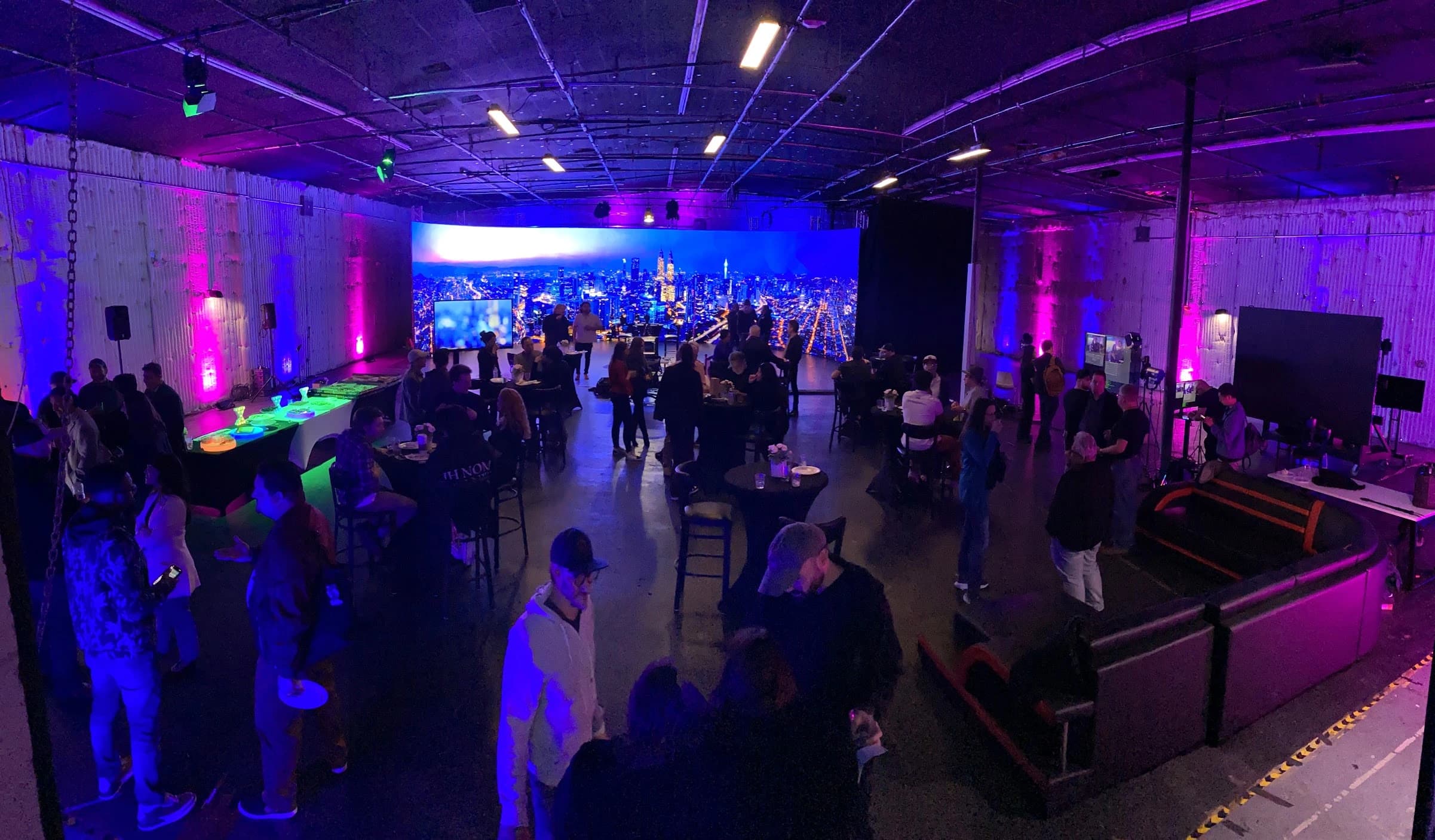

A run of show is the shared description of how a live production moves from one moment to the next. A technical readiness plan records whether the people, assets and systems needed for that sequence are prepared and tested.
Build both documents together. The running order reveals what needs to be ready; testing reveals what must change in the running order. Keep them concise enough for the crew to use while preserving the details that prevent ambiguous cues.
Separate the agenda from the cue sequence
An agenda may say “welcome,” “keynote” and “questions.” A run of show adds the presenter, duration, content, technical actions and person calling the transition. The crew should be able to identify what happens at the start and end of each segment.
Use stable cue identifiers rather than relying only on clock time. Live programs can run early or late, and a cue may still need to happen in the correct sequence. Include both scheduled time and duration where useful, but make the action itself unambiguous.
Choose a level of detail suited to the event. A small presentation may need a short cue sheet. A program with remote guests, playback, multiple presenters and a stream needs more departmental detail. The goal is a usable operating document, not the longest possible spreadsheet.
Name the people who can change the show
Identify the producer or event authority who approves program changes. Name the show caller who issues operational cues and the department leads who receive them. Make the communication route clear before rehearsal.
Distinguish a readiness report from a cue. “Playback ready” confirms a state. “Roll playback” initiates an action. The words the team uses should make that difference clear, particularly when several departments share a communication channel.
Agree how urgent problems are reported. An operator should be able to identify the affected source or segment without a long explanation during a live transition. Decide who can hold a cue and how that instruction reaches the presenter or stage team.
Build the working run of show
Start with audience arrival and end with confirmed closure of the public program. Include holding states, countdowns, introductions, presentations, questions, breaks and post-show recording checks. These less visible moments still require deliberate operation.
The example below is an explanatory framework, not a record of a JAZ event. Replace its segments and responsibilities with the actual production plan. Keep exact filenames and private contacts in the working production document rather than public-facing material.
| Cue | Segment | Picture and content | Audio and action | Cue owner |
|---|---|---|---|---|
| Q01 | Audience holding | Approved holding graphic | Agreed pre-show audio state | Show caller |
| Q02 | Opening | Opening video, then presenter view | Playback sound, then presenter microphone | Show caller with playback and audio |
| Q03 | Presentation | Presenter and approved slides | Presenter microphone and required playback | Show caller with video and audio |
| Q04 | Remote interview | Host and remote guest views | Tested guest return and program mix | Show caller with guest support |
| Q05 | Questions | Relevant speaker or content view | Moderated questions through the planned path | Moderator and show caller |
| Q06 | Close | Closing graphic | Final message, then agreed off-air state | Show caller |
Add a notes column in your own document for exceptional dependencies. Avoid burying routine actions in long paragraphs. If an operator needs a detailed setup instruction, link or refer to the technical document that contains it.
Create one controlled content list
List every presentation, video, graphic, audio item and script used in the show. Give each an identifiable name, owner, current version and status. Connect the asset to the cue that calls it.
Define the content-delivery deadline and the process for late changes. A revised presentation can affect playback, timing, captions or the remote layout. The producer should approve the change, and the technical team should identify which tests must be repeated.
Keep obsolete versions out of the active playback selection. Preserve them according to the production team’s file-management process, but make the current choice unmistakable to the operator. The objective is to remove guesswork at the point of execution.
Map the technical dependencies
For each segment, list the sources and destinations it needs. A remote interview may depend on a contribution platform, guest audio return, camera views, venue screens and the stream. A prerecorded video needs the correct file, playback source, audio path and return to the next live view.
Identify shared dependencies. Several apparently separate outputs may rely on the same computer, network path or power source. Understanding that relationship helps the team decide where a fallback is useful and what it actually protects.
Keep the technical diagrams aligned with the current run of show. If the program adds a remote guest or changes a presentation method, update the source-and-destination list. A diagram for yesterday’s sequence can create false confidence in today’s readiness.
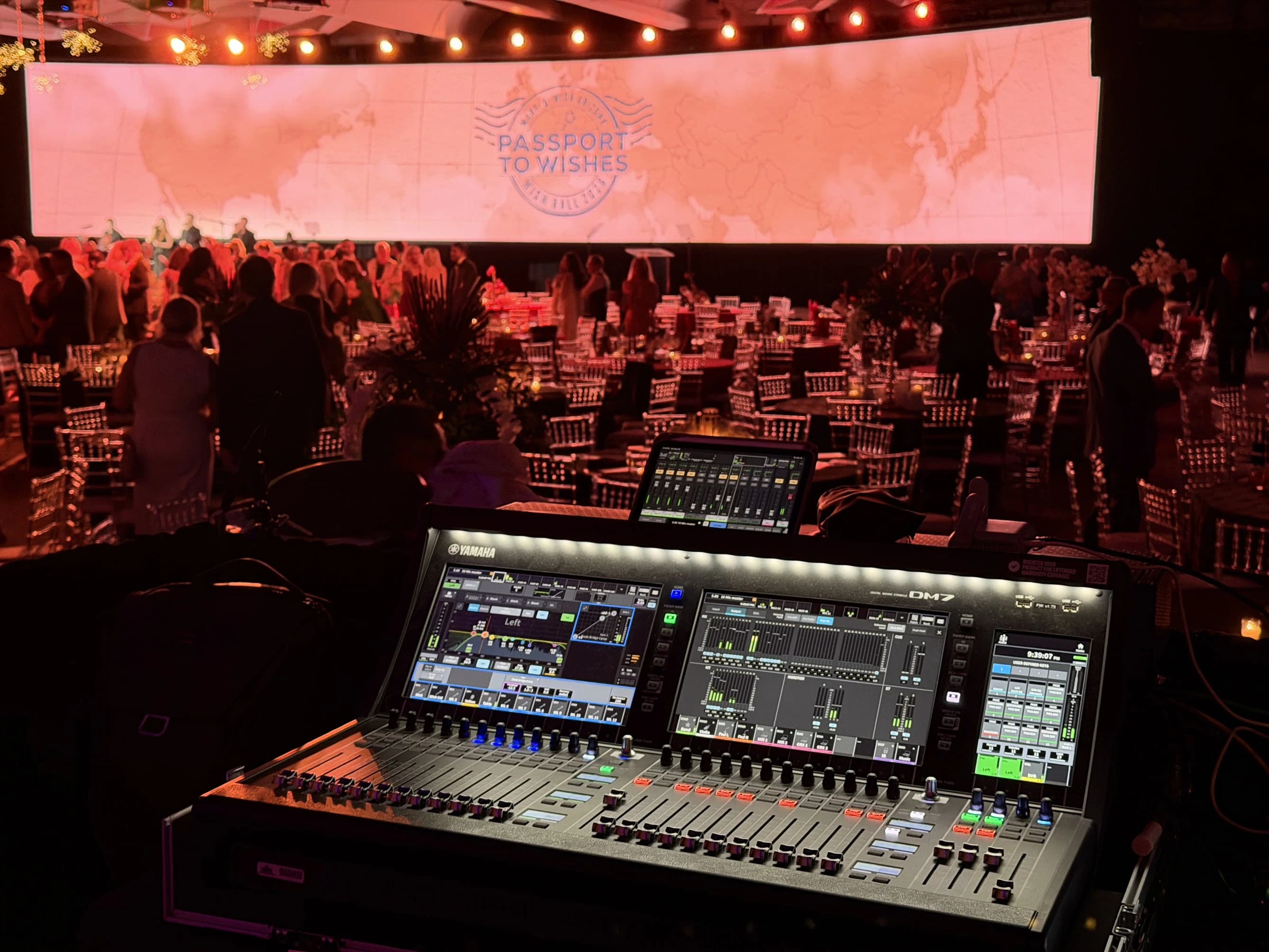
Define checks before rehearsing
A readiness check should state what is tested, under which conditions, by whom and what counts as a pass. “Cameras checked” is weaker than a record confirming that every required presenter position produces the intended view in the final program.
Include the destinations outside the control position. A separate viewer should check the received stream. A remote speaker should confirm their return. The receiving editor or producer should verify sample recordings. Each observes a different part of the production path.
Use representative content and behavior. Test actual slides, videos with sound, presenter movement and the likely pace of transitions. Simplified test material can establish basic connectivity without exposing the issues the real program creates.
| Readiness area | Check | Evidence |
|---|---|---|
| Cameras and lighting | Required views with people in position | Approved program samples |
| Audio | Each source reaches its intended listeners | Room, remote and recording checks |
| Playback | Current assets run through their cues | Correct picture, sound and next-state transition |
| Communications | Caller and operators hear and acknowledge cues | Rehearsed cue sequence |
| Recording | Required destinations save usable content | Opened and reviewed sample files |
| Platform | Authorized audience and guests can participate | Destination and contribution tests |
Use rehearsal time in layers
Begin with departmental checks so basic faults do not consume the full run-through. Then rehearse the transitions that cross departments. Finally, run the program sequence with presenters and the actual assets as closely as practical.
Stop when a significant handoff fails. Record the issue, assign an owner, make the correction and repeat the affected section. Continuing through the agenda without a retest may create the appearance of a completed rehearsal while leaving the original fault unresolved.
Protect time for presenter questions. A speaker may need a different confidence view, clearer timing cue or a practical explanation of microphone use. These are part of production readiness, not distractions from the technical work.
Plan recovery as a decision and a cue
Choose the failures that deserve a practiced response. Examples include an unavailable remote guest, failed playback source or interrupted stream. For each, identify the trigger, who decides, what the audience sees or hears and how the team returns to the program.
Separate the business decision from the technical action. The producer may decide to skip a segment, while the show caller cues the host, video and audio changes that make the skip coherent. Operators should not have to invent that program decision while troubleshooting.
Practice selected failures only in a controlled rehearsal. Let the affected team know the test is happening and restore the accepted configuration afterward. A recovery plan should be demonstrated where practical, not treated as proven because backup equipment is present.
| Failure scenario | Decision to prepare | Technical response to rehearse |
|---|---|---|
| Remote guest disconnects | Hold, continue with host or move to another segment | Safe program view, audio state and guest reconnection |
| Playback cannot start | Use alternate asset or continue without it | Correct fallback source and return cue |
| Presentation source changes | Accept the change or preserve the current method | Supported connection, content and audio check |
| Stream becomes unavailable | Continue room program, pause or communicate another plan | Destination monitoring and approved recovery path |
| Recording destination fails | Continue with an agreed alternate or hold | Confirm alternate capture and note the affected interval |
Keep an issue log the caller can use
Record the symptom, cue or segment, impact, owner, action and retest status. Make unresolved items easy to find. A long history of closed issues should not hide the one problem that affects the opening.
Distinguish “fixed and retested,” “accepted limitation” and “still open.” The accepted-limitation status needs an authorized decision and a clear explanation of its effect. It should not be a polite substitute for an unresolved fault nobody wants to discuss.
Communicate changes to the departments affected. A camera adjustment may alter lighting or a graphic position. A new playback version may change timing. The issue log and run of show should remain connected so the team does not solve one task against an outdated plan.
Hold a deliberate readiness review
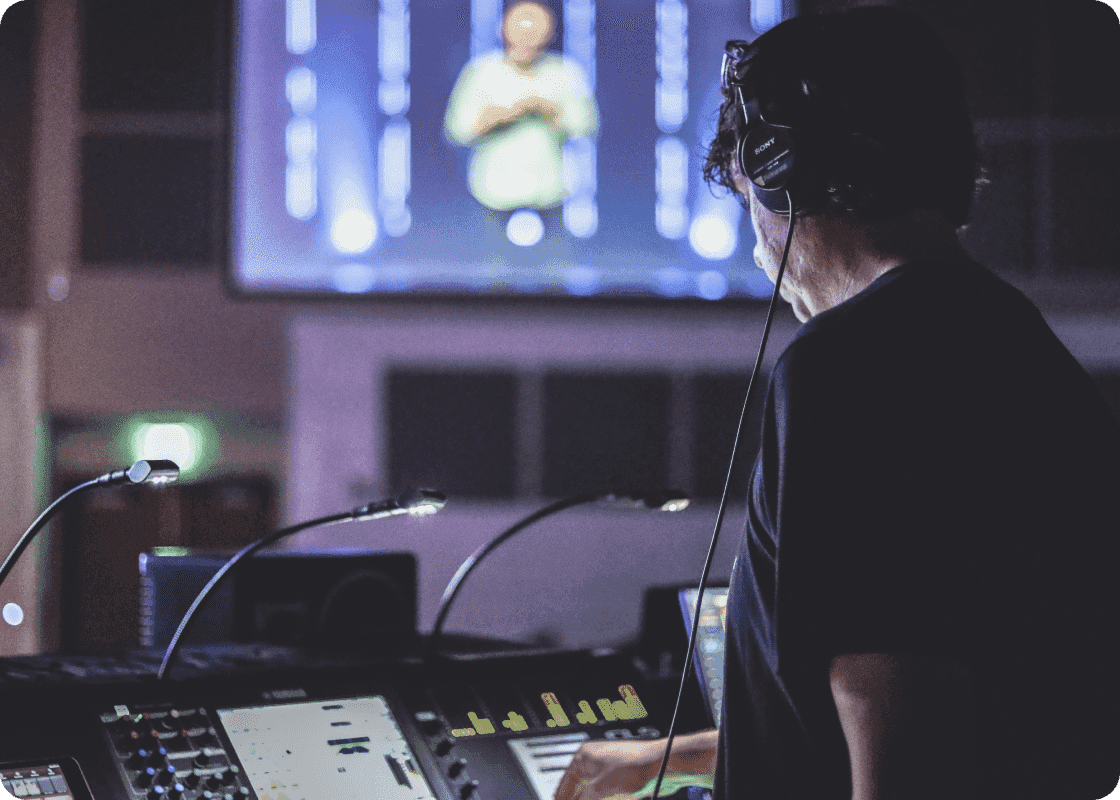
Before opening to the audience, ask department leads to report readiness against the agreed checks. Confirm presenters, assets, communications, recording, platform access and recovery decisions. Name any limitations that remain.
The designated producer or event authority makes the decision to proceed. The technical lead provides the evidence and operational implications. Avoid allowing the scheduled start time to imply acceptance of a problem that has not been discussed.
Record the current run-of-show version at this point. If a late change arrives, assess its effect and communicate it through the agreed route. A handwritten note known only to one person can create conflicting instructions at the next transition.
Close the program and preserve the deliverables
The final cue should specify what happens to venue sound, stream picture, microphones and recording. Confirm that the public destination has ended before treating the room as off air. Then complete the planned recording checks.
Identify the files, storage locations and person receiving the handoff. Note any gaps or deviations while the context is fresh. Do not reuse recording media until the responsible person has confirmed the agreed transfer and verification process.
Review the show with the team. Keep the useful findings: a confusing cue name, a late asset, an untested guest arrangement or a successful recovery. Update the next production template with specific changes rather than storing a report that nobody uses.
Readiness package to send JAZ
Provide the agenda, current run of show, speaker locations, content list, venue contacts, platform and recording requirements. Add the known constraints, open decisions and the person authorized to approve changes. This gives JAZ technical direction a concrete basis for coordinating the production.
For a broader event scope, connect this package to corporate event production and the hybrid event planning guide. Send the working documents before the rehearsal schedule is fixed so the required checks, people and access can be planned together.
Jesse Kaplan

Jesse Kaplan is the third generation of JAZ Entertainment. His work spans permanent studios, professional AV systems and live technical production.
About Jesse and JAZ