

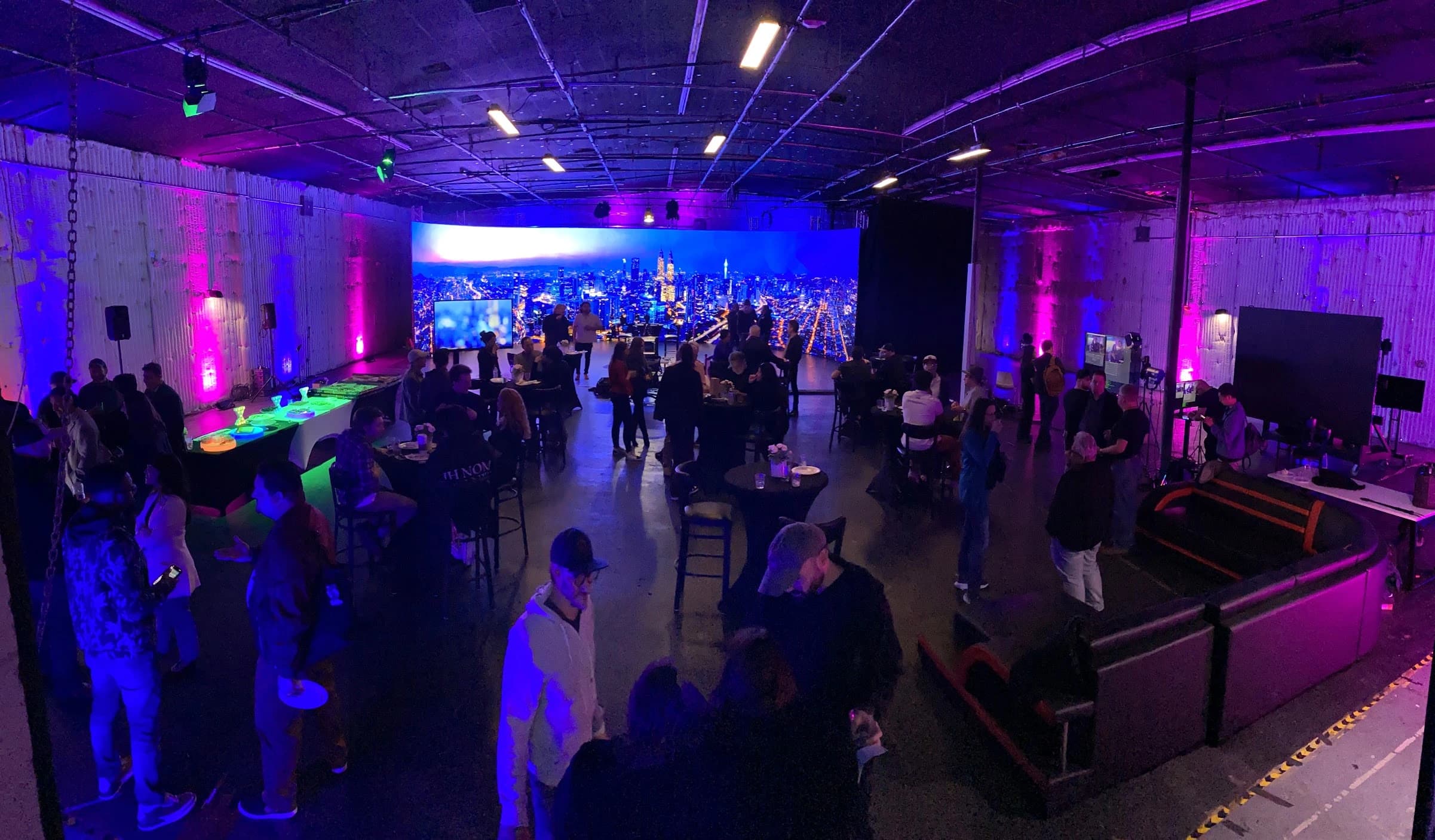
A hybrid event needs a production plan for the people in the venue and the people attending remotely. A camera and a stream can transmit a view of the room, but they do not determine what remote attendees can hear, read, ask or contribute.
The extra work appears at the handoffs: a remote speaker joins the stage discussion, a presentation replaces the camera view, an audience question needs a microphone, or the venue program pauses while the stream remains live. Those transitions should be designed before show day.
The two audiences receive different information
People in the room can turn toward a speaker, read the stage environment and notice a moderator moving through the audience. Remote attendees receive only the selected picture and sound. Information that feels obvious in the venue may be absent from the stream.
Describe the remote experience segment by segment. If a presenter points to a screen, decide whether the audience sees the slide directly, a camera view or both. If a question comes from the floor, decide how it reaches the remote audience and whether the question needs to be repeated.
Do the same for the room audience. They need to see and hear remote speakers clearly, and the presenter needs a useful view of those contributors. The camera looking at the stage is only one direction of that exchange.
Remote speakers create return paths
A remote participant needs the right audio and picture returned to them. They may need to hear the host, another speaker and playback without receiving a disruptive delayed return of their own voice. The venue, stream and remote guest can therefore require different feeds.
Assign someone to prepare and support remote speakers. That person should confirm the joining method, check the guest’s setup and communicate changes before the guest is on air. A presenter cannot reliably host the room and troubleshoot a remote contributor at the same time.
Rehearse from the guest’s actual location where practical. Test interruptions, shared content and reconnecting. A successful call between two devices in the venue does not establish that a guest’s home or office connection will behave the same way.
Audio needs separate listening checks
The sound that works in the room may not be the right mix for the stream. In-room loudspeakers contribute to the audience experience, while remote listeners depend on the feed delivered to their device. Someone should monitor that received feed independently.
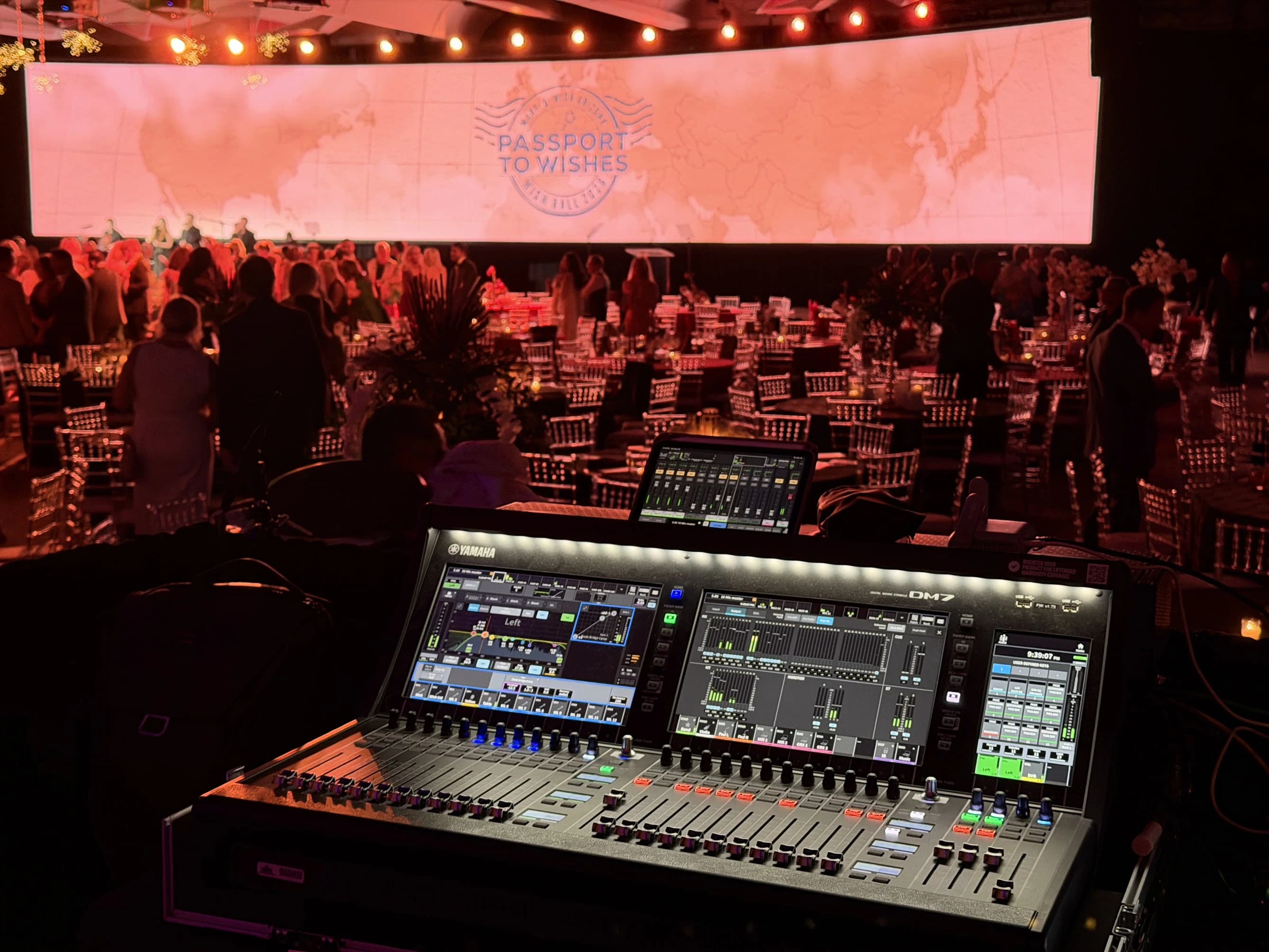
Check every source that matters: presenter microphones, remote guests, videos, audience questions and any intended room sound. A moving meter proves that a signal exists somewhere, not that the right audience can understand it. Listen through the complete destination path.
JAZ’s corporate event work documents coordination across audio, video, lighting and broadcast. That scope supports an integrated production discussion. It does not establish that one generic audio arrangement suits every hybrid event.
Content must work in more than one view
A slide that looks acceptable on a large venue screen can be difficult to read in a small stream window. Review the intended remote composition with actual slides, charts and lower-third information. Give the content team enough time to revise material that does not survive that presentation.
Assign versions and cue names before rehearsal. “Play the introduction” is ambiguous if several similarly named files exist. The show caller and playback operator need an agreed reference that points to the exact approved asset.
Consider transitions as content too. What do remote attendees see before the program starts, during a break and after the room applauds? A holding slide, countdown or moderated return can provide useful context. Leaving the stream on an unplanned wide shot may expose a confusing or unfinished moment.
Interaction requires an owner
If remote attendees can ask questions, someone must collect, moderate and deliver them to the presenter. Decide whether questions appear on a confidence display, arrive through the host or are selected by a separate moderator. The process should be rehearsed with a sample question.
Plan accessibility as part of the audience experience. W3C’s media planning guidance helps distinguish live and recorded-media needs. Identify the person responsible for captions, terminology and any additional access requirements agreed for the event.
Do not assume the venue team owns the online audience. Registration support, joining problems and stream questions can need a separate contact. Define the boundary between attendee support and technical production so neither disappears between vendors.
| Handoff | Question to resolve | Person who needs an answer |
|---|---|---|
| Room to stream | Which picture, sound and content does the remote audience receive? | Director and streaming operator |
| Remote guest to room | How is the guest seen, heard and cued? | Audio, video and guest support |
| Audience to presenter | Who selects and passes questions? | Moderator and show caller |
| Program to break | What remains live and what is muted? | Show caller and operators |
| Live to recording | What files and versions are retained? | Producer and editor |
Test the destination, not just the encoder
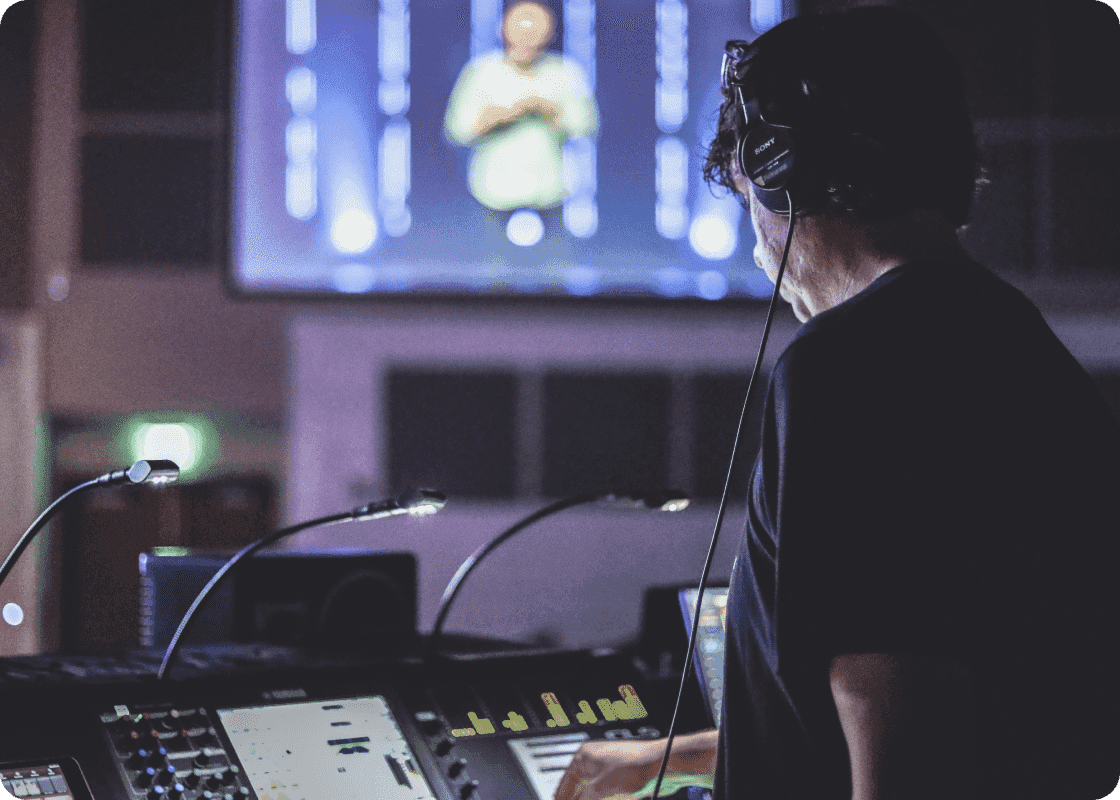
The encoder prepares the signal for the streaming platform, but the audience experiences the platform’s player and access flow. Check the event from a separate device and connection. Include the correct audience permissions and the actual program content.
YouTube’s encoder guidance recommends testing with representative audio and movement and monitoring stream health. Use the corresponding current guidance for whichever platform the event actually uses. Avoid copying a bitrate or resolution from an unrelated production without checking the destination and network.
Agree on what happens if a remote guest or stream becomes unavailable. The room may continue, pause or move to another segment. That decision belongs to the producer or designated event authority, while operators need clear cues for carrying it out.
Start with an audience plan
Before requesting equipment, describe the venue audience, remote audience, speakers, content and interaction. Add the platform, event access method, recording expectations and responsible contacts. A rough running order is more useful than a camera count at this stage.
JAZ’s hybrid event production service can help connect those requirements into the technical plan. Send the running order and audience needs, and use the paired guide to define the feeds, crew responsibilities and rehearsals needed before the event goes live.
Jesse Kaplan

Jesse Kaplan is the third generation of JAZ Entertainment. His work spans permanent studios, professional AV systems and live technical production.
About Jesse and JAZ