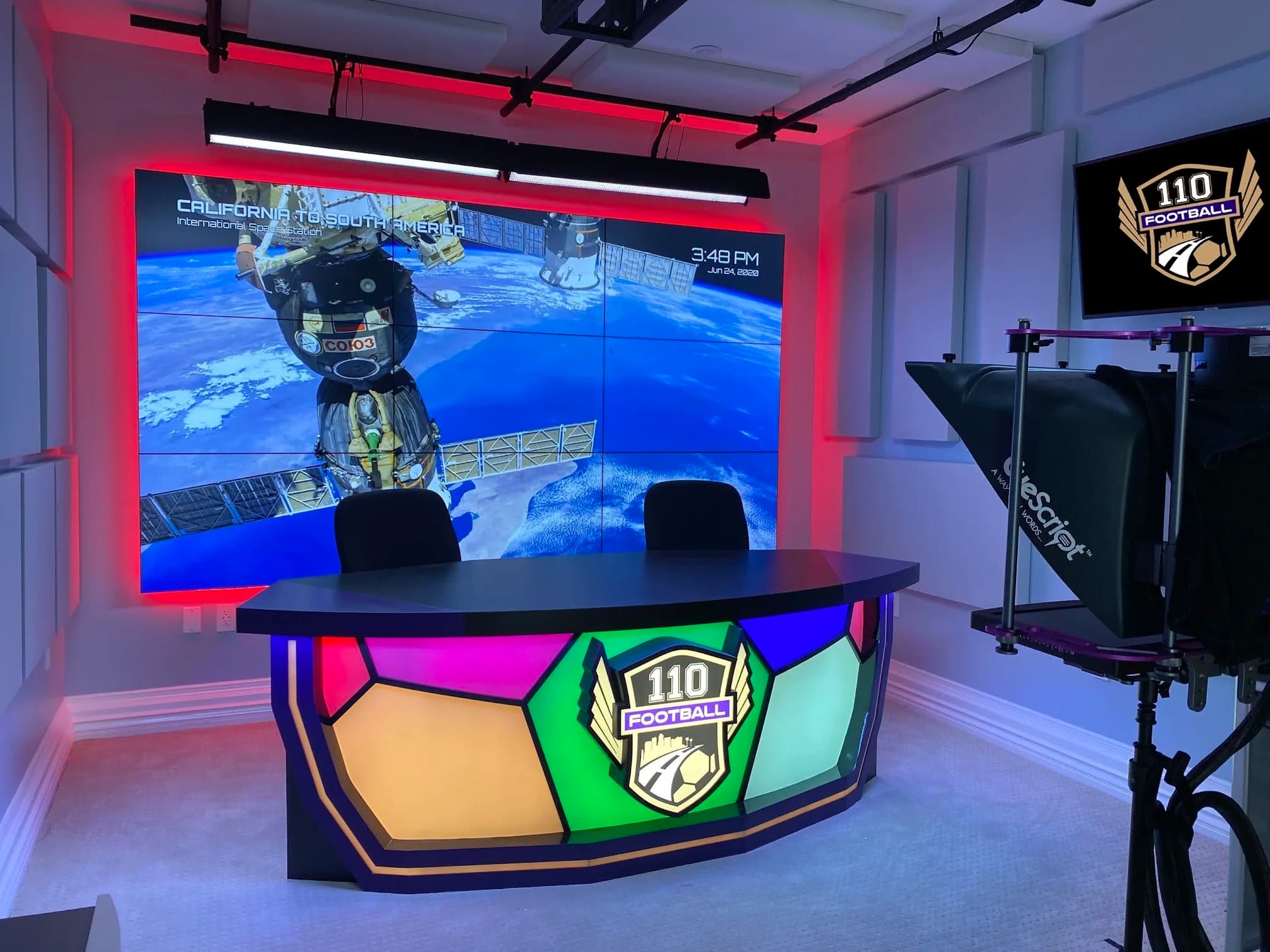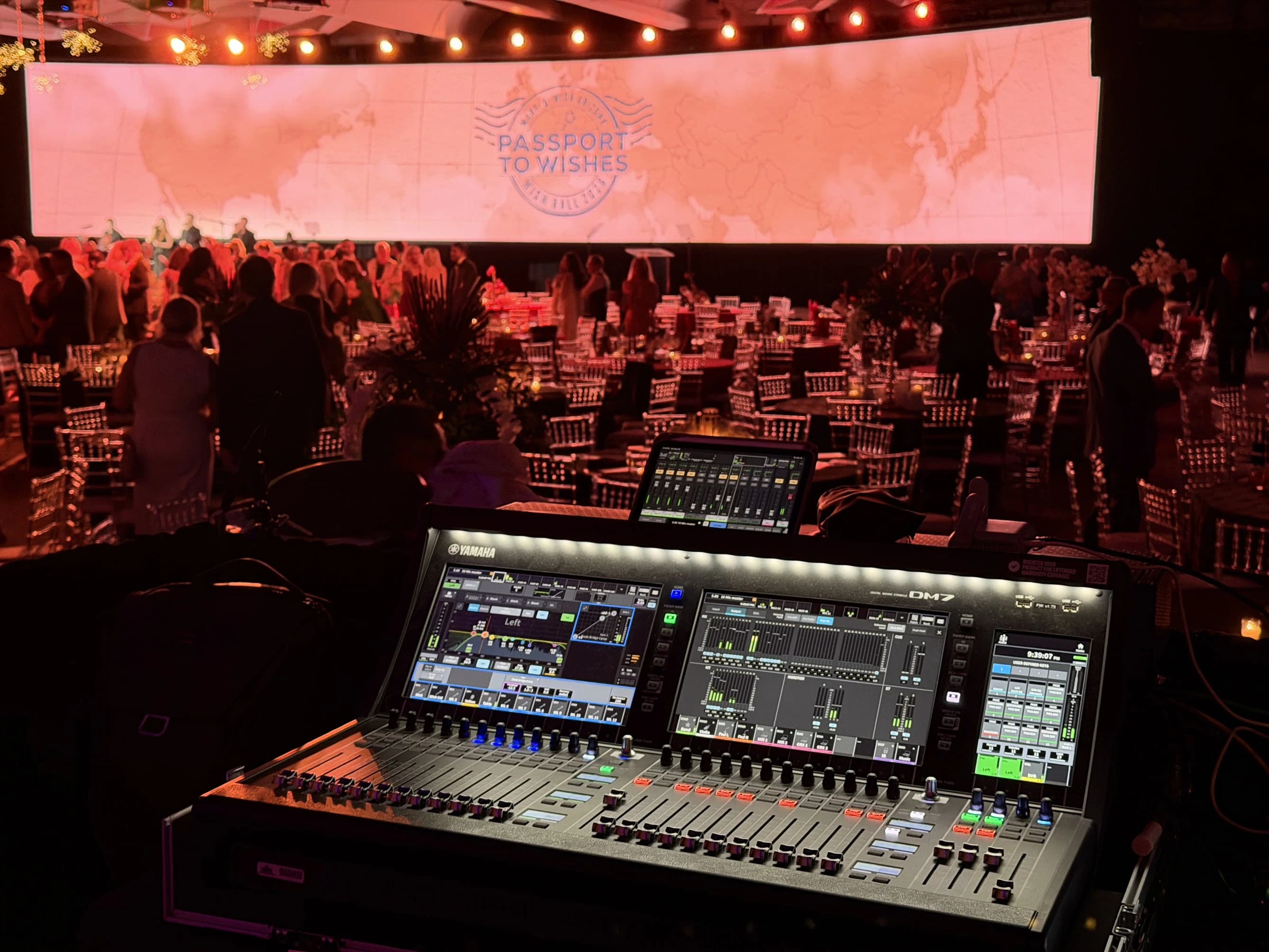

A live-shopping studio should make product demonstrations clear and repeatable while giving the presenter and operators enough room to work. Plan the product journey, camera views, lighting, platform responsibilities and reset process together.
Use this guide to develop a brief for a dedicated studio, a flexible content space or a public-facing retail installation. It focuses on production planning. Product claims, pricing, offers and platform eligibility remain the responsibility of the authorized business and platform owners.
Start with the product range
Describe the products the studio must show. Include size, weight, finish, packaging and the actions involved in a demonstration. A small reflective item and a large soft product create different camera, lighting and handling needs.
Choose representative samples for testing. Include products that are difficult to show, such as dark materials, transparent packaging or fine labels. If the product range is still changing, identify its expected boundaries rather than specifying a studio around one easy sample.
State whether demonstrations involve opening, assembling, applying, wearing or operating the product. Those actions can require additional surfaces, cleanup, preparation or safety arrangements. The business should identify any product-specific requirements before the technical team designs the demonstration area.
Describe the show format
Write a short sequence from opening to close. Identify presenter count, product order, demonstration segments, audience questions and any prerecorded content. Explain whether the program stays in one position or moves among several areas.
Decide which outputs matter. A live program, a clean recording, individual product clips and still images can require different coverage or file handoffs. Prioritize the live experience where it is the main purpose, then test whether the additional outputs are practical within the same session.
Identify the longest continuous operating period the room should support. This is a planning input for presenter comfort, equipment operation, staffing and reset. Do not assume that a short demonstration proves the system will remain convenient throughout a full production schedule.
Map product movement through the room
Draw where items arrive, wait, appear on camera and leave. Provide a place for the current product and the next product without mixing them. Keep packaging, accessories and demonstration materials organized by segment.
Assign the handoff between preparation staff and the presenter. Decide how an unexpected question leads to a previous item returning to the set. The layout should support that action without creating a visible scramble or sending someone through a camera view.
Include cleanup and reset where the product requires it. The next demonstration should not begin on a surface that changes the product’s appearance or leaves unwanted material in frame. Build these actions into the running order and crew responsibilities.
| Product stage | Space or information needed | Responsible role |
|---|---|---|
| Preparation | Approved item, accessories and demonstration notes | Product team |
| Waiting | Clearly identified next items outside the active view | Production assistant or assigned operator |
| Demonstration | Usable surface, camera coverage and presenter access | Presenter and director |
| Detail review | Close view and accurate product information | Camera or switching operator with product owner |
| Reset | Removal, cleaning and next configuration | Assigned set or product support |
Plan the main and detail views
The main view establishes the presenter and context. Detail views explain what the audience cannot see from that position. List the details that matter for each product category and decide how the program moves between them.
Test hands, labels, opening actions and objects placed near the lens. Confirm that the presenter can see enough feedback to keep the demonstration in the useful area without becoming distracted by multiple monitors. Give them a simple reference for where the item belongs.
If the platform uses a particular orientation or layout, test the actual received view. Include interface overlays, captions and any product information that appears around the video. A composition that fills a clean camera monitor may place important details under the platform’s controls.
Light products and people together
Plan presenter light and product light as related but distinct requirements. An arrangement that gives a comfortable face may create glare on packaging. A product detail setup may need a different surface or angle from the main presenter view.
Test the representative samples in the proposed camera positions. Rotate and handle them as the presenter will. Look for hidden labels, reflections, changing color appearance and details that disappear in the received stream. Save the approved arrangements as references for the operating team.
Avoid specifying universal settings across every item. Instead, define a small number of practical setups for the product range and how the team changes between them. The lighting plan should make those changes manageable without turning each session into a new installation.
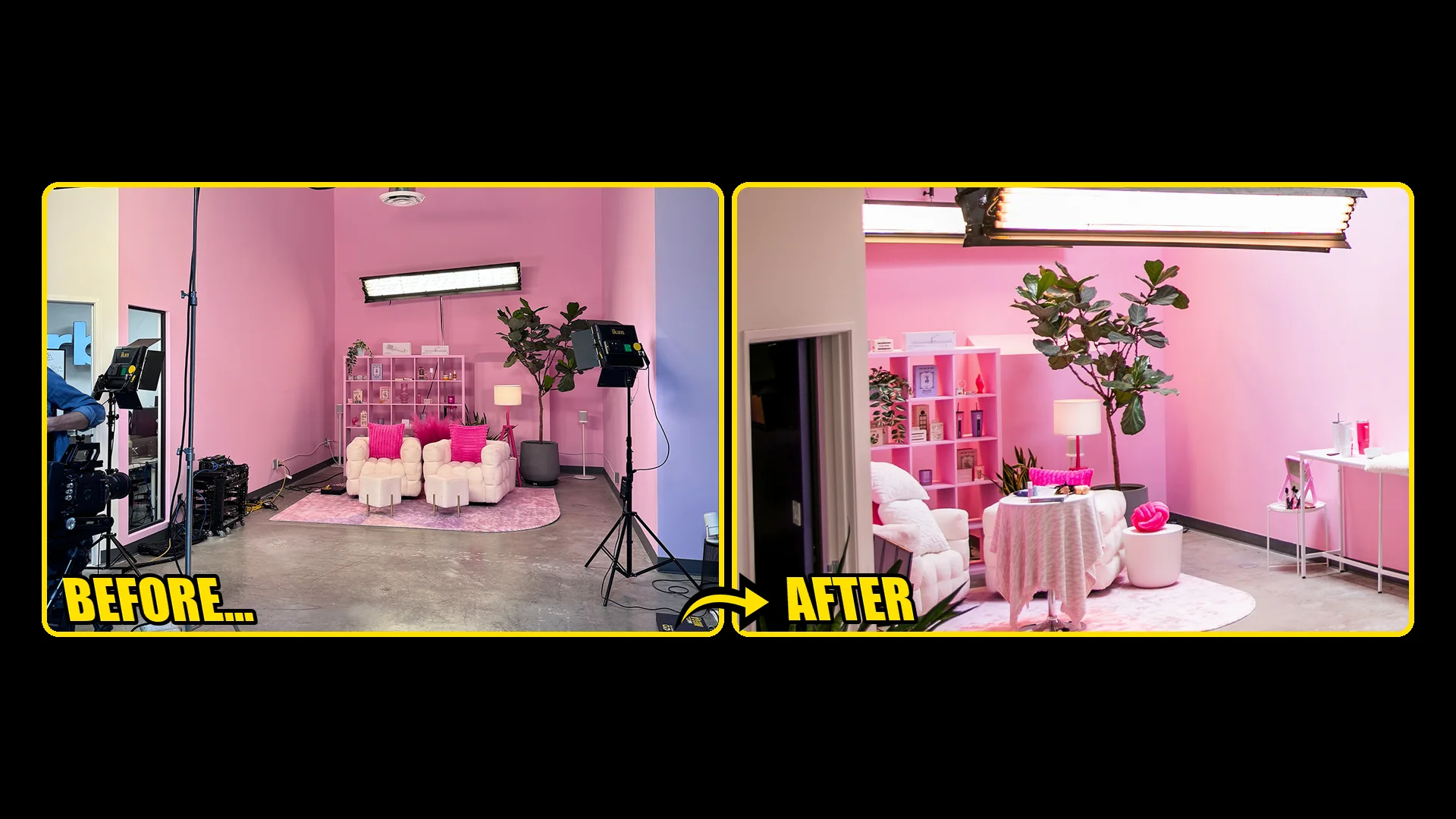
Choose support infrastructure that fits the property
Survey ceiling height, usable floor area, power, access and restrictions on alterations. Establish what can be mounted to the building and what needs another support method. Qualified specialists should review structural, electrical and installation requirements for the actual space.
At Outlandish, JAZ’s documented solution used freestanding truss to support production lighting and audiovisual needs within a retail shell where permanent changes were restricted. That is a specific project response, not a recommendation to copy the structure without a site review.
Include service access and storage. A studio that changes between brands may need a place for unused scenery and fixtures. Moving equipment out of the shot does not solve the problem if it blocks circulation or leaves components vulnerable to damage.
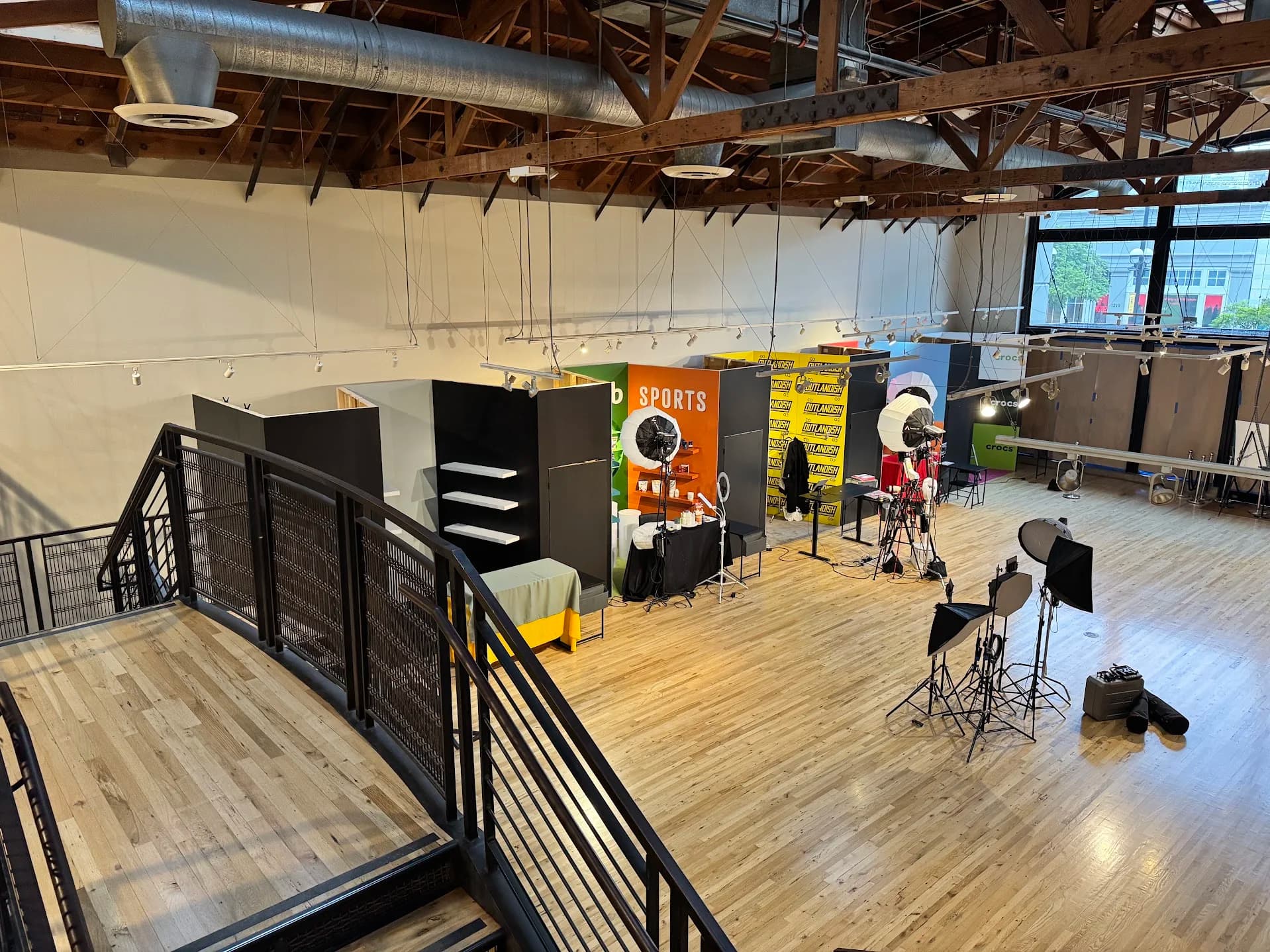
Give operators a clear working position
List the tasks that occur during the live program: camera selection, audio monitoring, graphics or playback, product information, platform controls and audience moderation. Map simultaneous tasks before deciding how many people can reasonably cover them.
The operator needs to see the relevant program and status information. The presenter may need different feedback. Separate their displays and controls according to the work they perform, rather than placing every available screen in front of the host.
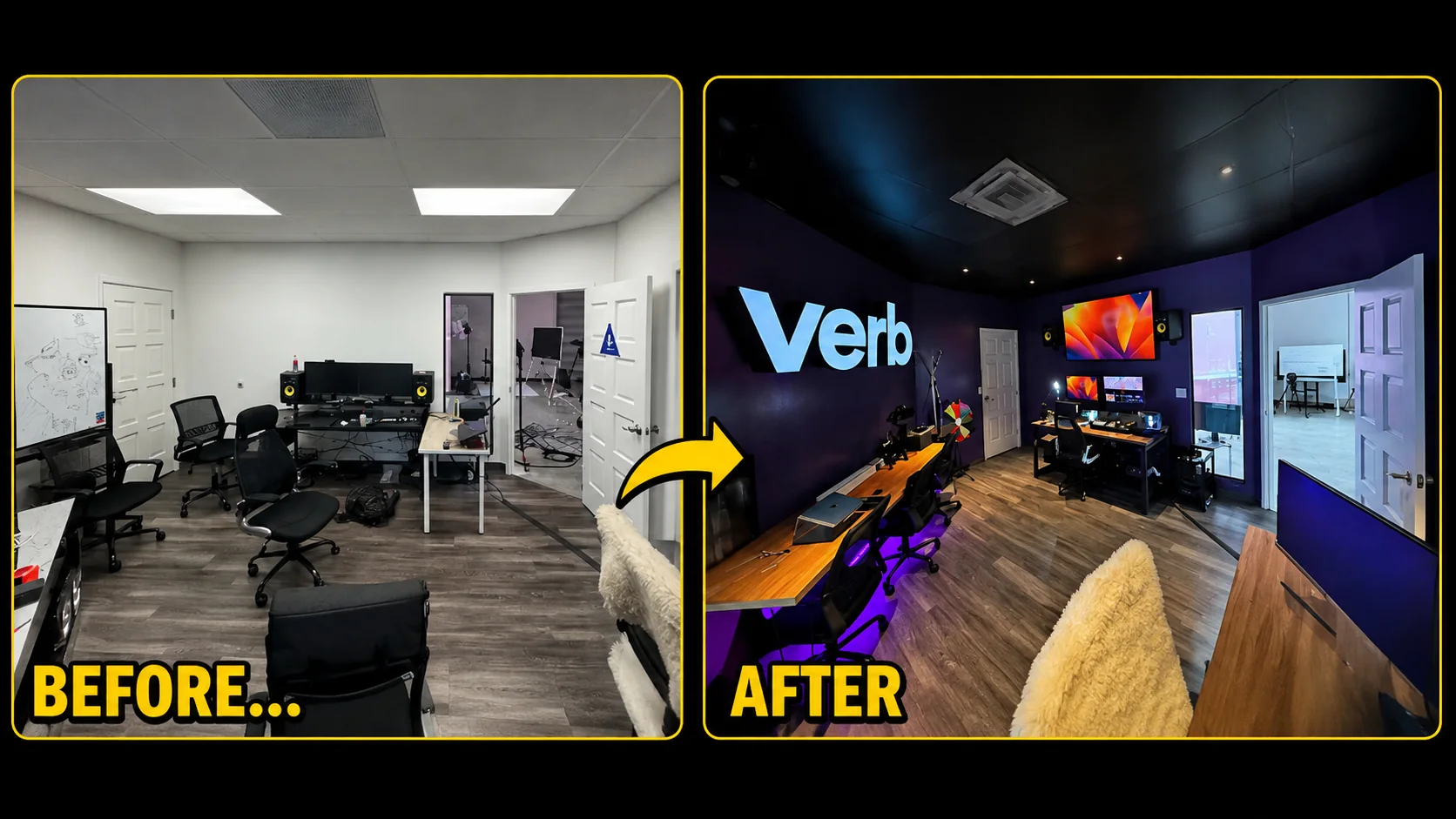
JAZ’s Market.live and VERB work includes engineering-room organization and integration as well as lighting. It provides a documented example of the operating area being part of the project. A live-shopping brief should give that area the same attention as the visible set.
Assign platform and commercial responsibilities
The authorized business owner should verify the account, permissions, features and current platform requirements. Test the actual account and destination used for the program. Do not assume a workflow is available because it appears in a demonstration from another account or an older tutorial.
Identify who supplies and approves product details, offer information and on-screen claims. Production needs a controlled version and an escalation contact when something is unclear. Operators should not invent a missing product specification or commercial statement while live.
Assign audience moderation and customer-service boundaries. A moderator can collect questions, but the business needs a process for answers that require product expertise or account support. Decide which questions the presenter handles on air and which move to the appropriate support channel.
Build a repeatable preflight
Prepare a short check that follows the actual show sequence. Verify the current product order, approved information, camera views, microphone paths, monitoring and recording destinations. Confirm that the correct platform event or session is selected.
Include a received-stream check on a separate viewer device. Assess product visibility, readable information, audio and the effect of platform overlays. The studio preview alone does not establish what the audience receives.
If a recording will be reused, verify it independently. Check whether the saved version includes overlays, separate sources or the clean program expected by the editor. Define the file handoff so the content team can identify each product segment without guessing.
| Preflight item | Test | Pass evidence |
|---|---|---|
| Product readiness | Presenter handles representative items in order | Correct items and accessories are available |
| Camera coverage | Main and detail views show the required actions | Approved frames remain usable during movement |
| Lighting | Difficult surfaces are demonstrated through the actual stream | Important labels and features remain visible |
| Audio | Presenter, playback and any guest are monitored | Intended sources reach the viewer and recording |
| Platform state | Authorized operator checks the actual destination | Correct account, event and supported functions |
| Information | Product owner reviews the current on-screen material | Approved version is available to production |
Rehearse interruptions and changes
Practice an unexpected audience question, a delayed product handoff and a missing asset. Decide what the presenter does while the operator resolves the issue. The response might be to return to the main view, continue a prepared explanation or move to another item.
Set decision authority for commercial corrections. If an offer or product statement is wrong, the authorized business representative must decide the correction. The technical team needs a clear cue for updating graphics or pausing the affected segment.
Rehearse the end of the program too. Confirm who ends the public session, stops recording and checks the files. The presenter should know when it is safe to move into an off-air conversation, and the operator should have positive confirmation of the destination state.
Maintain the studio between programs
Store reference photographs and configuration notes for the accepted setups. Label movable components and define the normal state. If another team changes the room, require a reset check before the next live session.
Track faults and recurring friction. A product surface that repeatedly needs adjustment or an unclear handoff is useful evidence for improving the room. Record the actual problem rather than adding equipment without identifying what it should solve.
Review new product categories before introducing them live. The existing studio may support them with a small adjustment, or they may need another camera position, surface or handling process. A short test protects the presenter from discovering those requirements in front of an audience.
Assemble the studio brief
Include the product range, representative samples, show sequence, presenter count, platform, outputs and staffing plan. Add the room survey, alteration restrictions, storage requirements and any public-facing operation. Name the owners of product information, moderation, platform access and technical support.
Use the brief to discuss broadcast and live-commerce studio planning with JAZ. Send the product workflow and room photographs so we can connect the set, lighting, camera coverage and operating positions to the work the studio needs to perform.
Jesse Kaplan

Jesse Kaplan is the third generation of JAZ Entertainment. His work spans permanent studios, professional AV systems and live technical production.
About Jesse and JAZ