
A corporate studio brief should tell a designer what the organization needs to produce, who will operate the room and which physical or technical constraints must be respected. It should also explain how the completed system will be accepted.
The most useful brief is specific about outcomes and open about unresolved questions. It does not need to contain an equipment specification before discovery. Use the sections below to organize decisions from communications, production, IT and facilities into one working document.
Describe the programs and their audiences
Begin with the programs that justify the room. Separate leadership messages, interviews, training, product demonstrations, live webinars and other formats. For each, describe the participants, audience, distribution destination and finished assets.
Include an example running order. A product demonstration might begin with a presenter, move to a detail camera and finish with remote questions. An internal update might need only a single presenter, slides and a recorded master. These sequences show what the system must change during use.
State the primary output. If the same session needs a live program, separate recordings and short social extracts, list all three. Ask the content owner to prioritize them when a compromise is unavoidable. A brief that simply says “all formats” leaves the technical team to make business decisions without enough context.
Define the operating model
Describe who will be in the room and who will be at the controls. Identify self-operated sessions separately from producer-led sessions. Explain whether operators are experienced production staff, trained communications employees or rotating users.
For each mode, assign startup, monitoring, recording checks, guest support and shutdown. Include responsibility for preparing content such as slides, graphics and scripts. If several departments use the room, identify the person who controls booking and restores the standard configuration.
Write the support expectation in practical terms. Does someone need help during business hours, during scheduled broadcasts or only for maintenance? Who receives the first call? The technical design can support a chosen service model, but it should not imply staffing that has not been agreed.
Survey the candidate space
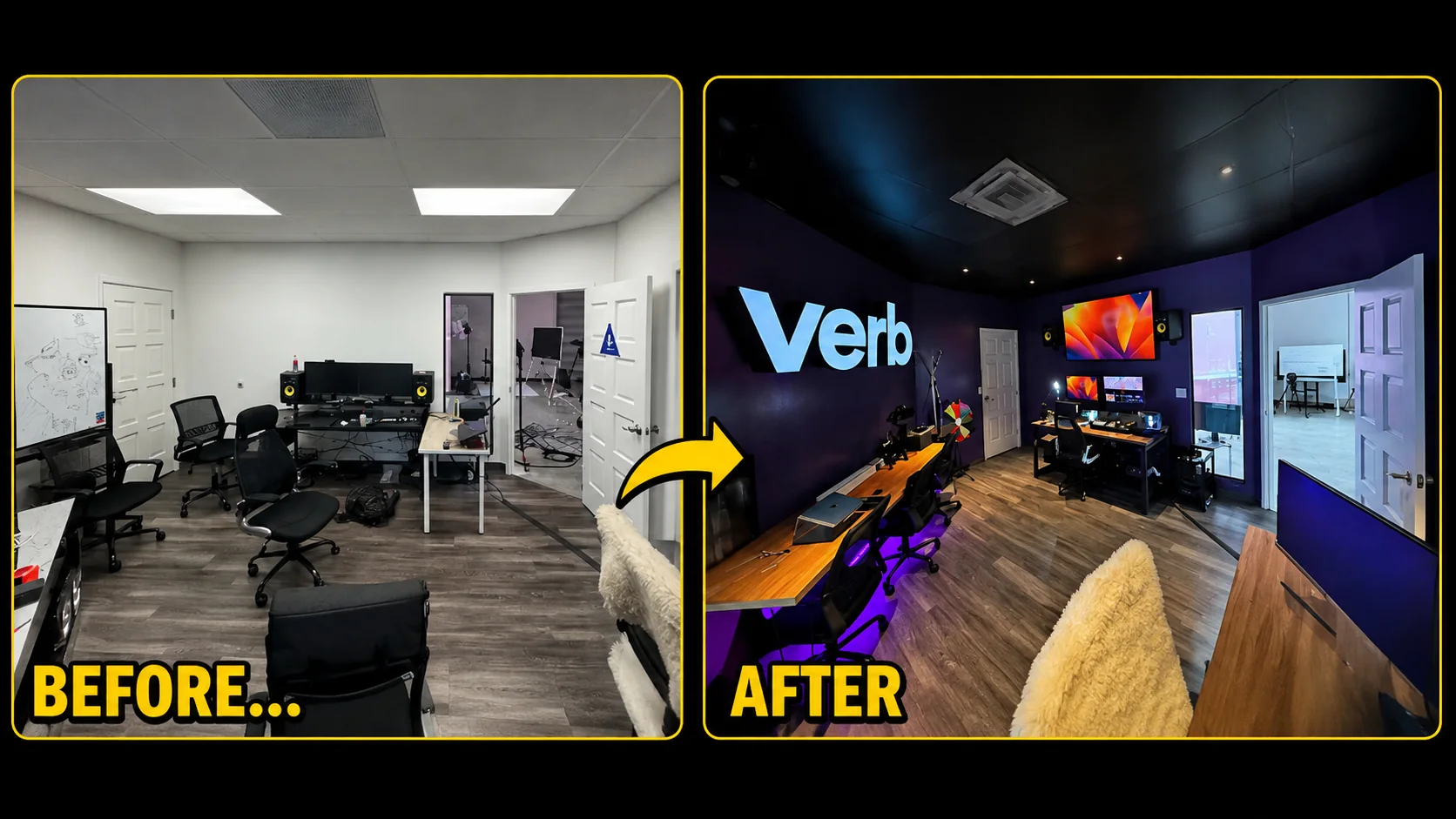
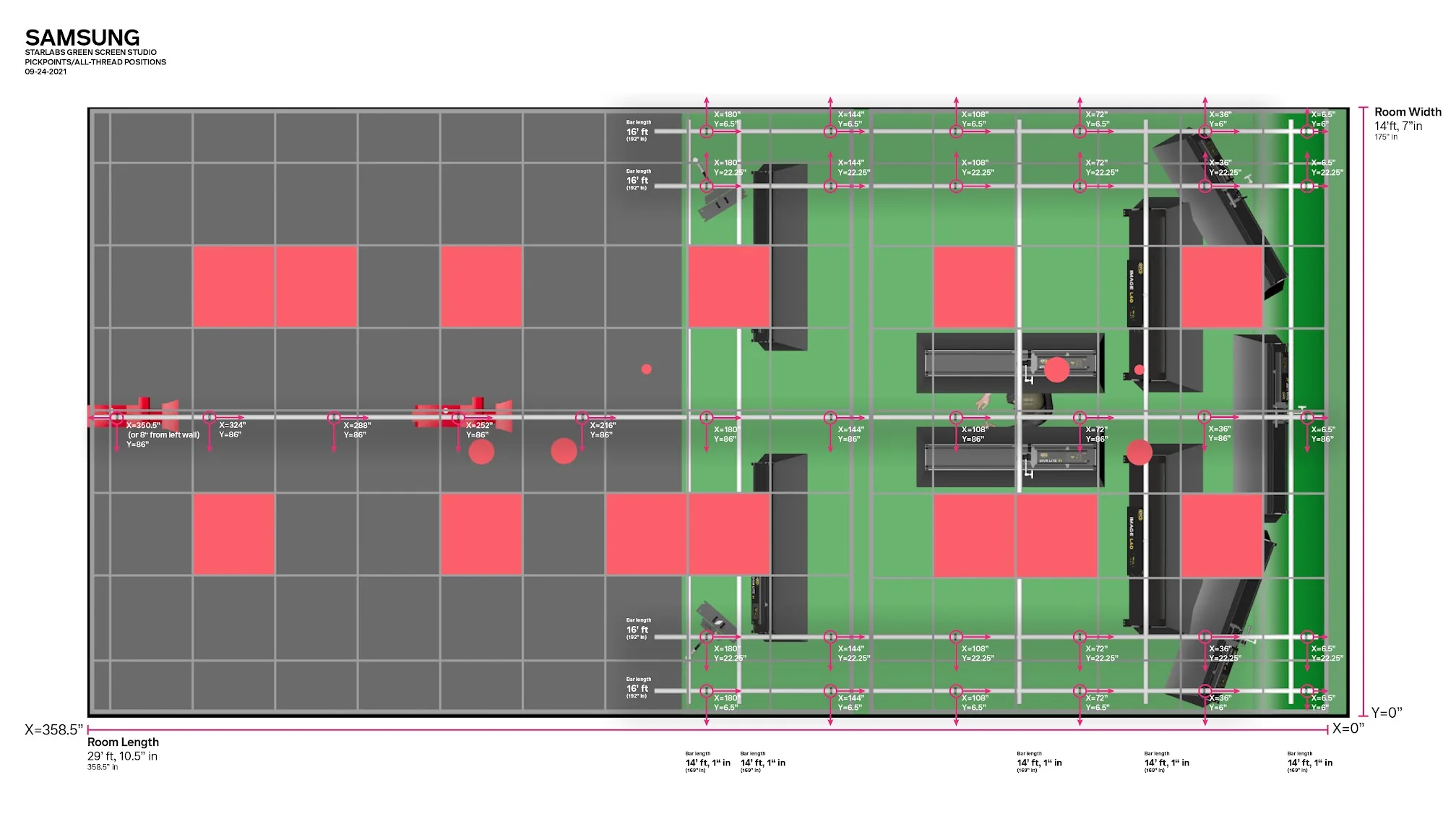
Provide room dimensions, ceiling height, photographs and a sketch of fixed features. Mark doors, windows, columns, power, network connections, vents and potential equipment locations. Include adjacent uses that may create noise or restrict access.
Distinguish measurements from assumptions. If a ceiling’s capacity or a wall’s construction is unknown, mark it for professional assessment. Do not infer safe mounting from appearance. Building work, electrical changes and structural support should be coordinated with qualified people responsible for those systems.
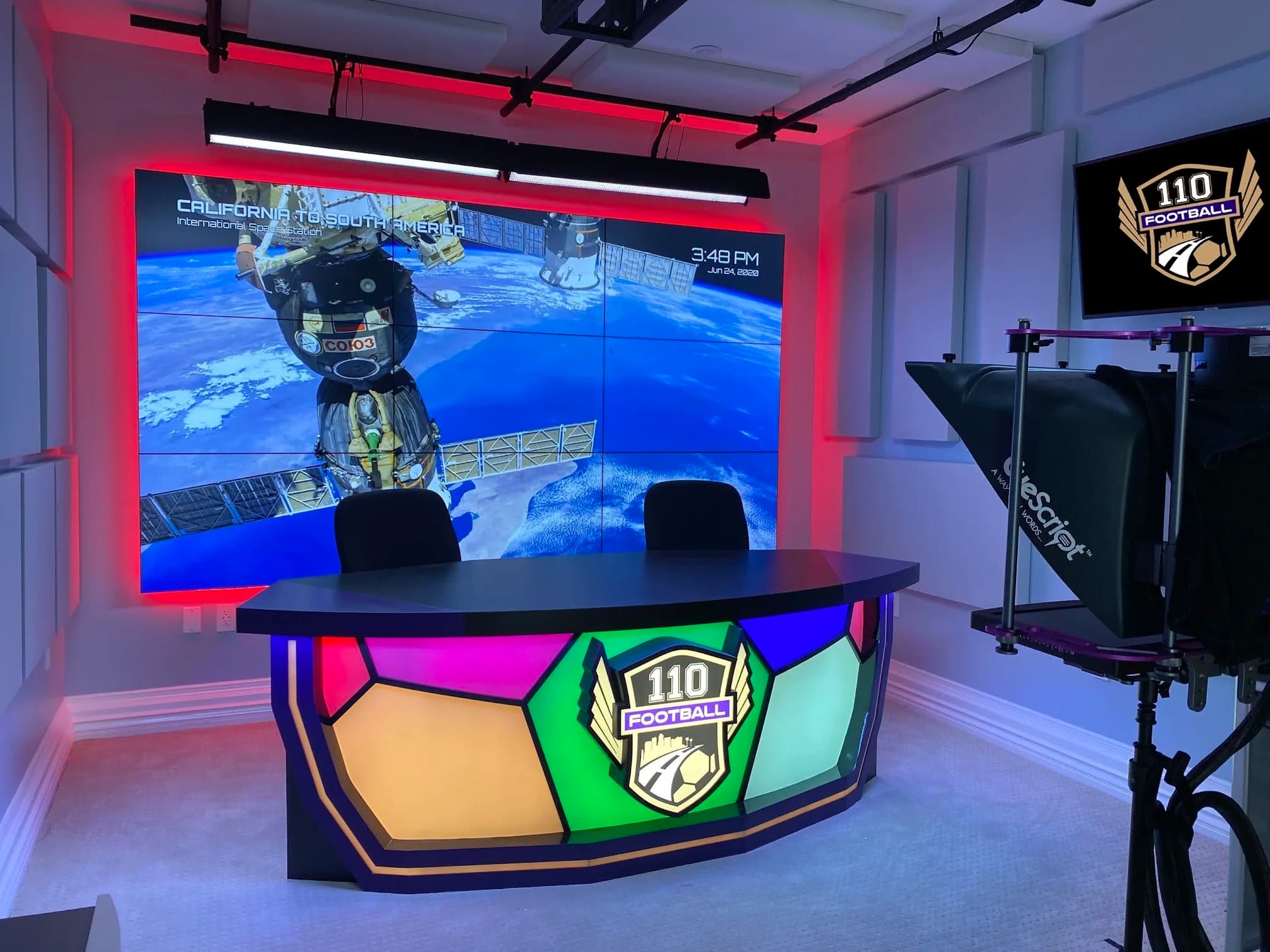
JAZ’s 110 Football project illustrates why this survey matters. Its documented scope included expanding the room, moving equipment racks, providing cooling and creating a separate engineering room. A studio brief should make space for those infrastructure questions even when the final project proves simpler.
Develop the shot and set requirements
List the required views with a small sketch or reference description. Examples might include one seated presenter, a standing demonstration, a two-person interview and a wide panel view. State whether the room needs to change between those arrangements within a session or between production days.
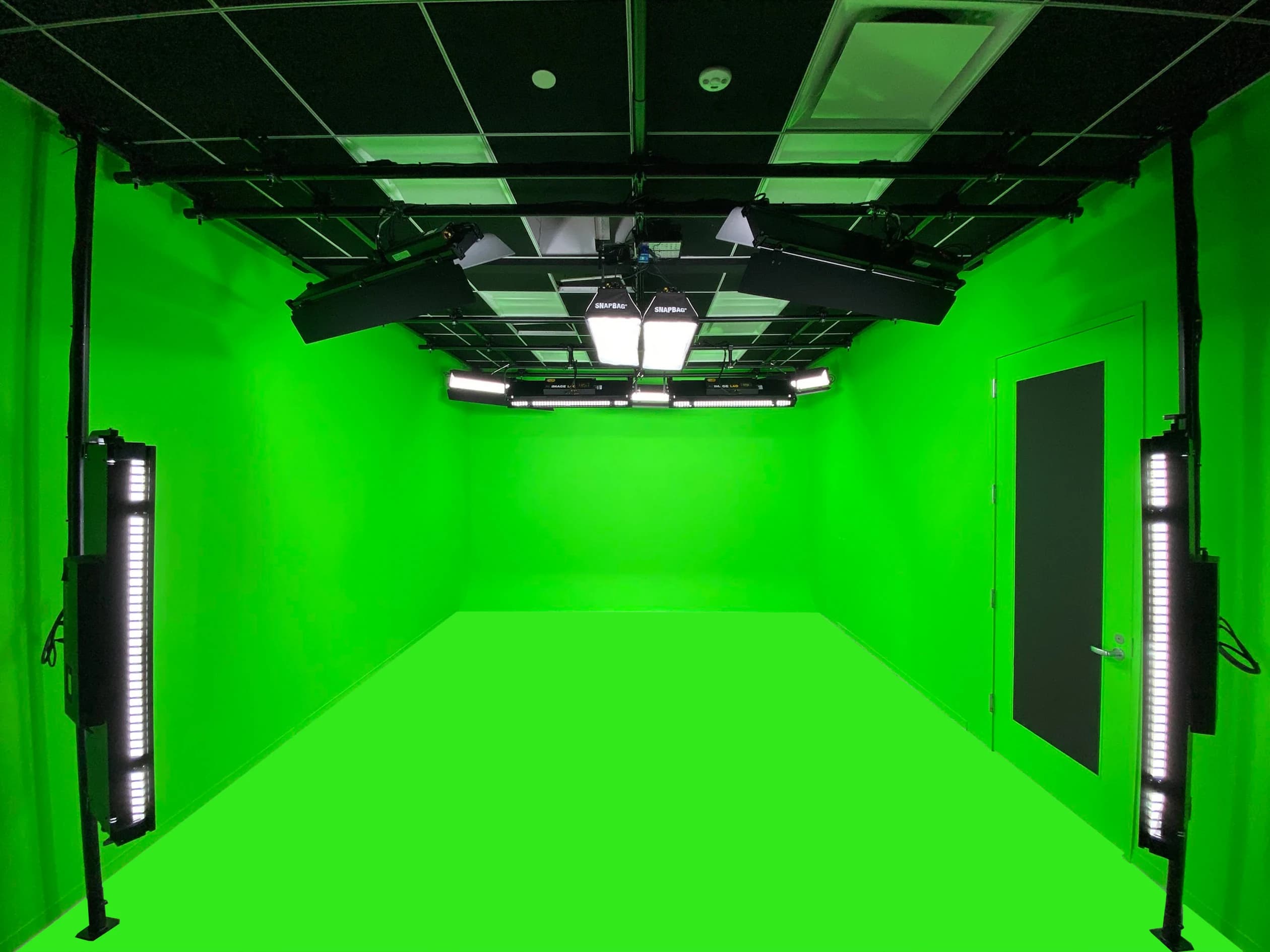
Describe the desired background using observable qualities: existing office, physical set, display background or green screen. Each has implications for lighting, depth, content preparation and operation. A green screen also creates a compositing workflow, so identify who prepares and operates that process.
Include presenter eyelines, scripts and confidence displays. Test where the speaker will look while reading, sharing slides or speaking to a remote participant. A room can have an attractive set while forcing the presenter to look continually away from the audience.
Specify audio and monitoring needs
Describe every source that must be heard: presenters, guests, remote participants, playback and audience questions. Then describe who needs to hear each source. The room audience, remote guest, operator and final recording may require different feeds.
Use plain language before technical diagrams. “The remote guest hears the host and playback without their own delayed voice” is a useful requirement. The designer can then develop the routing and processing needed to achieve it. Avoid assuming that one mixed output serves every listener.
Include room-noise observations and the intended microphone positions. Ask whether treatment, isolation work or equipment relocation is required. Plan a listening test using the finished recording and remote return, not only the sound in the room.
Put infrastructure and IT in scope
List the network, compute and account dependencies. Identify approved devices, applications, streaming destinations, file storage and any administrative restrictions. Ask IT to review the proposed connections and access needs before equipment is ordered.
Coordinate power, ventilation, cable routes, mounting and service access with facilities. Equipment racks need an operating environment and access for maintenance. A cable route that works on a drawing may conflict with a door, fire-rated assembly or another building service. Those conflicts should be resolved by the responsible specialists.
Document where installation begins and ends. If another contractor provides power, data cabling or construction, state the handoff requirements and the date those works must be ready for integration. “By others” is only useful when the other party knows what they must deliver.
| Brief section | Question to answer | Useful attachment |
|---|---|---|
| Programs | What must the studio produce? | Sample running orders and finished-output examples |
| Users | Who presents, operates and supports it? | Responsibility list and operating scenarios |
| Room | What can the space accommodate? | Measured plan, photographs and restrictions |
| Signal paths | What must be captured, heard, shown and saved? | Source and destination list |
| Infrastructure | What must the building and IT teams provide? | Network requirements and contractor boundaries |
| Acceptance | How will the team know it works? | Scenario-based test plan |
Distinguish essential requirements from future capacity
Identify what is required at handover, what should be allowed for in the design and what is outside the current scope. This helps the team reserve sensible space or pathways without purchasing every possible device immediately.
For future capacity, describe the likely use instead of a vague request for expansion. An additional presenter position, another recording destination or a remote control position each creates different requirements. The design team can then explain which provisions are practical and which would need later work.
Avoid specifying unverified performance numbers to sound precise. If the production has a real technical delivery standard, attach it. Otherwise, ask the designer to propose a standard that matches the destinations and workflow, with the consequences explained in terms the content owner can assess.
Ask for a coordinated proposal
A useful proposal should connect design, physical installation, technical integration, programming, testing, documentation and training. Ask for clear deliverables and exclusions. Equipment quantities should follow from the approved workflows and layouts.
Request a responsibility matrix for interfaces with facilities, IT, other contractors and the content team. Identify the decisions needed before procurement and the information needed before installation. This makes the schedule more meaningful than a single completion date detached from dependencies.
Discuss substitutions before they become urgent. If a component changes, the team should review compatibility, mounting, controls, support and the acceptance tests it affects. A substitution with similar headline specifications can still change the operating workflow.
Write acceptance scenarios before the build
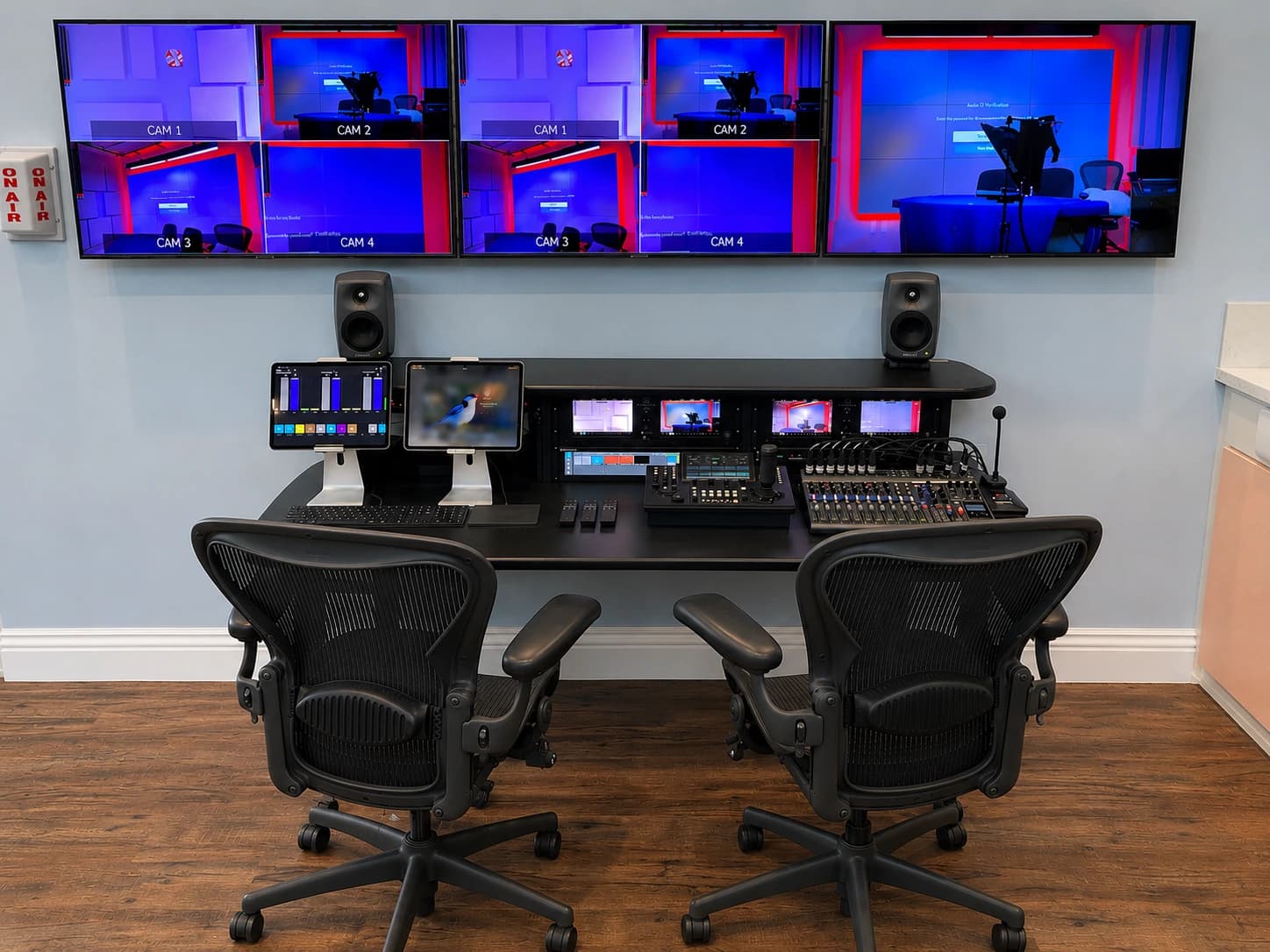
Commissioning should demonstrate each agreed program mode using real inputs. Include a presenter, the intended computer, actual slides or playback, a remote participant where needed and the final recording destination. A device turning on is not evidence that the program can be produced.
Ask the daily operator to start and finish a session using the documentation. Confirm the received stream outside the room and open saved files in the intended editing workflow. Note limitations in precise language and assign each unresolved item to an owner.
Test recovery in a controlled environment. Decide which failures are important to rehearse, such as a disconnected presentation source or unavailable remote guest. Do not introduce faults during a real broadcast. The goal is to establish a known response before the room is relied on.
| Test | Required observation | Reviewer |
|---|---|---|
| Single-presenter recording | Framing, voice, script view and saved file all meet the brief | Communications and operator |
| Multi-person conversation | Every agreed seat has usable picture and sound | Producer and technical team |
| Remote contribution | Guest, room and program receive the intended feeds | Operator and remote participant |
| Content playback | Correct version appears with the required audio | Producer |
| User recovery | Trained user restores the supported normal state | Support owner |
Include handover and maintenance
The handover package should contain operating instructions, equipment records, connection diagrams, configuration backups where relevant and a record of the accepted tests. Keep the short user instructions separate from the technical reference so each audience can find what it needs.
Agree on ownership of accounts, settings and support access. Ask how documentation will be updated when equipment or workflows change. Include an escalation route that does not depend on finding the original installer’s personal notes.
Plan a first real production with appropriate support. This is an opportunity to confirm that the operating assumptions match the organization’s actual behavior. Track issues and changes against the original brief so the team can distinguish a defect from a new requirement.
A usable brief to circulate internally
Prepare a document with the program list, priority outputs, operating roles, candidate room, physical constraints, technology dependencies and proposed acceptance scenarios. Add photographs, a floor plan and examples of content the team already produces. Finish with open questions and the person responsible for answering each one.
Have communications, IT, facilities and the studio owner review the same version. Their agreement is more valuable than a long equipment list assembled before discovery. For educational teams, include the instructor and the people responsible for student access and room reset as well.
JAZ’s broadcast studio service covers the room and operating system as a coordinated project. Send your brief with the uses you need first, and we can discuss the surveys, design decisions and technical tests required to move it forward.
Jesse Kaplan

Jesse Kaplan is the third generation of JAZ Entertainment. His work spans permanent studios, professional AV systems and live technical production.
About Jesse and JAZ